Chapter 2: Basic Checkout
Assigning The IP Address
14 WORKABOUT PRO G2 Hand-Held With Windows Embedded CE 5.0 User Manual
1. Tap on Start>Settings>Network and Dial-up Connections. (If the
Start Menu isn’t displayed in the taskbar, press [BLUE] [0] to display
it.)
If you’re using the keyboard, press [BLUE] [0] to display the Start Menu.
Use the [DOWN] arrow key to highlight Settings. Press the [RIGHT] arrow
key to display the sub-menu. Highlight Network, and press [ENTER].
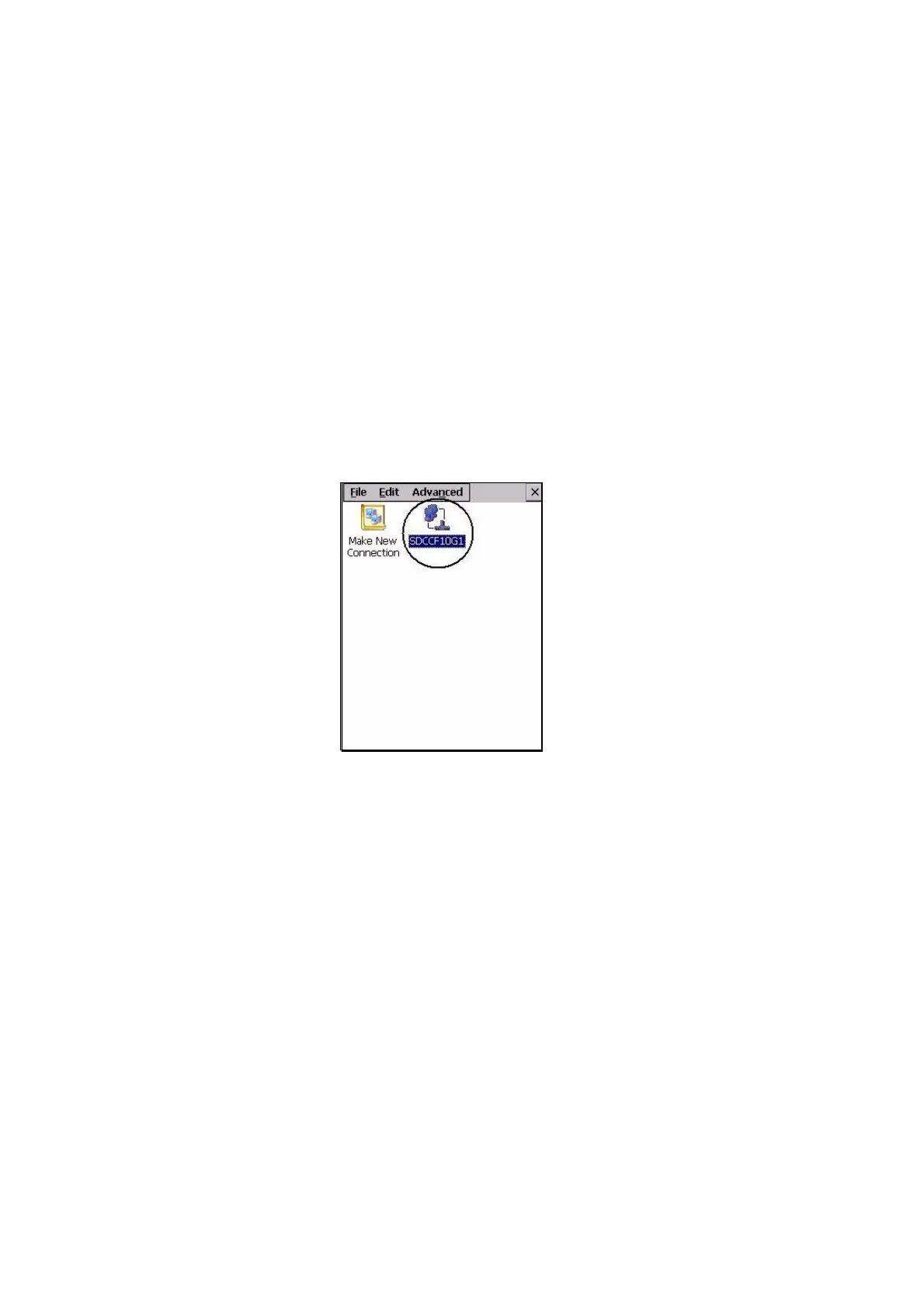
2. Choose the Summit WLAN Adapter icon to open the 802.11b/g Wire-
less LAN Settings window. In Figure 2.1, this icon is labelled
SDCCF10G1.
Figure 2.1 Summit WLAN Adapter Icon
The Summit WLAN Adapter Settings menu is displayed (In this screen
shown as the SDCCF10G1 menu).



 To Next Page