Appendix B: Wireless Wide Area Network (WWAN)
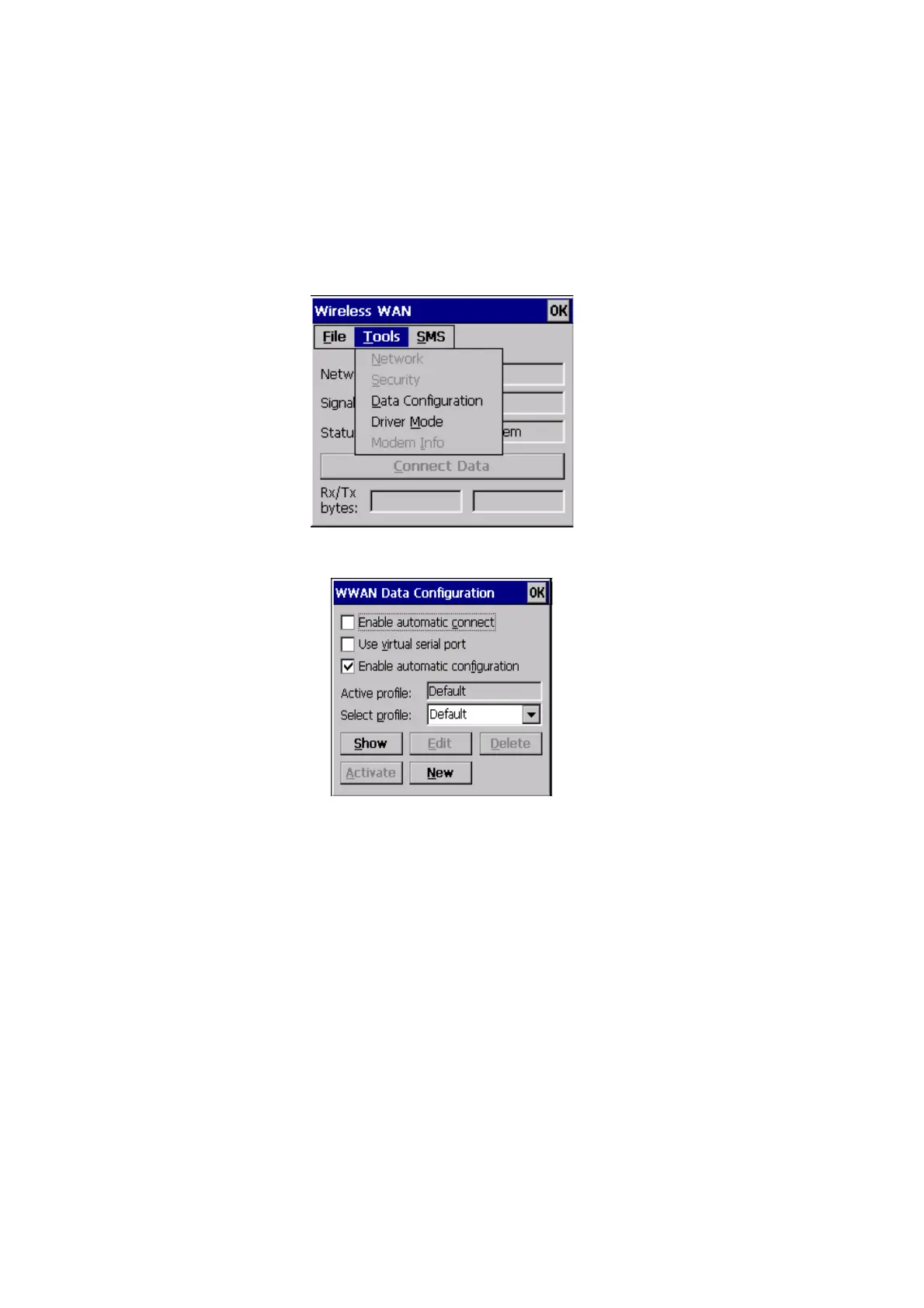
Tools Menu
B-6 WORKABOUT PRO G2 Hand-Held With Windows Embedded CE 5.0 User Manual
WWAN Data Configuration
Enable Automatic Connect
If the Enable automatic connect checkbox is checked (unchecked by default), the Wire-
less WAN user interface will attempt to establish a GPRS connection whenever GPRS is
available (e.g. after resume from suspend without further user interaction).
To activate the automatic connection mode:
• Tap on the OK button.
While automatic connection mode is enabled, the Connect Data button in the main Wire-
less LAN
dialog box changes to Disable Auto. To close the currently active connection (if
any) and disable the automatic connection mode:
• Tap on Disable Auto.



 To Next Page