WORKABOUT PRO G2 Hand-Held With Windows Embedded CE 5.0 User Manual 21
Chapter 2: Basic Checkout
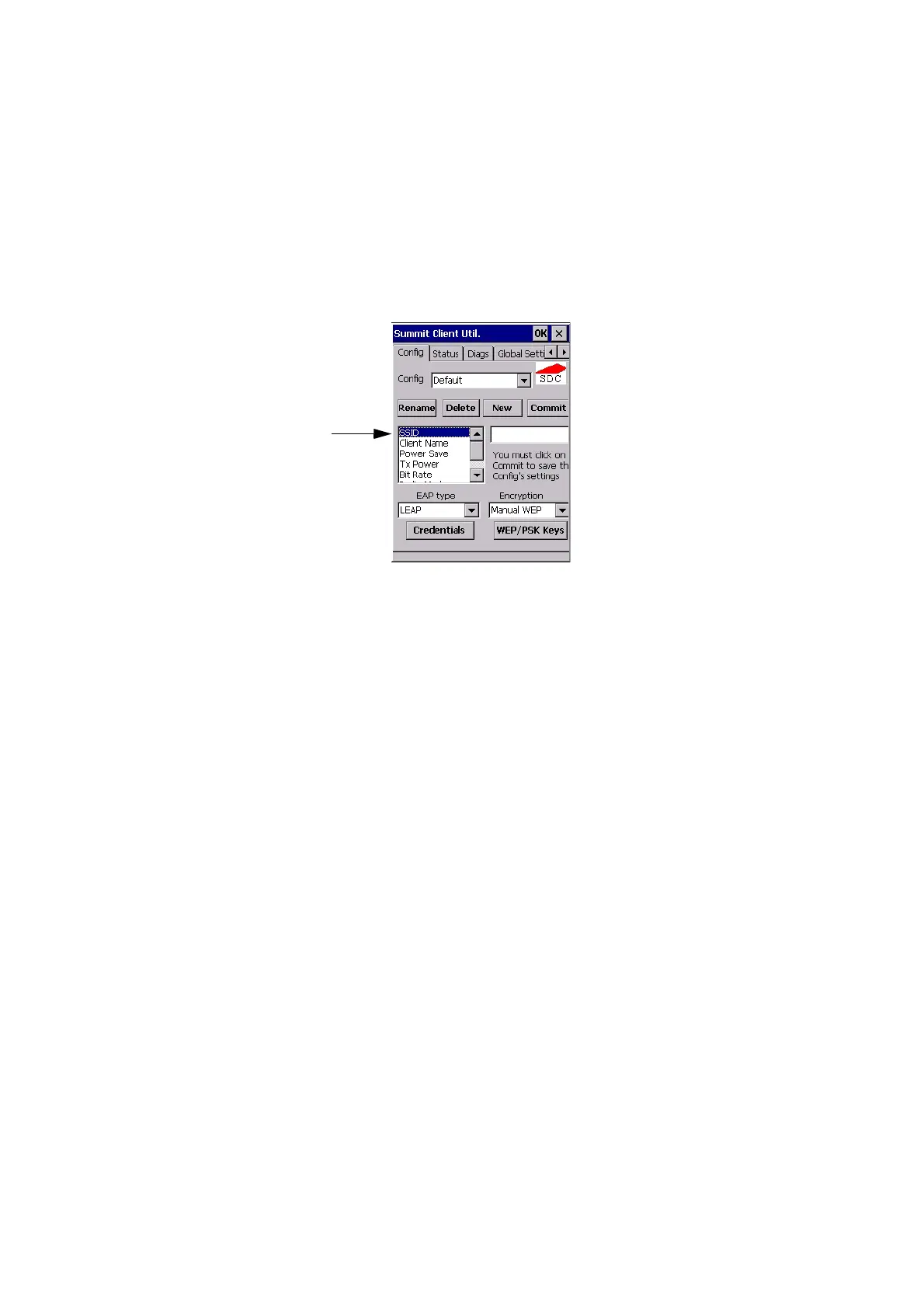
Config Tab
The config you create and save is listed in the Active Config drop-down menu in the
Main tab You can define up to 20 configs.
Figure 2.8 SCU Config Tab
• Config: Used to choose the config to be viewed or edited. If ThirdParty-
Config is chosen, after the WORKABOUT PRO G2 goes through a power
cycle, WZC is used for configuration of the radio.
• Rename: Allows you to assign a config name.
• Delete: Deletes the config unless it is currently active.
• New: Allows you to create a new config with default settings and assign it
a name.
• Commit: Saves all changes.
• Radio Attributes: Lists radio attributes. These attributes can be individu-
ally chosen from this menu. When an attribute is chosen, an associated
list of options is displayed where you can assign new settings or view
existing settings.
Radio
Attributes



 To Next Page