Chapter 5: Configuration
The Control Panel
82 WORKABOUT PRO G2 Hand-Held With Windows Embedded CE 5.0 User Manual
Note: If you are uncertain how to move around a dialog box and make selec-
tions, review “Using A Dialog Box” on page 72.
When the WORKABOUT PRO G2 boots up, the startup desktop (shell) is
displayed, and any applications stored in the Startup folder start up immediately.
To access the Control Panel:
• Tap on Start>Settings>Control Panel.
If you’re using the keyboard:
• Press [FN/BLUE] [.] to display the
Start Menu.
• Highlight Settings in Start Menu, and press the [RIGHT] arrow key to
highlight the Control Panel.
• Press the [ENTER] key.
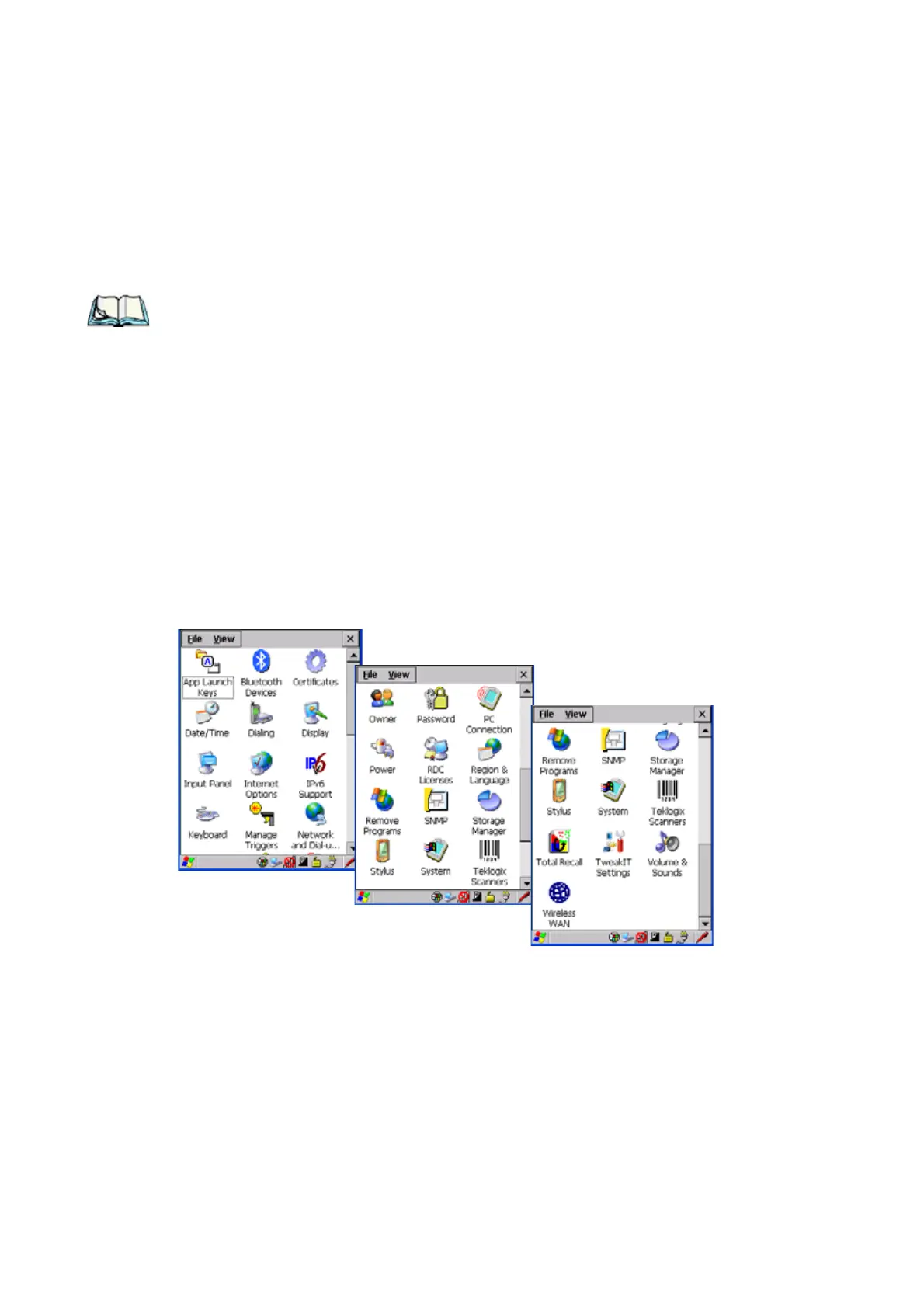
The Control Panel folder contains icons used in the setup of your WORKABOUT
PRO G2.
Figure 5.1 Control Panel



 To Next Page