SECTION 3
OPERATING PRINTER
55
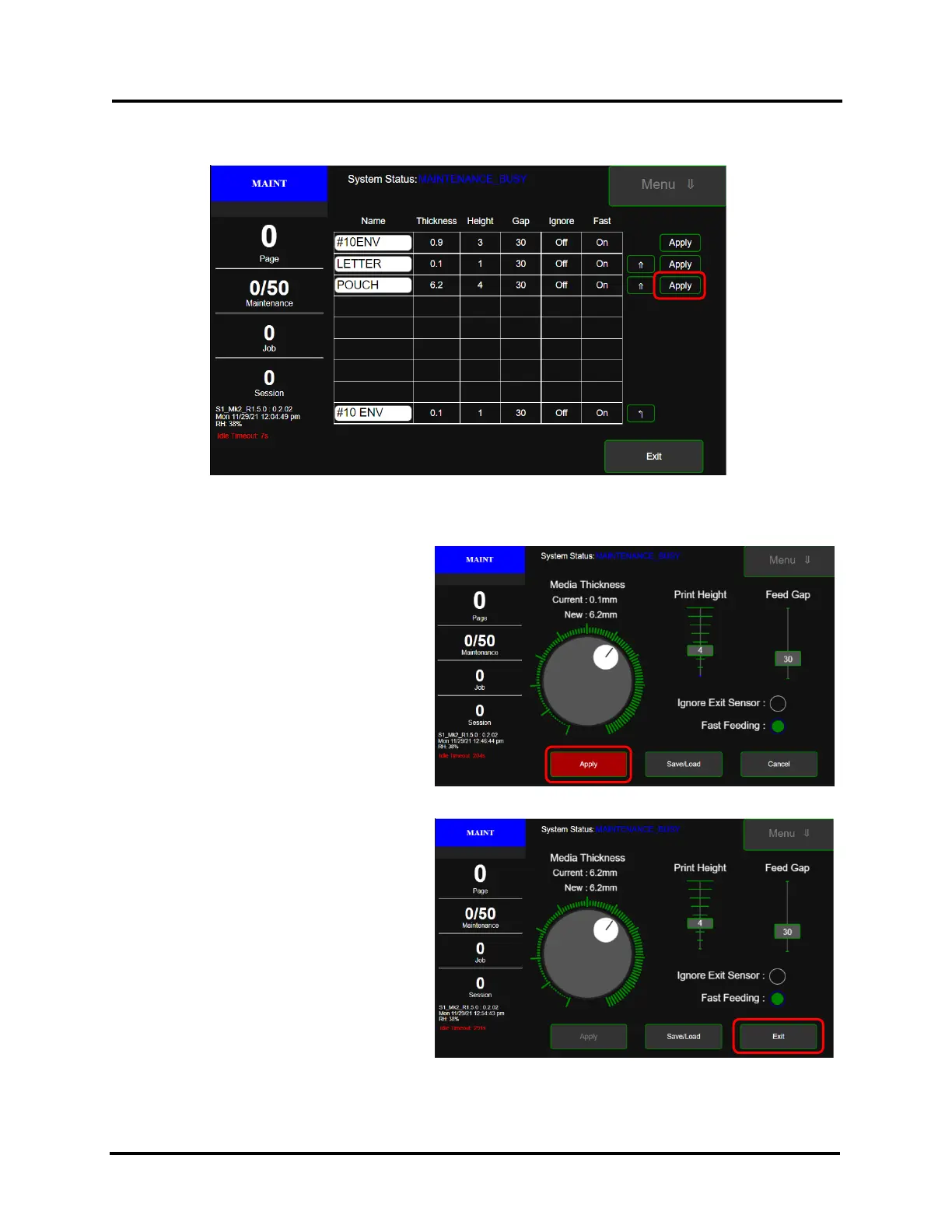
To Load (recall a preset), tap the “Apply” button that is located to the right of the desired selection.
TIP: Up-Arrow can be used to re-arrange the order of the preset selections in the list.
Exit button can be used to return to the Media Setup Menu without making any changes to the current settings.
The Media Setup Menu will appear with the
corresponding settings.
Press Apply button.
The printer will make and apply the changes.
Once complete, press Exit button to exit out of
the Media Setup Menu.



 To Next Page