SECTION 3
OPERATING PRINTER
75
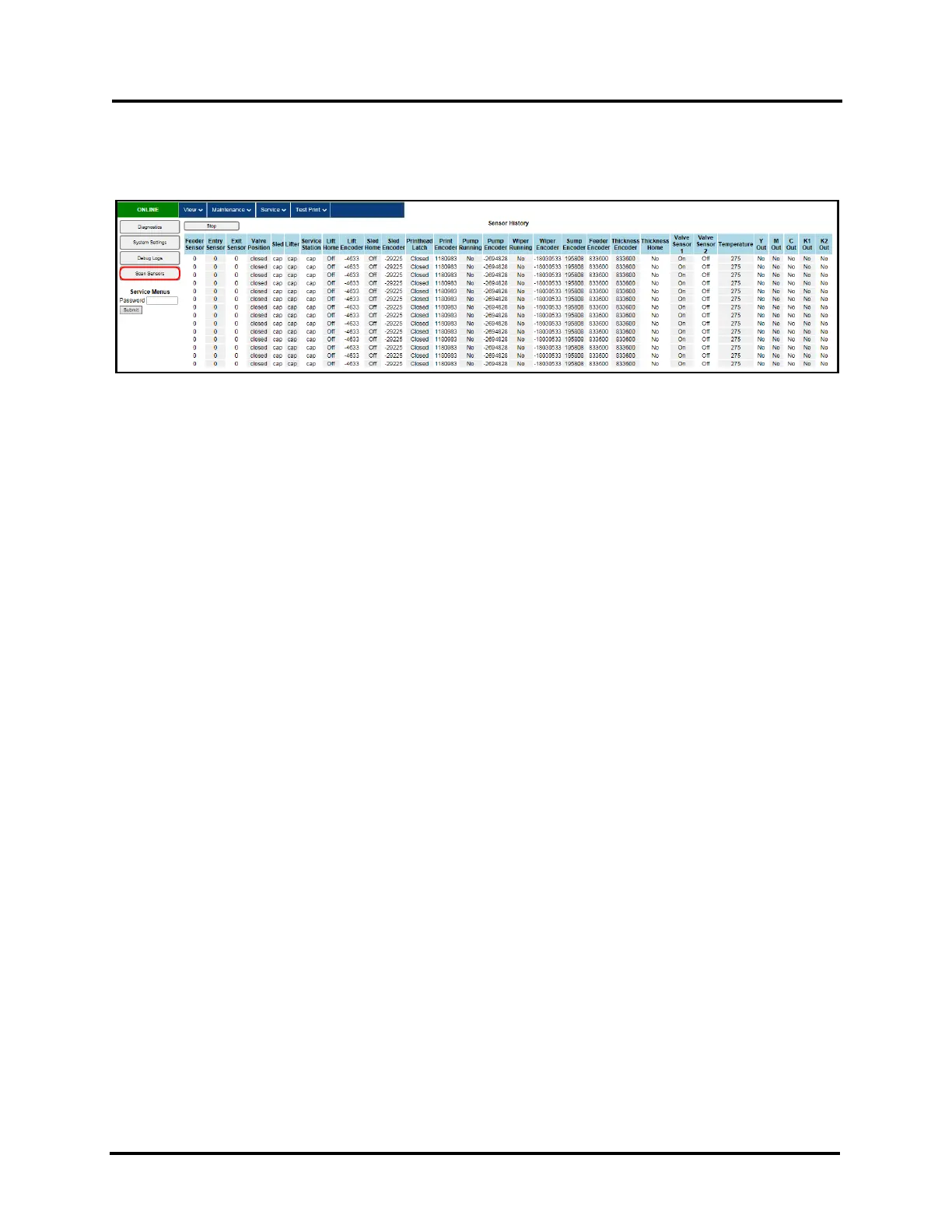
Scan Sensors
Displays status for Sensors and Encoders, located throughout the Printer. (See chart below)
Sensors are polled, and a new status line is provided, every few seconds.
NOTE: The information shown in the “Scan Sensors” screen is meant for use by a technician.
You may be asked to capture a screenshot of this screen, and send it to a technician, to aid in troubleshooting.
Click “Stop” button to stop scanning, to make screen capture easier.
Click “Start” button to start scanning sensors again.



 To Next Page