882 Video Test Instrument User Guide (Rev A.35) 169
New Format - Timing Tab (Right Side Panel)
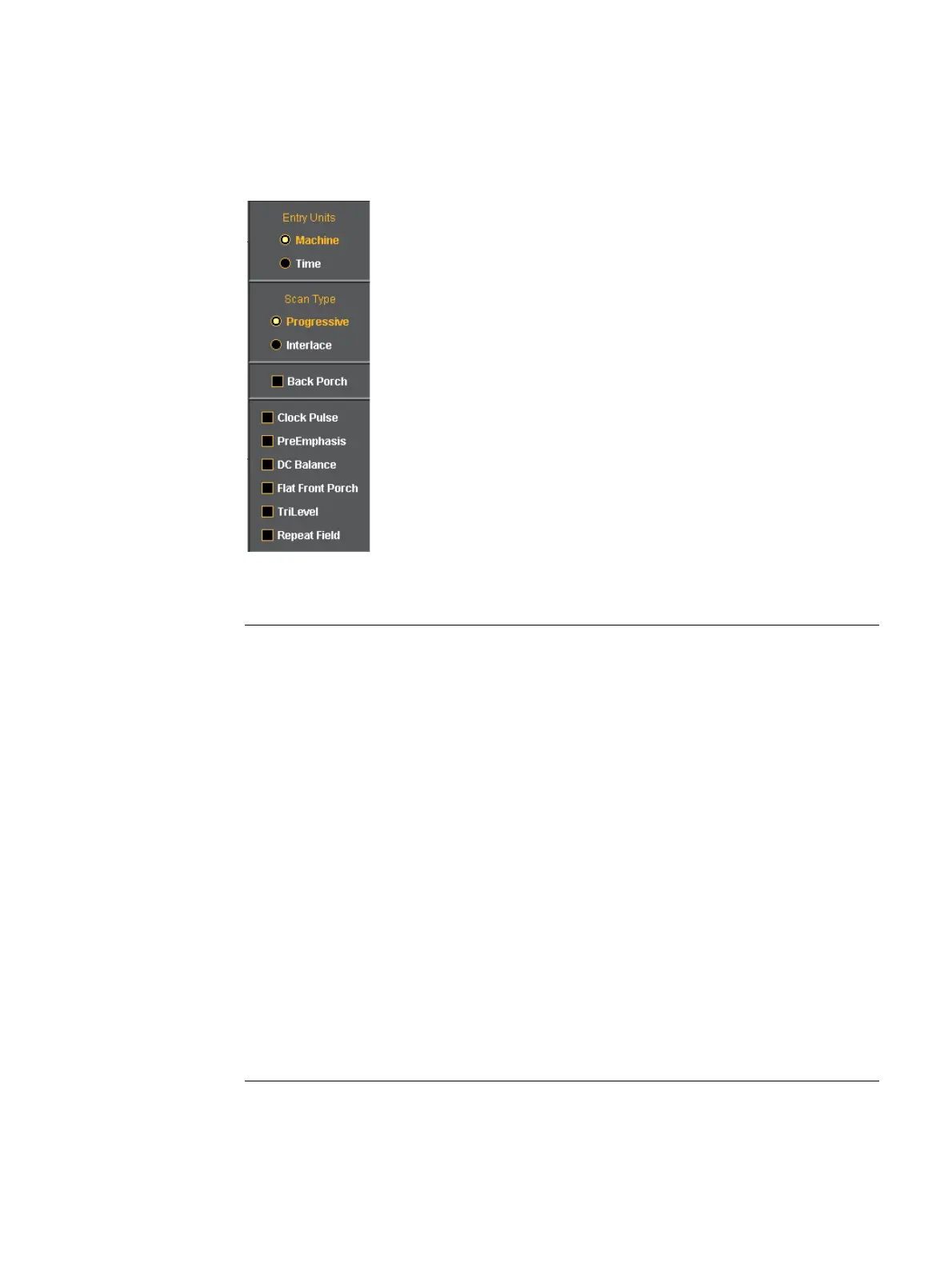
The right side panel of the Timing tab in the Format Editor is shown below. The table that
follows describes each of the fields in the panel.
New Format - Timing (Right Side Panel)
Entity Parameter Description / Function
Entry Field
Machine Activates the fields in the timing tab window such that
the timing parameter values are expressed and settable
in terms of pixels and lines.
Time Activates the fields in the timing tab window such that
the timing parameter values are expressed and settable
in terms of time increments such as milliseconds and
microseconds.
Scan Type
Progressive Sets the format scan type to Progressive. Parameter:
SCAN = 2
Interlace Sets the format scan type to Interlaced. Parameter:
SCAN = 1
check boxes
Back Porch Toggles the Pulse Delay field so that the value is
provided for the back porch rather than the front porch.
Clock Pulse Enables and disables the pixel clock pulse output on
generators that have a pixel clock output available. The
pixel clock output appears on the special sync BNC
connector. Parameter: PCPG.



 To Next Page