882 Video Test Instrument User Guide (Rev A.35) 171
New Format - General Tab (Top Left Panel)
The top left panel of the General tab in the Format Editor is shown below.
The table that follows describes each of the fields in the top left panel of the General tab.
New Format - General Tab (Top Right Panel)
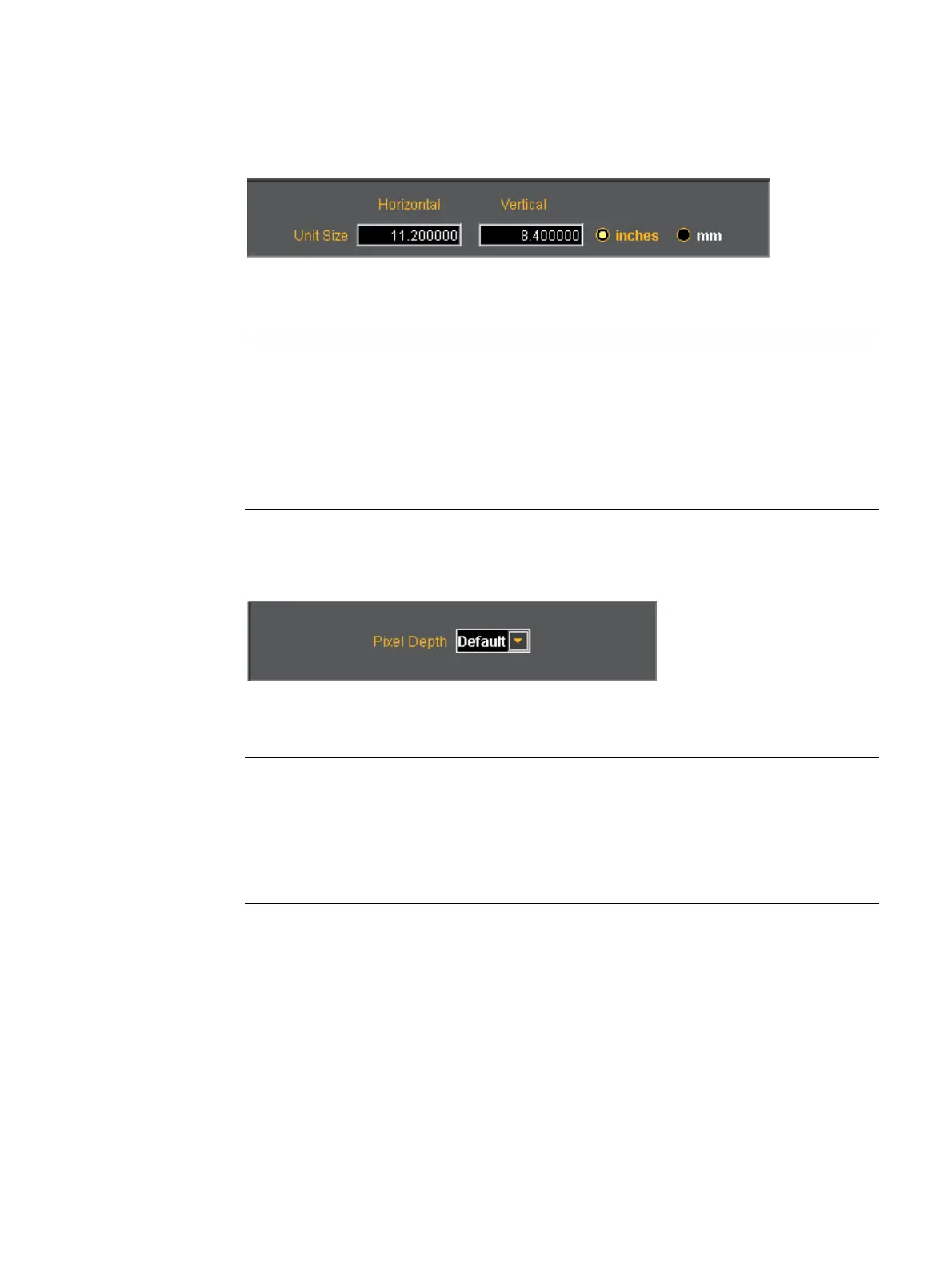
The top right panel of the General tab in the Format Editor is shown below.
The table that follows describes each of the fields in the top right panel of the General tab.
Field / Entity Type Description / Function
Horizontal Entry field The horizontal aperture of the display under test.
Vertical Entry field The vertical aperture of the display under test.
Unit Size Radio Buttons:
inches Selects the unit size of the Horizontal and Vertical Size
entities to be expressed in inches.
mm Selects the unit size of the Horizontal and Vertical Size
entities to be expressed in millimeters.
Field / Entity Type Description / Function
Pixel Depth Pull-down menu Establishes the number of data bits that represent each
active pixel in video memory (frame buffer). Parameter:
PELD. There are three settings:
Default - uses the generator default
8 - 8 bits-per-pixel (256 colors)
24 - 24 bits-per-pixel (16,777,216 colors)



 To Next Page