882 Video Test Instrument User Guide (Rev A.35) 175
New Format - General Tab (Right Panel)
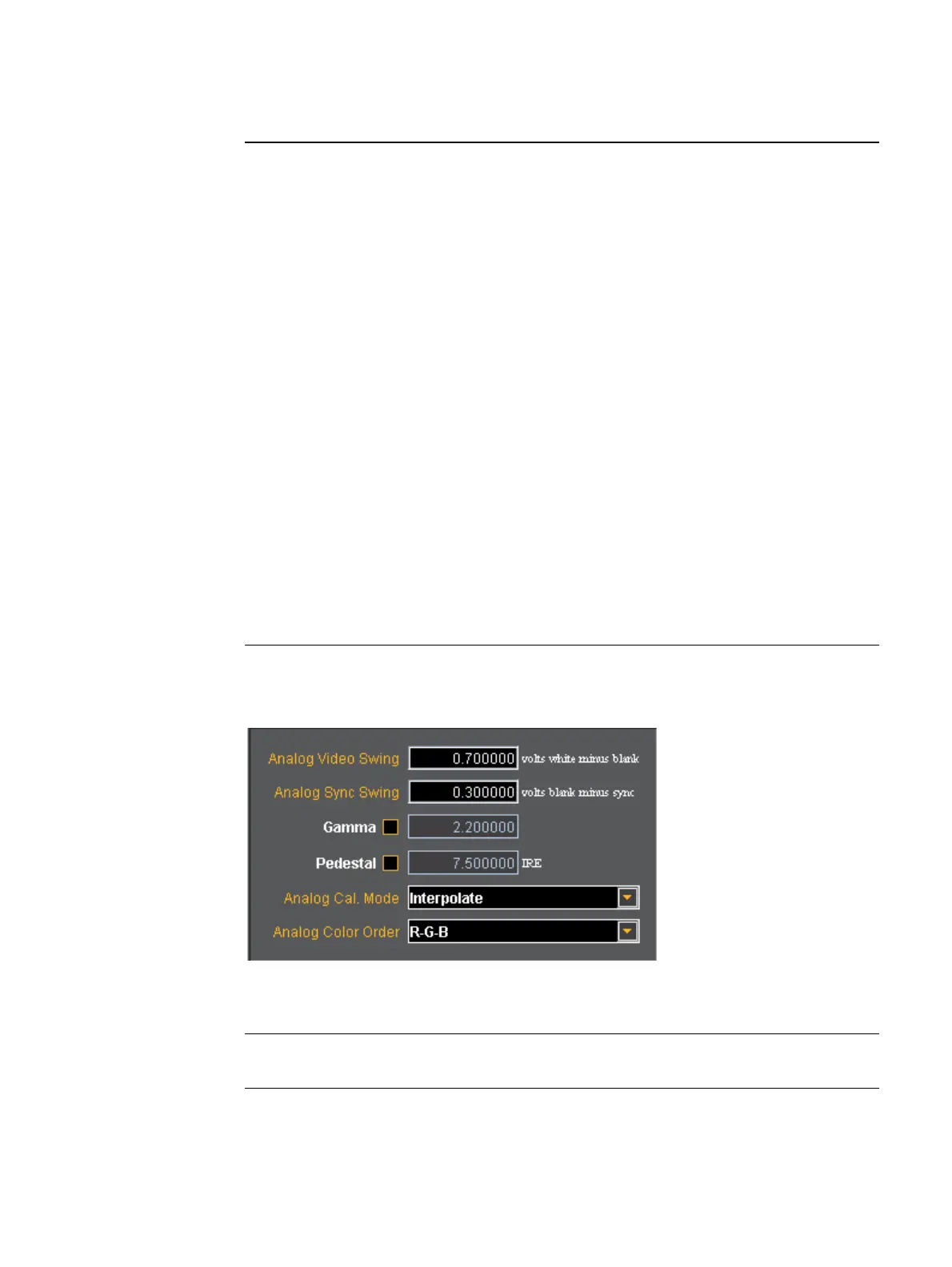
The right panel of the General tab in the Format Editor is shown below.
The table below describes the entities and fields of the right-side panel of the General tab.
DSS Type Sets the digital composite sync type of the format. The parameter is DSST.
The following are the selections:
• None
• American Separate
• European Separate
• American Separate HDTV
• European Separate HDTV
• Japanese Separate HDTV
• Australian AS 493.1-200X HS & VS
• IEC 62315-1 Australian AS 493.1-200X HS & VS
SubCarrier Sets the composite video subcarrier type. Only valid when the color
encoding parameter (AVST) is set to Analog Composite with Subcarrier.
The parameter is AVSC. The following are the selections:
• None
•NTSC M
•NTSC 443
•PAL BDGHI
•PAL NC
•PAL N
•PAL M
•PAL 60
Field / Entity Entity Type Description / Function
Analog Video Swing Entry field Sets the analog video swing.
Analog Sync Swing Entry field Sets the analog sync swing.
Field / Entity Description / Function



 To Next Page