186 Chapter 5 Working with Formats
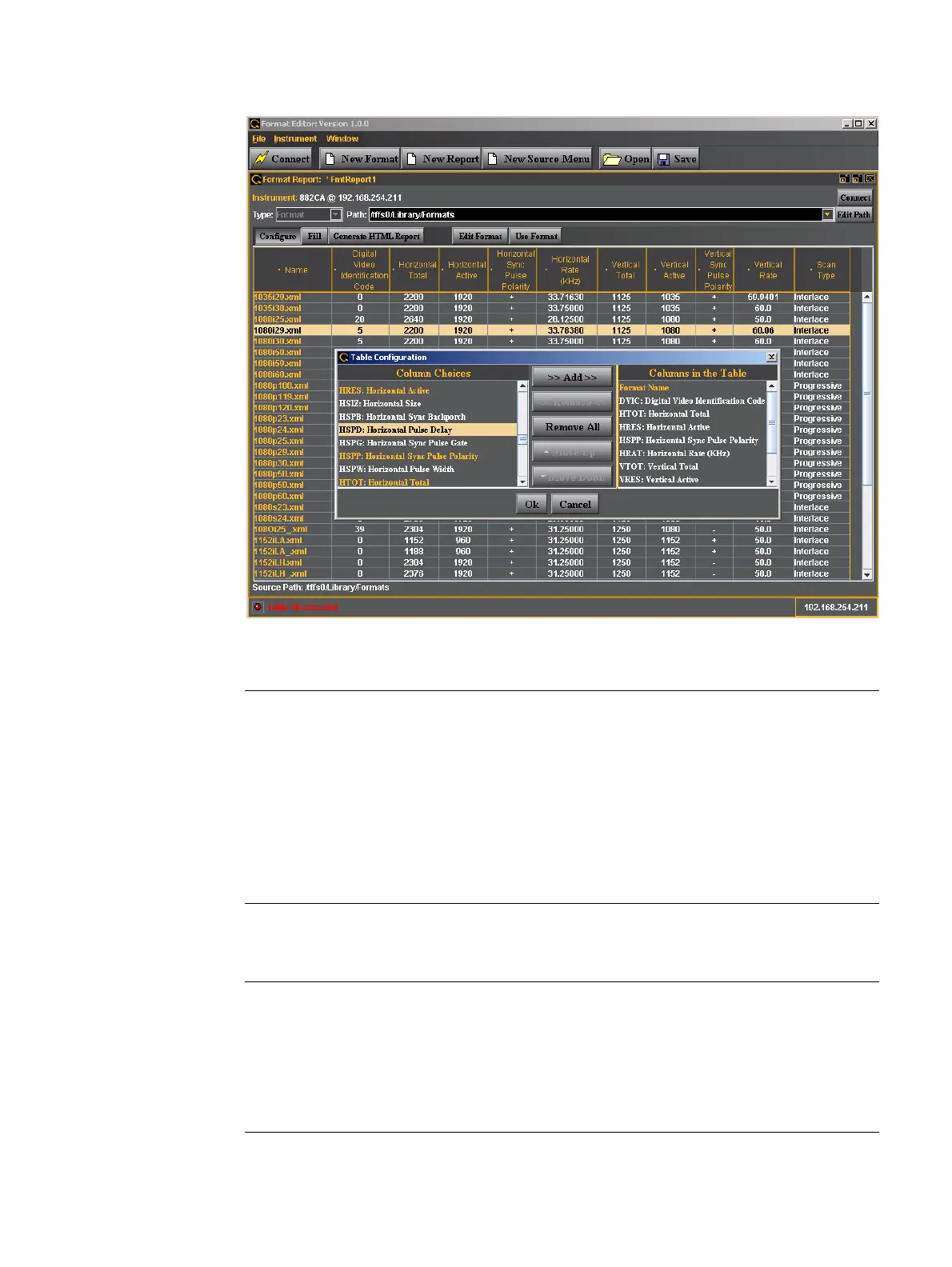
The table below describes the top selection panels for the New Report activation button
The table below describes the activation buttons available for the New Report screen.
Entity Type Description / Function
Instrument
(Connection Status)
Status text field Shows the current connection status.
Connect Activation Button Enables you to connect to an 882 generator. When
clicked a dialog box will pop up enabling you to specify
an IP address to connect to.
Type Pull-down menu Always set to Format.
Path Entry Field The path to the directory where the list of formats used
to configure a format list.
Edit Path Activation Button Enables you to change the path to a list of formats.
Button Description / Function
Configure Clicking on the Configure button will open up a dialog box that enables you
to configure which format parameters appear in the report and in what order.
Fill / Cancel Clicking on the Fill activation button will cause the Format Editor application
to begin loading the formats from the list that the Path is set to. The
completion status is shown below the list. The Cancel button on the lower
right enables you to halt the filling (reading) of the formats from the list in the
directory that the path parameter is set to.



 To Next Page