16 Chapter 1 Getting Started
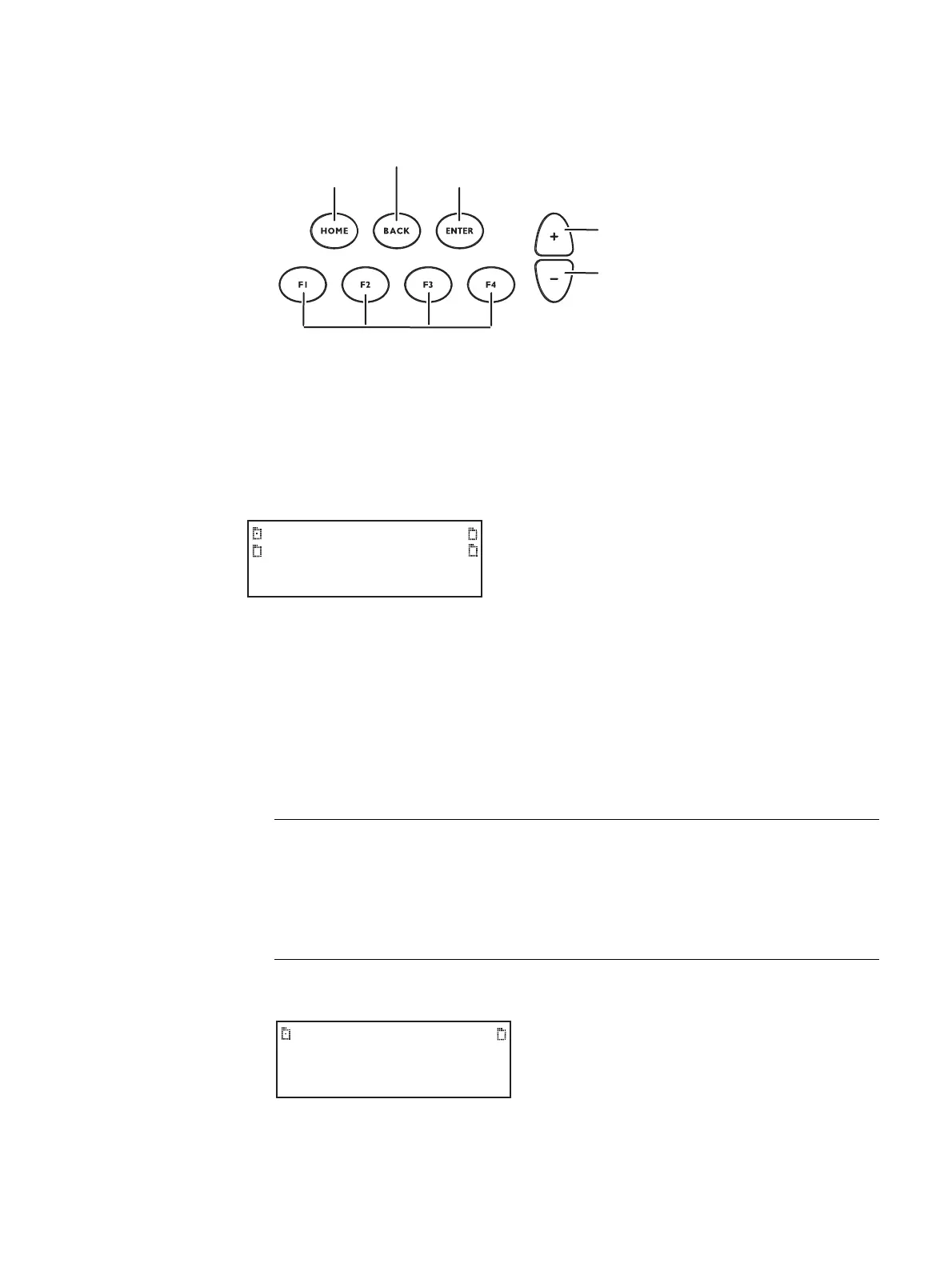
When in Browse mode, the selection keys shown below are active.
The procedure below describes how to place the 882 in Browse mode:
To place the 882 in Browse mode:
Press and hold the Tools key. The message Hold to enter Browse Mode appears on the
882’s display. Continue holding the Tools key until the Browser status indicator lights. The
following menu appears:
Browsing other media
In Browse mode, you can view and use objects located in the 882’s flash memory, a
network file server, the 882’s PC card, or the 882’s cache memory.
To choose the medium to browse:
1. Press the soft key adjacent to the medium you want to browse.
A list of folders on that medium appears on the 882’s display as shown below.
Go to root folder
To previous folder
Jump to preset location
Open selected folder
Page up
Page down
Flashmem
NetPlace
PCCard
Cache
Medium Description
Flashmem Non-volatile memory in 882.
NetPlace File server connected with 882.
PCCard Compact Flash card in 882.
Cache Volatile memory in 882. This source contains objects that have been
used (loaded into cache) since the 882 was started.
System Library



 To Next Page