882 Video Test Instrument User Guide (Rev A.35) 311
4. Select the !PacketTx item by pressing the adjacent soft key to generate the report. The
following appears on the display.
Alternatively you can generate this report from the command line using the following
command:
IFGX:RPTU // Initiates the Packet Tx report.
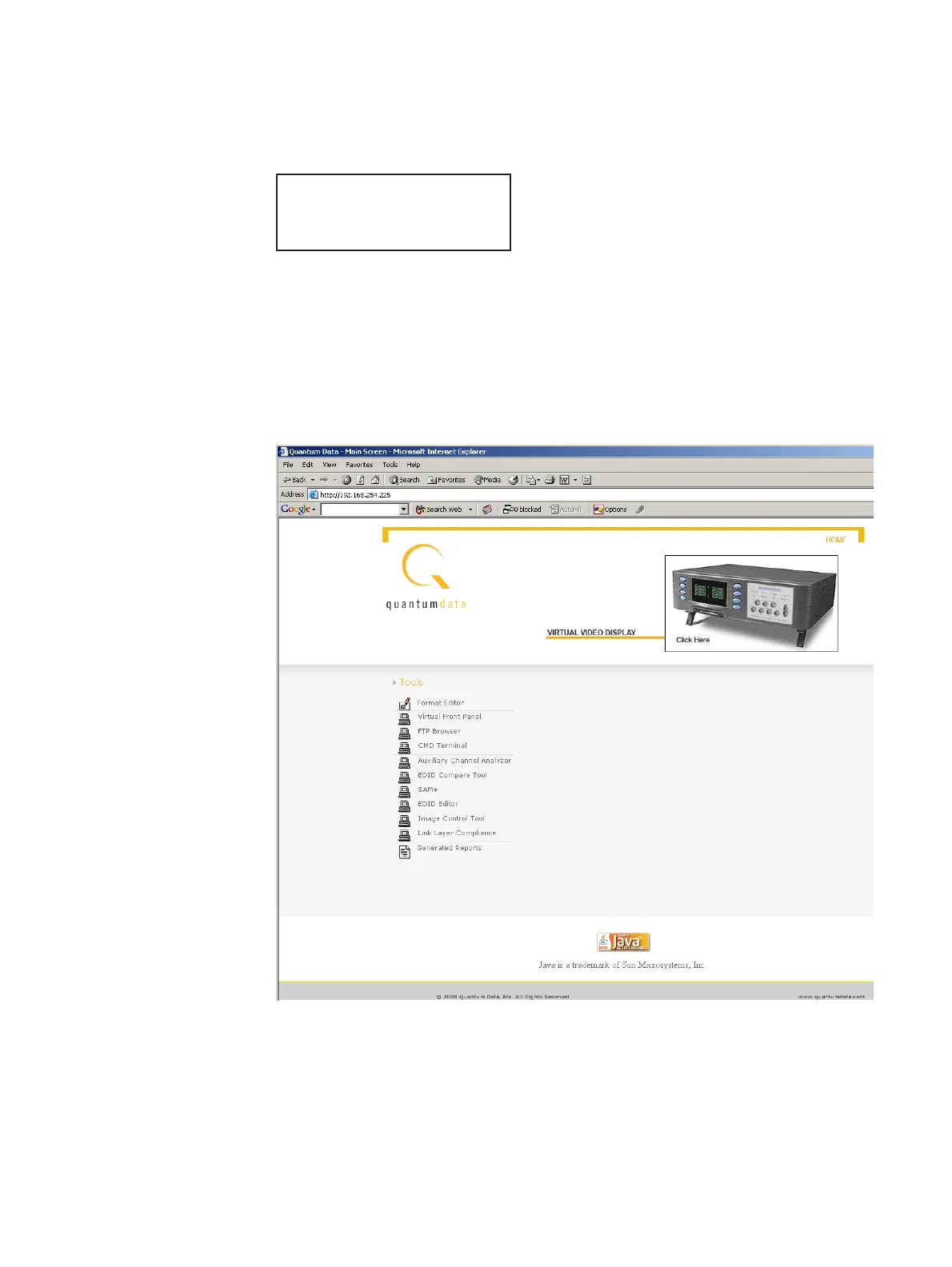
5. Open a Web browser (such as Internet Explorer) and type the 882’s IP address in the
address entry field. For example, enter the following: http://206.135.215.189/.
The 882 home page appears in the browser.
TX PACKETS
Finished



 To Next Page