882 Video Test Instrument User Guide (Rev A.35) 37
6. Choose the EDID you want to load into the Editor. You can load EDIDs from a
connected device, the 882 file system, or from your PC. The following table describes
what selection ports map to which physical interface:
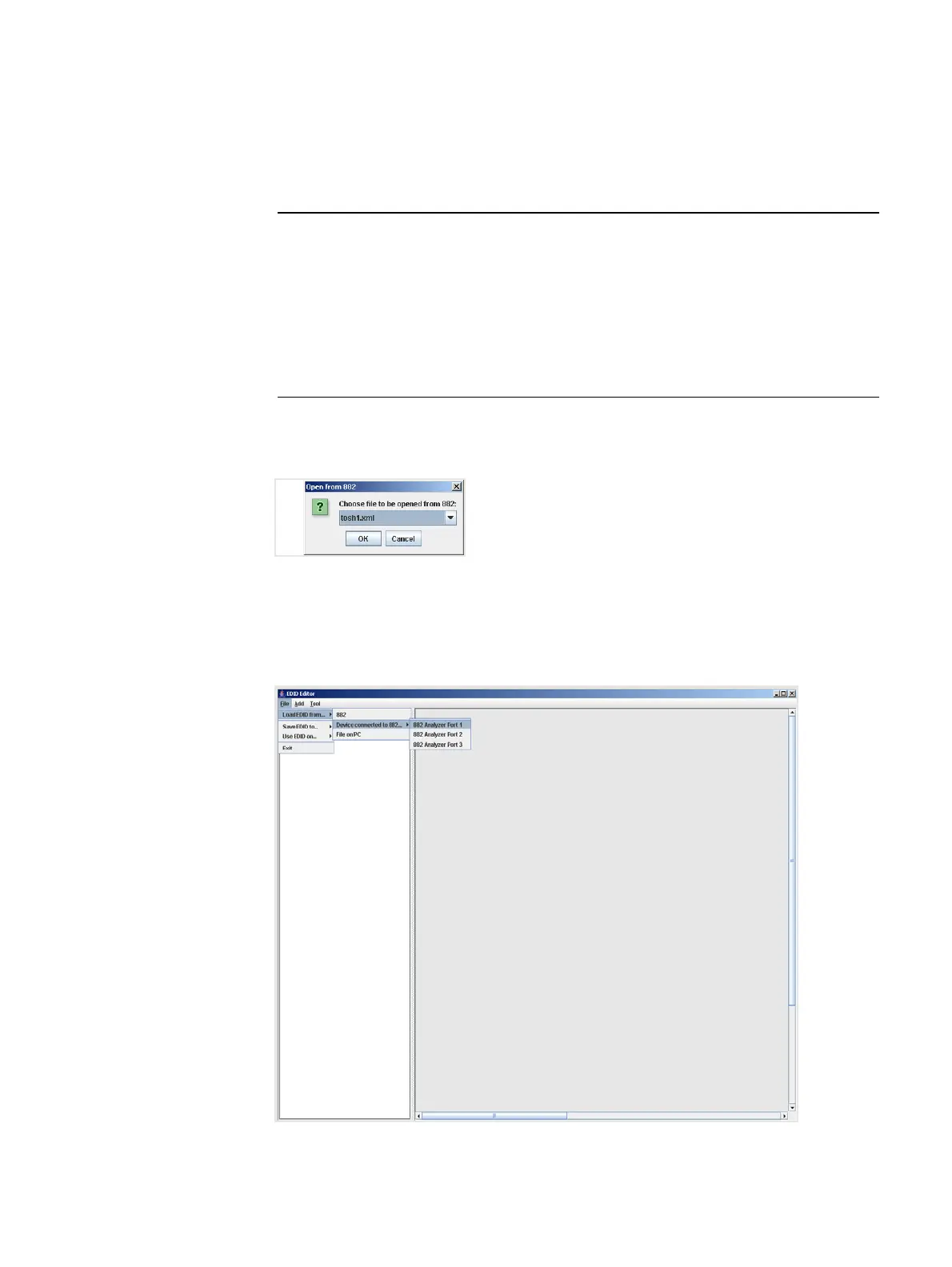
a. If you are loading an EDID XML file stored on the 882 generator, select Load EDID
From > 882 from the File menu. Select a valid file.
The EDID is loaded into the Editor.
b. If you are capturing and loading an EDID from a connected display device, select
Load EDID From > Device Connected to > 882 Analyzer Port <x> from the File
menu. (Port 1 is HDMI Tx 1, Port 2 is
HDMI TX 2, and Port 3 is VGA.)
Load EDID From... Location
882 A valid EDID XML file stored on the 882 file sys-
tem (in flash memory or on the PC card).
Device connected to 882 A device that is connected either to the 882’s
HDMI Tx ports or the VGA port:
- 882 Analyzer Port 1 - HDMI
- 882 Analyzer Port 2 - HDMI
- 882 Analyzer Port 3 - VGA
File on PC A valid EDID XML file stored in the host PC.



 To Next Page