36 Chapter 11 Testing EDID for HDMI
4. Open a Web browser (such as Internet Explorer) and type the 882’s IP address in the
address entry field. For example, enter the following: http://206.135.215.189/
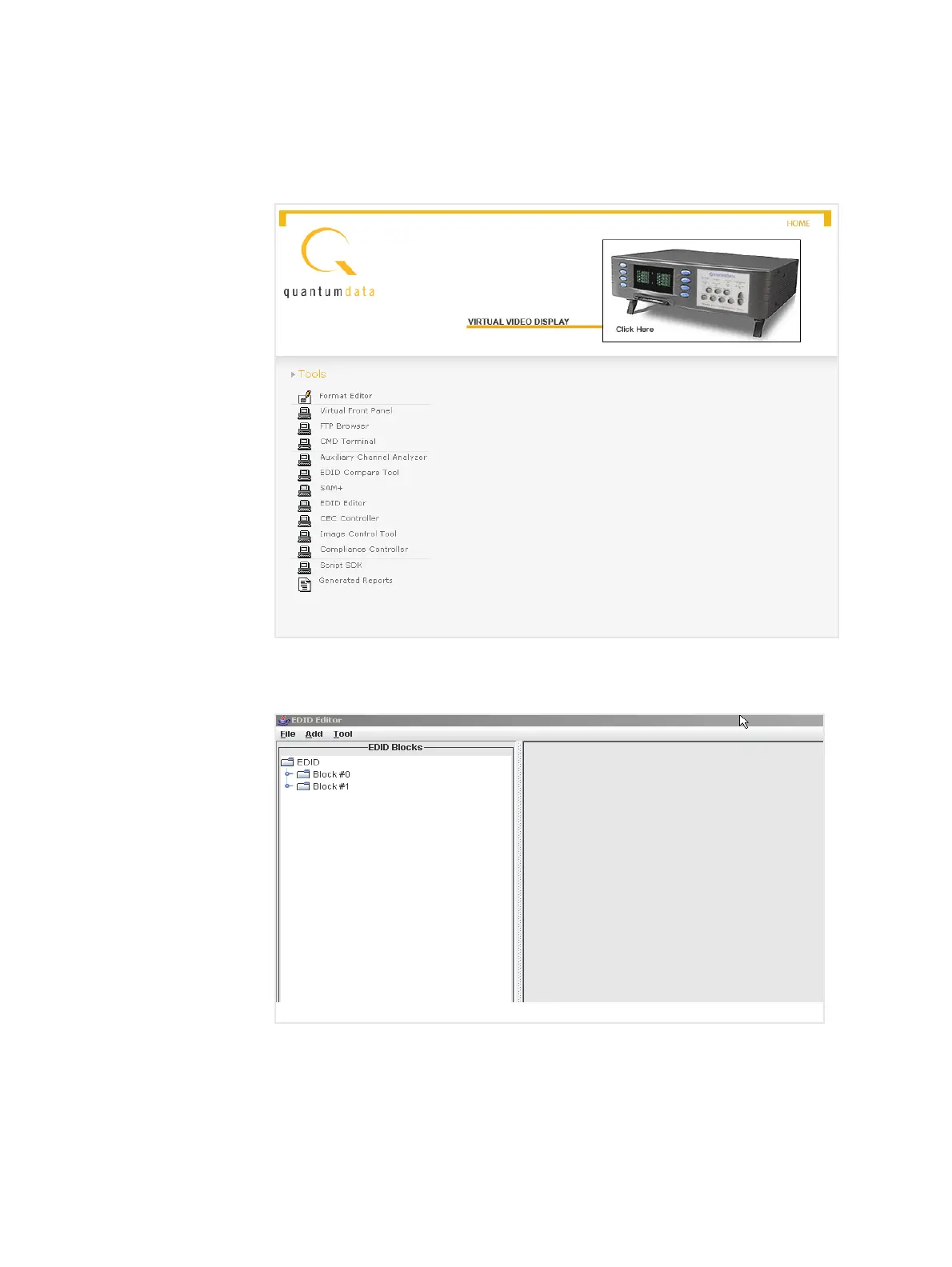
The 882 home page appears in the browser.
5. Click the EDID Editor link. The EDID Editor appears as shown below.
Note: The EDID Editor is provisioned with the default Quantum Data EDID when
opened.



 To Next Page