CHAPTER
7
P/N 016-0171-493 Rev. I 89
C hapter 7
Tools Menu
Accessing and Navigating the Tools Menu
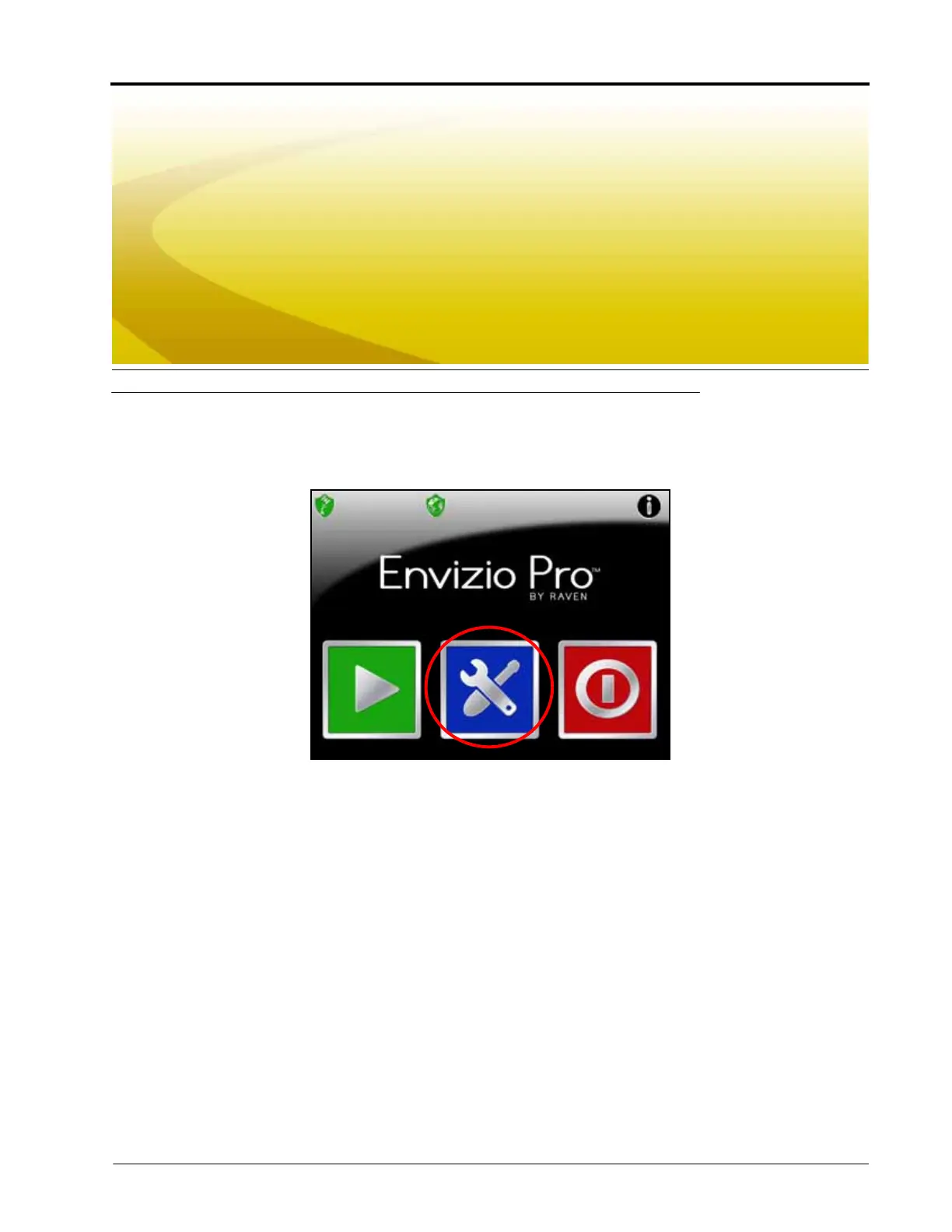
After the initial setup wizards are complete, all settings and configurations are accessible by selecting the Tools
icon on the Home screen.
The Tools menu contains the following submenus:
• Wizard
• System
• GPS
• Computer
• Vehicle
Note: Verify that the field computer is setup correctly for the job, vehicle, and application prior to starting
an actual job application. See the Product Control section on page 99 to enter a test speed and
check settings while the vehicle remains stationary.



 To Next Page
 Loading...






