APPENDIX
G
P/N 016-0171-493 Rev. I 221
A ppendi x G
Tank Fill Monitor
Calibration
Overview
An optional tank fill monitoring system is available to monitor the volume of product transferred from the nurse
truck to refill the product tank.
Tank Fill Calibration
To access the pressure cal, fan cal and metered weight settings from the Home screen:
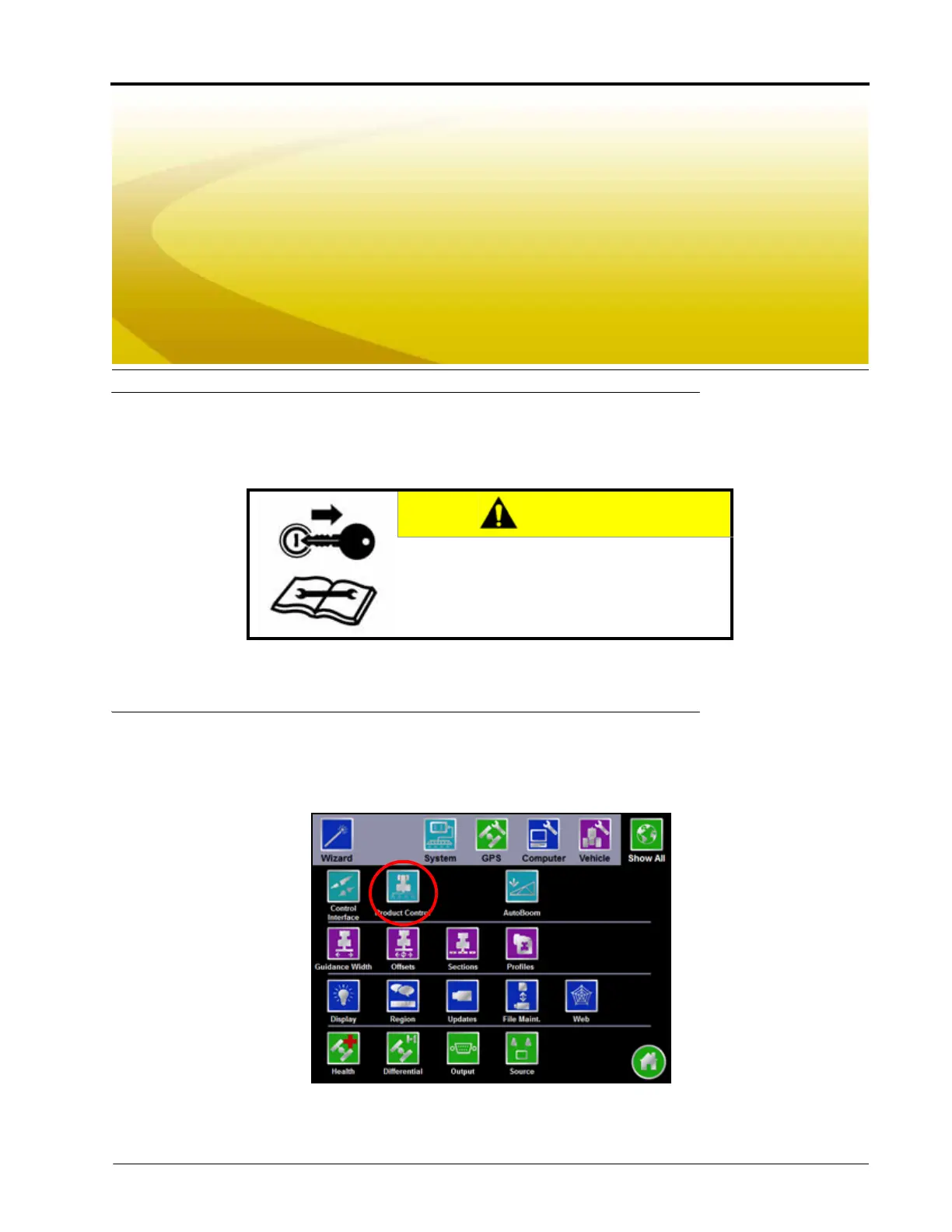
1. Touch the Tools Menu icon and select the Product Control icon from the System menu.
2. Touch the Volume/Area Settings button.
CAUTION
The tank fill monitoring system does not control
or automatically shut off the tank refilling
equipment. Do not leave the machine or refilling
system unattended while operating.



 To Next Page
 Loading...






