RED RAVEN OPERATION GUIDE
COPYRIGHT © 2016 RED.COM, INC 955-0127_V6.3, REV-E | 139
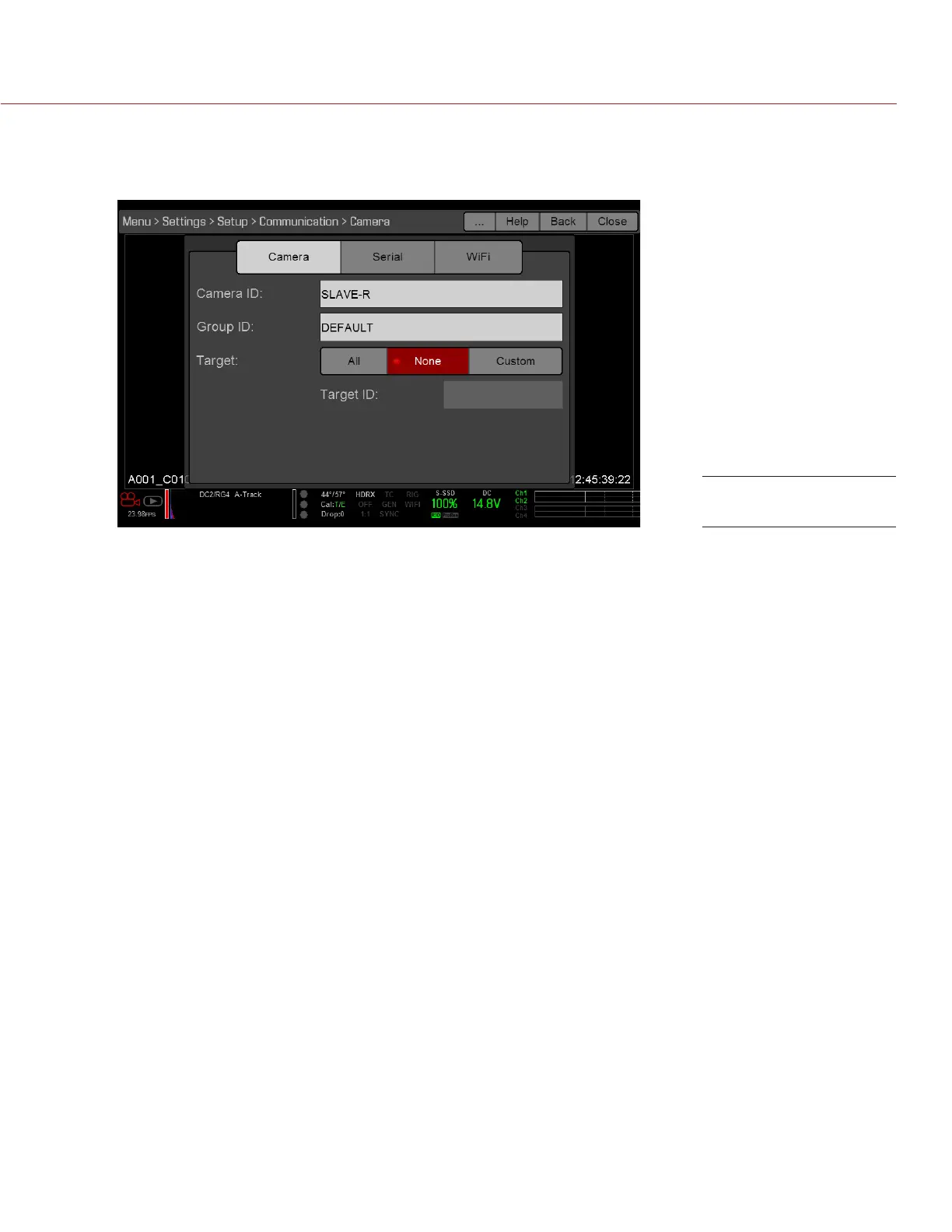
A. Go to Menu > Settings > Setup > Communication.
B. Type a name for the camera (Example: CAM B, RIGHT, SLAVE, etc) in the Camera ID field.
C. For Target, select None.
D. Go to Menu > Settings > Setup > Communication and select the Ethernet tab.
E. Select the Camera to Camera the check box.
The LAN indicator in the Lower Status Row illuminates green.
NOTE: Cameras can also be set up in a Master/Master configuration. To set up Master/Master, set Target to
All on both cameras, allowing either camera to make changes and control record start/stop.
REQUIRED CABLE
790-0163: Master/Slave Gig-E Cable (4')
Slave Settings



 To Next Page