93
SS Programming Example
USER GUIDE
PROGRAMMING AND CONFIGURATION EXAMPLES
SMART-SENSOR
™
2004 – 2014 Reliable Controls
®
Corporation. All rights reserved.
TO CONFIGURE THE SS
1
After the hardware configuration of the SS is complete. Use RC-Studio
®
2.0 to
configure the SS.
Using RC-Studio
®
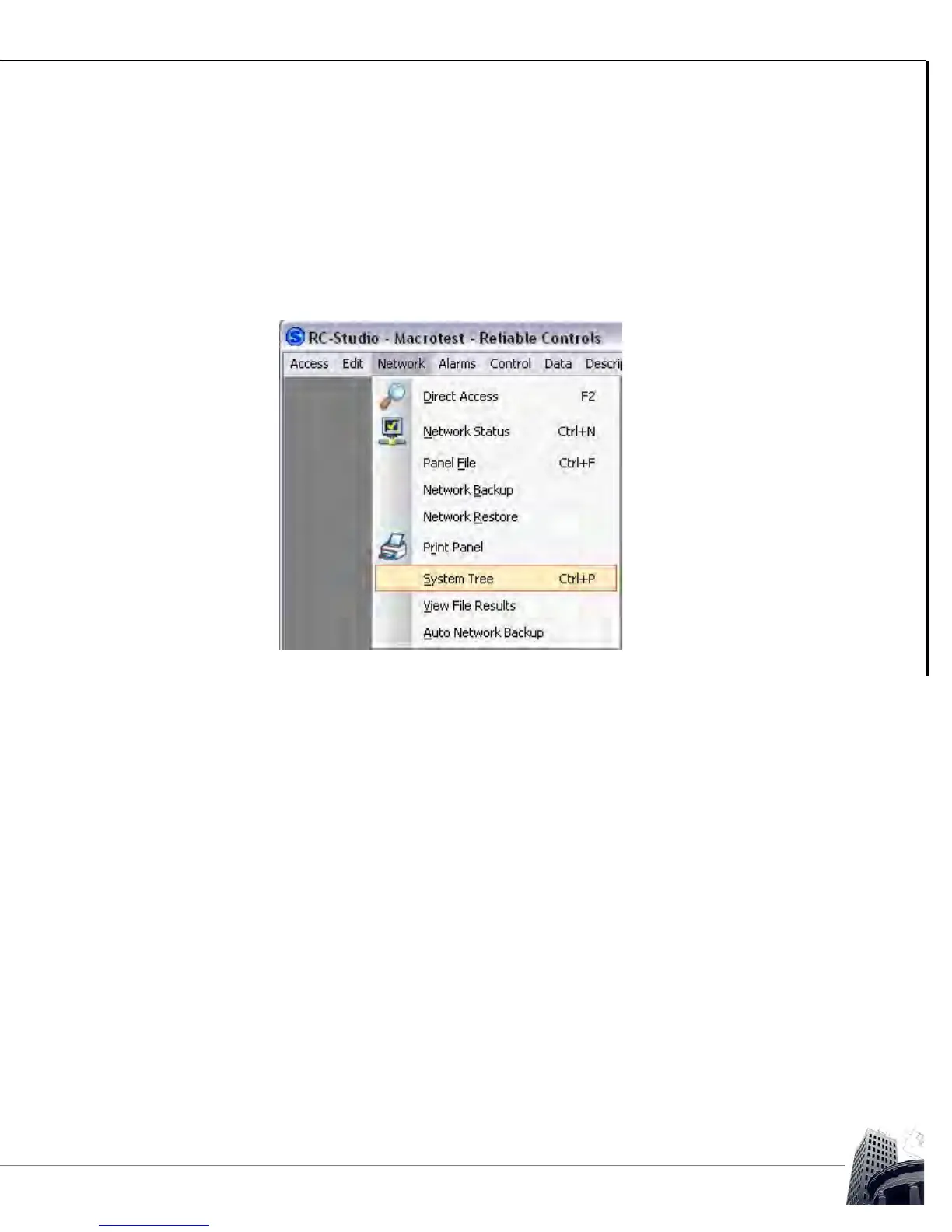
2.0 connected to the desired system, from the main menu
select Network > System Tree or press Ctrl + P to open the System Tree.
FIGURE 84: SYSTEM TREE MAIN MENU



 To Next Page