50
2004 – 2014 Reliable Controls
®
Corporation. All rights reserved.
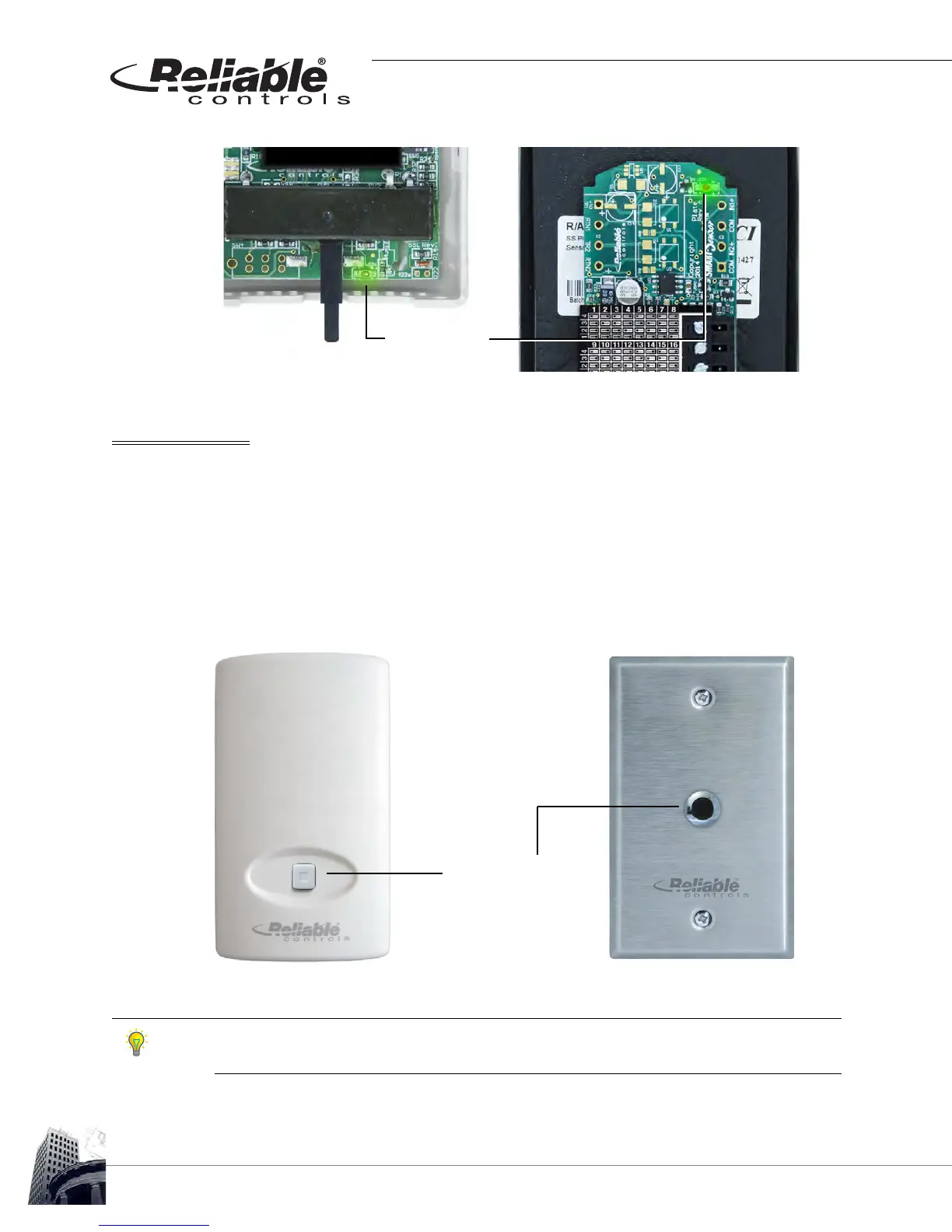
FIGURE 48: TEST LED (SS AND SS-P SHOWN)
OVERRIDE BUTTON
An SS model with an override button (-0), allows an operator to manually change the value
of a point mapped to point number 3 in the SMART-Sensor worksheet. The digital range
of ON/OFF must be used.
When the middle button on a model with an override button is pressed and point 3 is set
to digital ON/OFF, the digital value is set TRUE or ON and a 10 minute timer is initialized.
After 10 minutes has passed, the value of point 3 reverts to FALSE or OFF. The user is able
to force the value to FALSE either manually or with a Control-BASIC
™
program.
FIGURE 49: SS AND SS-P WITH OVERRIDE BUTTON (-O) OPTION
The -O option is often used to provide manual override of Unoccupied mode.



 To Next Page