81
Connecting an X-Port-2 Converter
USER GUIDE
ONBOARD CONFIGURATION TOOLS (SS-L)
SMART-SENSOR
™
2004 – 2014 Reliable Controls
®
Corporation. All rights reserved.
ONBOARD CONFIGURATION TOOLS (SS-L)
Each SMART-Sensor
™
LCD features onboard configuration tools as a component of the
firmware. These configuration tools may be used to provide hardware configuration of the
SSL and the host controller connected to the SS-L without requiring a PC connection and
software.
The onboard configuration tools embedded in the SS-L firmware are:
• SS-L Address Tool,
• Setup Tool, and
• Flow Tool.
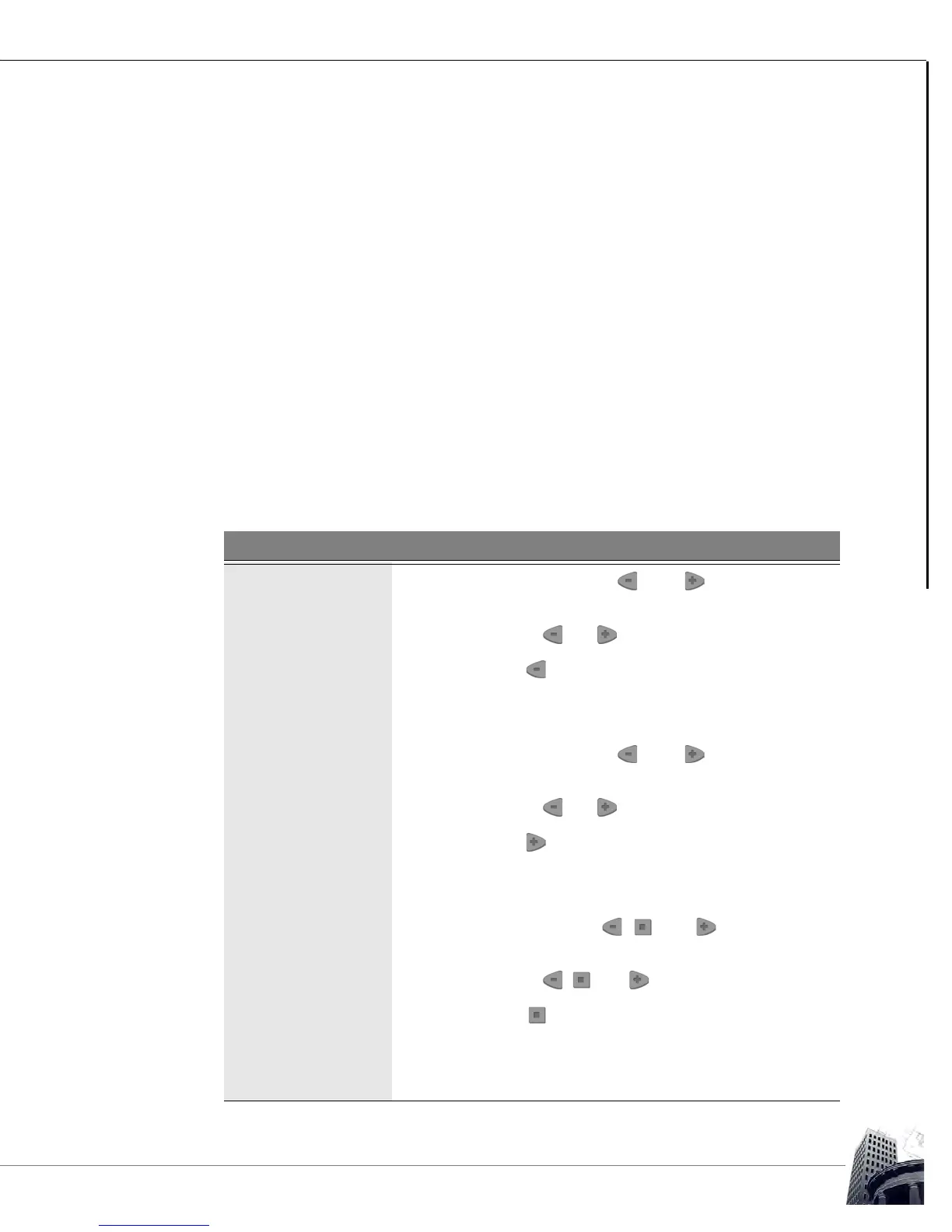
Each individual onboard configuration tool is invoked by a unique key code combination
using the three-button keypad interface of the SS-L. Table 17 details the key code
combination necessary to access each configuration tool.
TABLE 17: SS-L ONBOARD CONFIGURATION TOOL KEY CODE COMBINATIONS
Point Description
SS-L Address Tool 1
Press and hold the and buttons for five
seconds.
2
Release the and buttons for two seconds.
3
Press the button.
4 SSLADDR should appear on the LCD with the current
SS-L address displayed.
Setup Tool 1
Press and hold the and buttons for five
seconds.
2
Release the and buttons for two seconds.
3
Press the button.
4 ADDR should appear on the LCD with the current host
controller RCP address displayed.
Flow Tool 1
Press and hold the , , and buttons for five
seconds.
2
Release the , , and buttons for two seconds.
3
Press the button.
4 FLOW should appear on the LCD with the current
calculated airflow value of the connected MACH-Air
™
displayed.



 To Next Page