55
Operator Interface for the SS-L
USER GUIDE
OPERATOR INTERFACE
SMART-SENSOR
™
2004 – 2014 Reliable Controls
®
Corporation. All rights reserved.
QUICK-ADJUST MODE
The SSL's Quick-adjust mode allows for easy operator adjustment of a setpoint.
When the SSL LCD is in Idle mode (displaying the default screen), pressing either the
or button will cause the SSL to go into Quick-adjust mode.
In Quick-adjust mode, the SS-L displays the present value for the point or object
configured in row number two of the SMART-Sensor worksheet. The display blinks to
indicate that the value can be modified. Pressing the or button further will decrease
or increase the point value, typically a setpoint. After the desired adjustment is complete,
the display will continue to flash briefly until the value is communicated to the controller.
After 20 seconds have elapsed without further button interaction, the display will revert to
the Idle mode. Alternatively, after the setpoint has been adjusted, the operator can
advance to the next point or object by pressing the button.
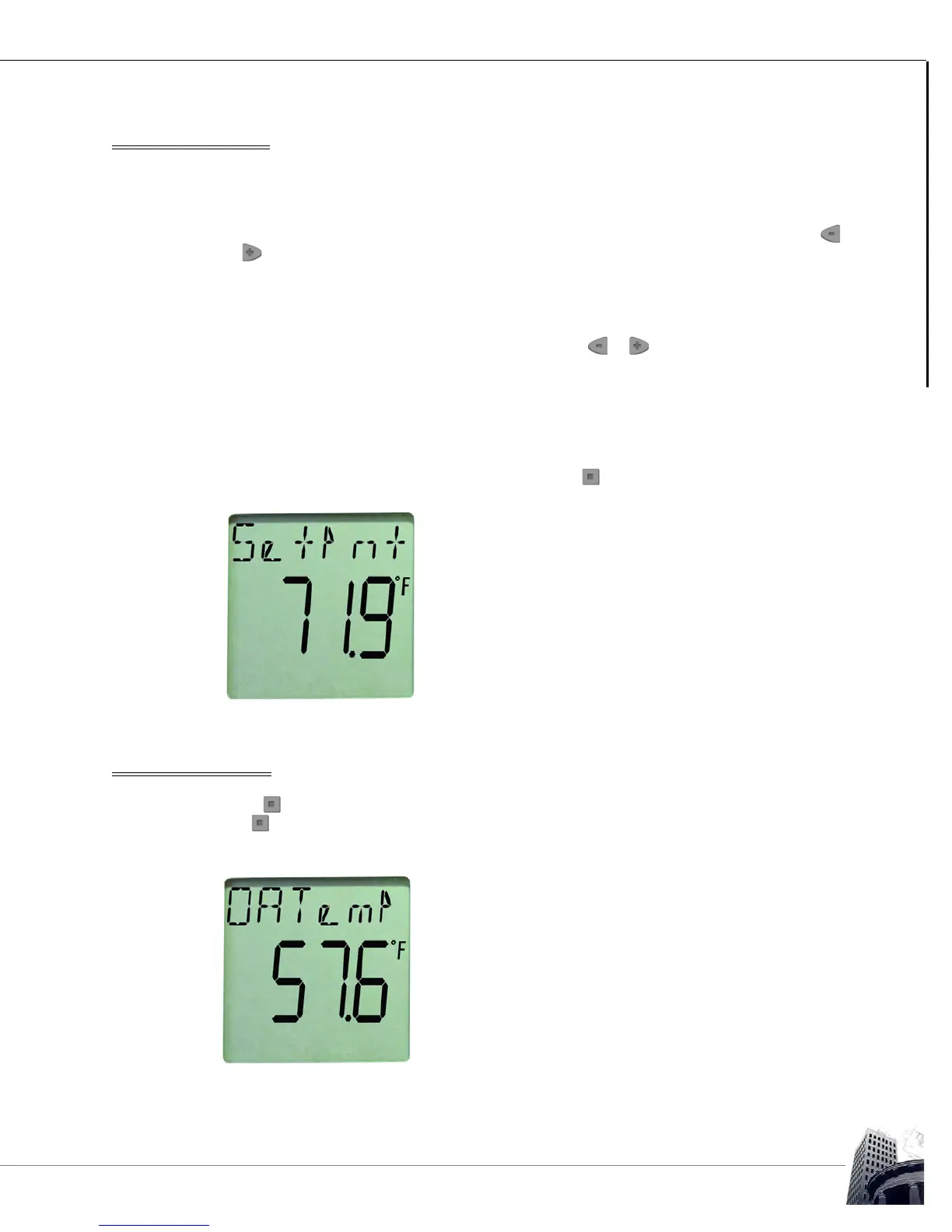
FIGURE 55: SS-L QUICK-ADJUST MODE
DISPLAY POINT MODE
If the button is pressed, the SS-L goes into Display Point mode. Continued pressing of
the button will scroll through the configured points or objects according to the order in
which they were entered in the SMART-Sensor worksheet.
FIGURE 56: SS DISPLAY POINT MODE



 To Next Page