57
Accessing the SS Worksheet
USER GUIDE
SOFTWARE PROGRAMMING
SMART-SENSOR
™
2004 – 2014 Reliable Controls
®
Corporation. All rights reserved.
SOFTWARE PROGRAMMING
The SMART-Sensor
™
LCD (SS-L) is custom configurable to display/adjust up to ten point values from
the host MACH-System controller. An SS-L can display points from networked controllers other than its
SMART-Net
™
host, however those points cannot be adjusted by an operator using the SS-L buttons. If
the SMART-Net
™
host is a BACnet only device (e.g., MACH-ProZone
™
, MACH-ProAir
™
), then any
network points to be displayed must be entered using BACnet references. If the SMART-Net
™
host
supports Reliable Controls Protocol (RCP), then any network points to be displayed must be entered
using RCP references.
Software programming and configuration of an SS-L is performed using RC-Studio
®
2.0, or higher.
ACCESSING THE SS WORKSHEET
TO ACCESS THE SMART-SENSOR WORKSHEET
1
In RC-Studio
®
2.0, locate the host controller of the SS-L to be programmed in
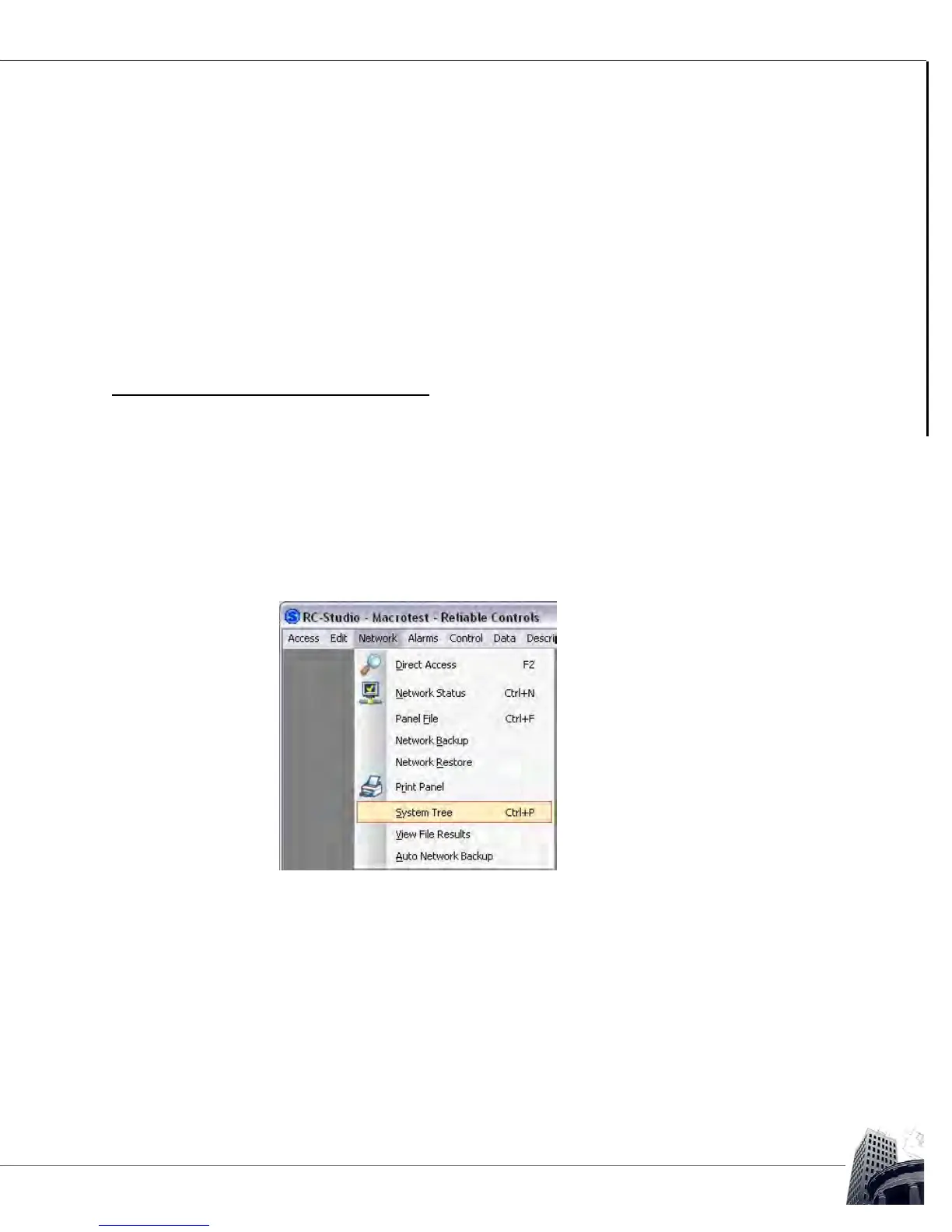
the System Tree. If the System Tree is not visible, select Network > System
Tree or press Ctrl + P.
FIGURE 57: SYSTEM TREE COMMAND



 To Next Page