62
2004 – 2014 Reliable Controls
®
Corporation. All rights reserved.
COLUMNS
The function of each of the eight columns in the SMART-Sensor worksheet are outlined in
Table 12.
TABLE 12: SS WORKSHEET COLUMNS
Column Description
Point Enter the point mnemonic or descriptor of an existing point or
object in the host controller to map it to the SS-L display. Points
may also be dragged from host controller worksheets and
dropped into this column.
Value Displays the present value.
Type Toggles between Analog or State to match the type of the object.
Range Scrolls through the available ranges associated with the Type
chosen, allowing selection of an appropriate display range for the
value.
State Off/On, Low/High, Cool/Heat, Off/Low/High,
Off/On/Auto, Fan: Off/Low/Medium/High, Off/
Auto/Manual, Cool/Heat/Auto/Off
Analog 0 Decimal, 1 Decimal, 2 Decimal, Time
Unit/Icon
(Analog)
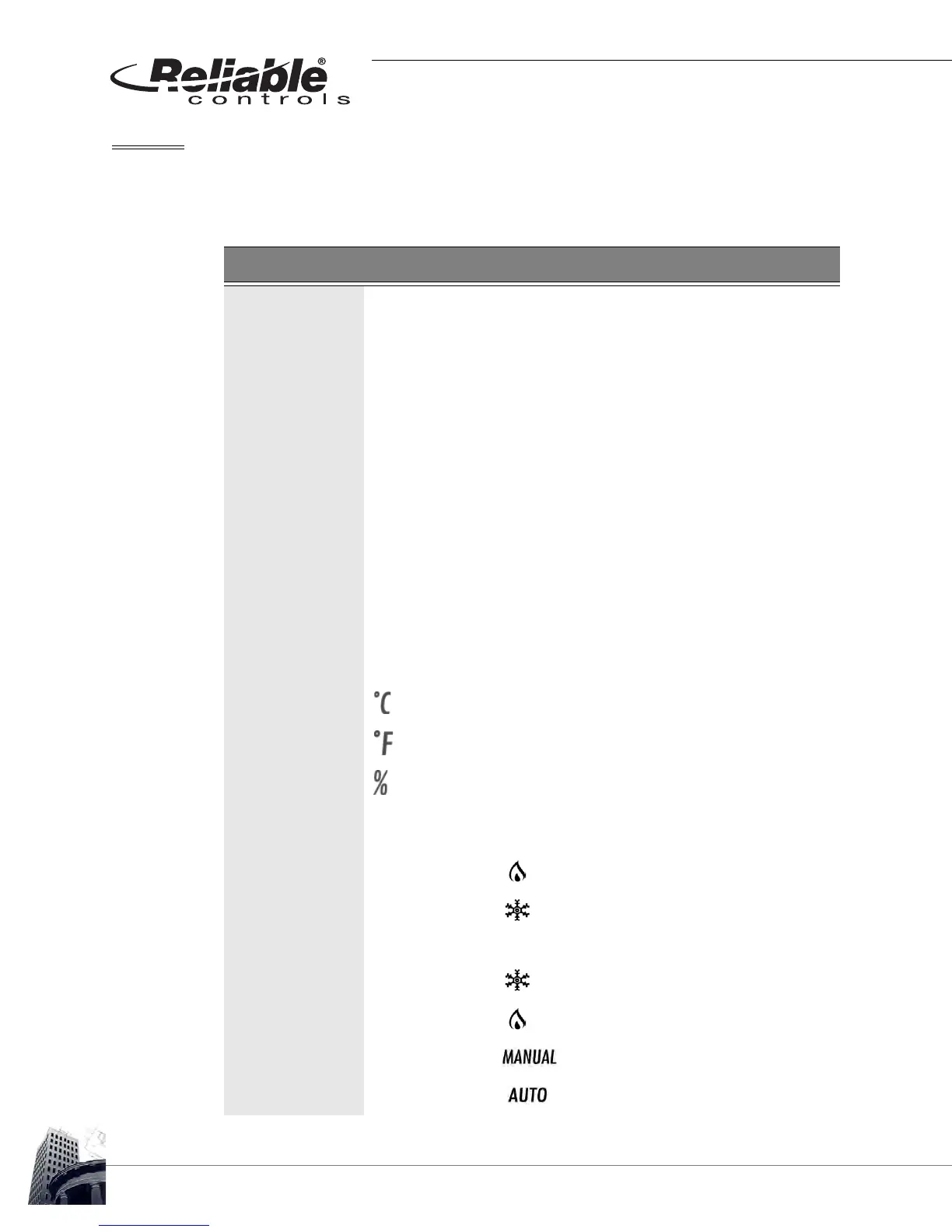
For analog value types, the Unit/Icon field allows for the selection
of engineering units to be displayed on the LCD next to the value.
Blank No icon is displayed
Degrees Celsius
Degrees Fahrenheit
Percent
Unit/Icon
(State)
For state value types, the Unit/Icon field allows for the selection of
an icon to be displayed during the Idle mode.
Heat Icon is displayed when value = 1
Cool Icon is displayed when value = 1
Cool/Heat Icon is displayed when value = 0
Icon is displayed when value = 1
Manual Icon is displayed when value = 1
Auto
Icon is displayed when value = 1



 To Next Page