48
2004 – 2014 Reliable Controls
®
Corporation. All rights reserved.
SECONDARY POINT DISPLAY
The secondary point can be configured to display an additional value and descriptive
abbreviation on the idle screen of the display in the top row. This can be useful for
displaying the value of important space or system conditions such as setpoint, humidity
or CO
2
from the host controller. Any of the ten SS-L display points can be selected as the
secondary display.
TO CHANGE THE SECONDARY DISPLAY POINT
1 The secondary point display may also be configured using the SS-L Addressing
feature.
2
After the initialization sequence, hold the and buttons for five seconds,
release for two seconds, then press the button.
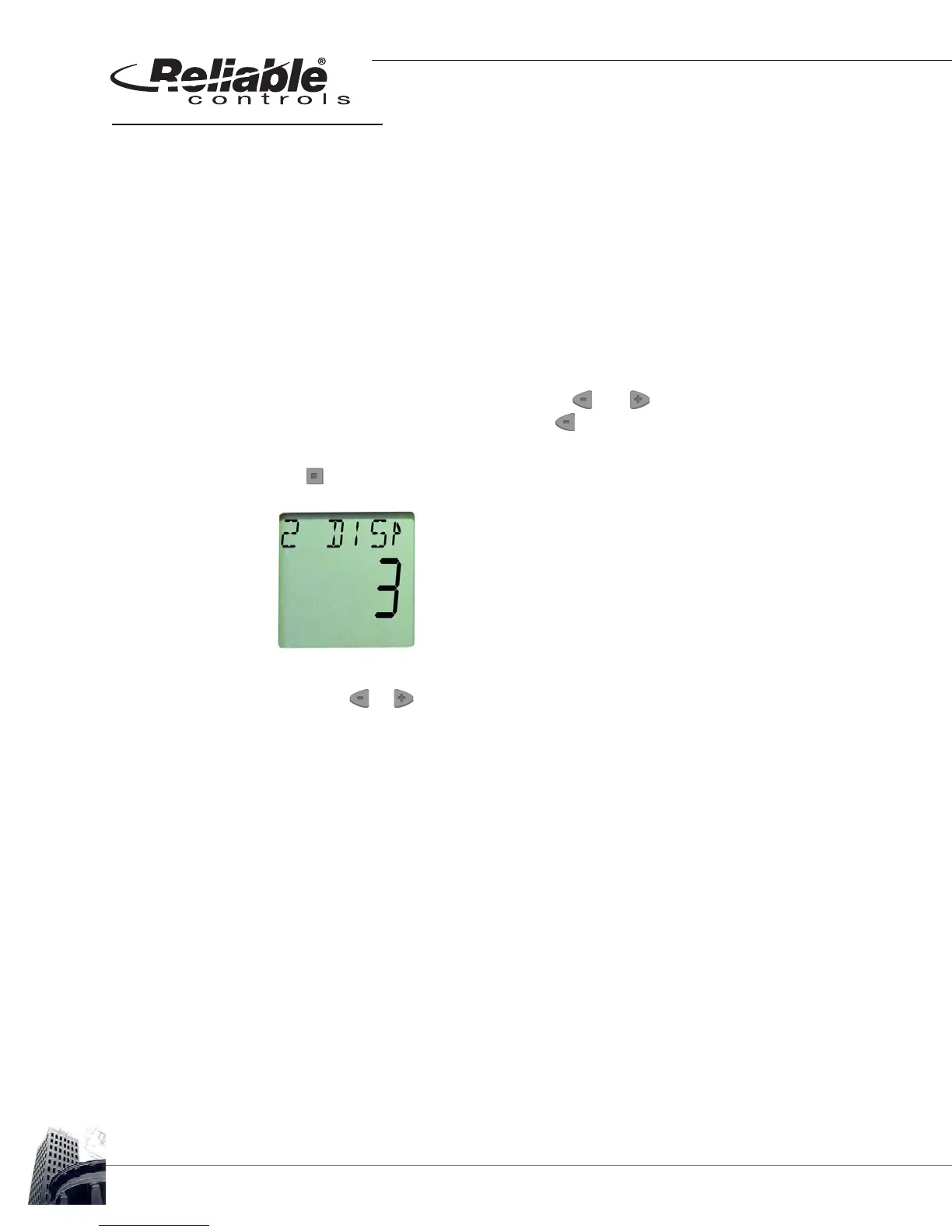
3 The LCD screen displays SSADDR and the current address of the SS-L. Press
the button to select the 2 DISP screen.
FIGURE 46: SS-L SECONDARY DISPLAY CONFIGURATION SCREEN
4
Press the or to configure the desired SS-L point to be displayed as the
secondary point.
5 After the desired configuration is complete, allow the onboard configuration tool
to time-out. The LCD screen will revert to the standard operator display.



 To Next Page