79
Configuration
USER GUIDE
NETWORK COMMUNICATION JACK
SMART-SENSOR
™
2004 – 2014 Reliable Controls
®
Corporation. All rights reserved.
NETWORK COMMUNICATION JACK
SMART-Sensor
™
models without the Slider (-S) option, the Duct (-DUCT) option, or the
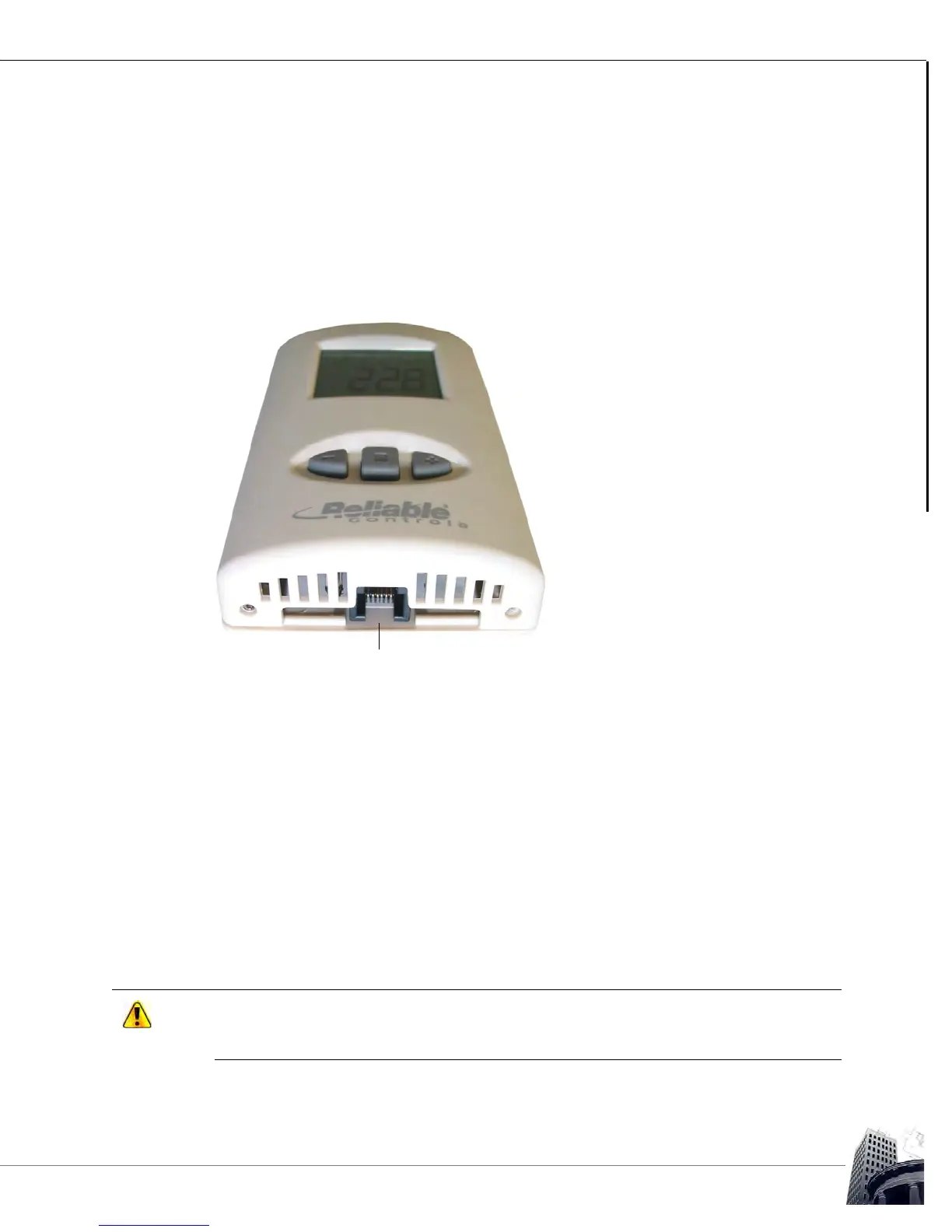
Plate (-P) option, feature an RJ11 access port exposed conveniently on the bottom of the
SS sensor head. On an installed SS, this RJ11 access port may be used in conjunction
with an X-Port-2
™
converter to provide access to the host network using RC-Studio
®
2.0
and RC-Toolkit
™
2.0.
FIGURE 74: SS-L RJ11 ACCESS PORT
The network jumpers or switches (NET) on MACH-System controllers and SSX expansion
boards connect the A and B pins of the SMART-Net
™
network to the controller’s EIA-485
communication network, effectively extending the local controller network to the SS RJ11
access port. An X-Port-2
™
plugged into an enabled SS RJ11 port, and also plugged into
the EIA-232 port of a PC, allows network access for RC-Studio
®
and RC-Toolkit
®
applications.
The MACH-ProZone
™
and MACH-ProAir
™
controllers do not have Net switches or jumpers.
If a six-wire connection is made to the RJ11 port on the controller, the EIA-485 network is
extended to SMART-Net
™
. Use the 4-pole terminal block provided to avoid extending the
EIA-485 network, if not required.
To enable network communication with the X-Port-2
™
converter, the EIA-485 network
jumpers (NET) must be installed on the host controller and any SSX expansion boards to
which the SSL is connected.



 To Next Page