63
The SS Worksheet
USER GUIDE
SOFTWARE PROGRAMMING
SMART-SENSOR
™
2004 – 2014 Reliable Controls
®
Corporation. All rights reserved.
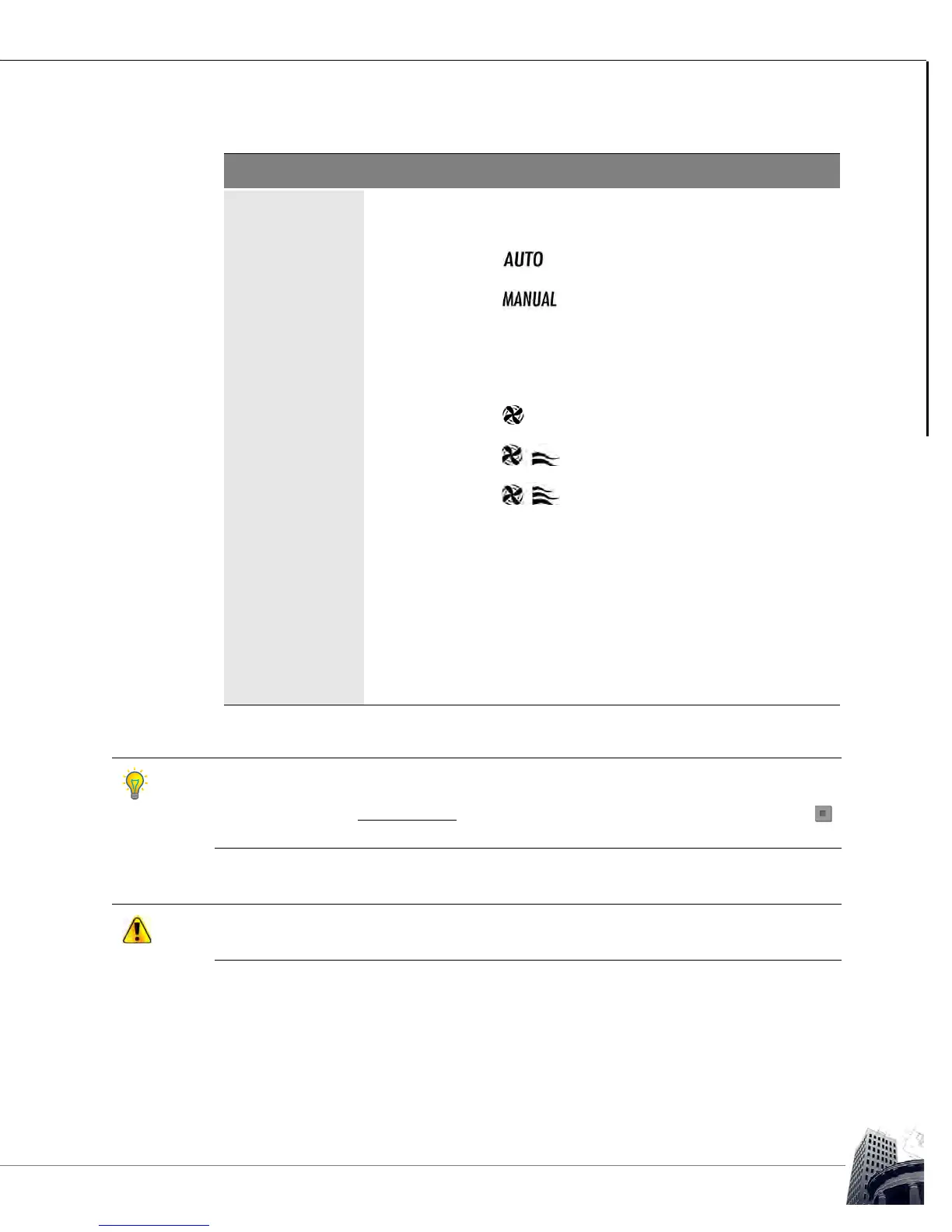
Off/Auto/
Manual
No icon is displayed when value = 0
Icon is displayed when value = 1
Icon is displayed when value = 2
Fan Speed No icon is displayed when value = 0
Icon is displayed when value = 1
Icon is displayed when value = 2
Icon is displayed when value = 3
User Edit Toggles between Can Change, indicating that the value may be
modified by an operator and/or the SS; and Display Only, meaning
that the value cannot be changed by an operator or by the SS.
Ta g Six character descriptive name that will be displayed on the LCD
screen together with the present value when the operator scrolls
to the point. If this column field is left empty, the row number will
be displayed. Typing the value “_ND“ in the Tag field will cause
that point to be suppressed on the LCD, but that point’s data will
still be available from the SMART-Sensor worksheet.
If a point is configured with the Type set to State, an icon is selected, and the User Edit field
is set to Display Only, the icon will be displayed, according to the value of the point, in Idle
mode but the point will not appear
separately by scrolling through the points using the
button.
New points may not be created in an SS. Every point used on an SS must already exist in a
MACH-System controller.
TABLE 12: SS WORKSHEET COLUMNS
Column Description



 To Next Page