59
Accessing the SS Worksheet
USER GUIDE
SOFTWARE PROGRAMMING
SMART-SENSOR
™
2004 – 2014 Reliable Controls
®
Corporation. All rights reserved.
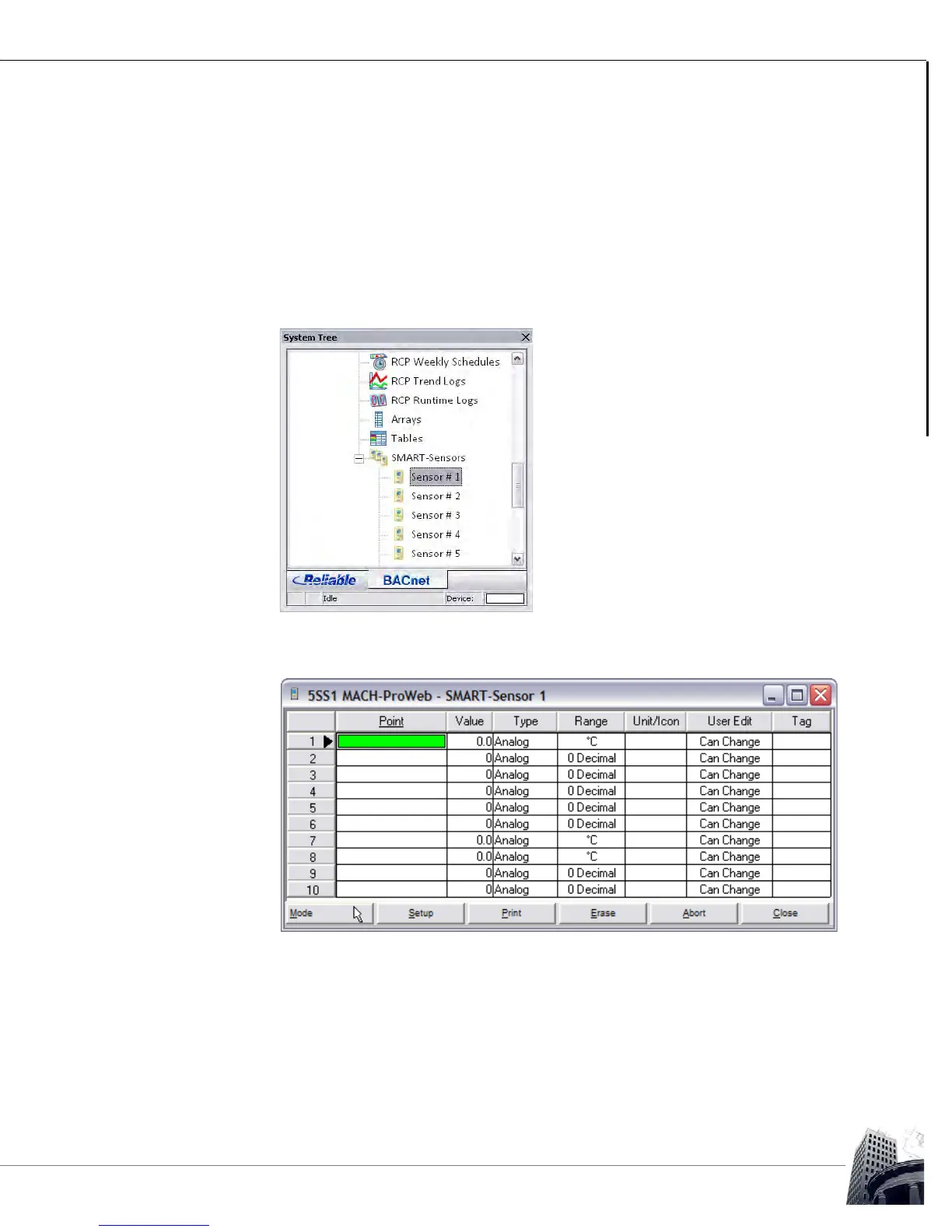
FIGURE 60: SMART-SENSOR 1 WORKSHEET
3
To configure the display of a specific SMART-Sensor
™
LCD, use the SMART-
Sensor worksheet.
To open the worksheet, click the desired sensor from the SMART-Sensors node
in the System Tree.
In Figure 59, Sensor #1 is selected to configure the SS-L at address number 1.
FIGURE 59: SELECT AN SMART-SENSOR WORKSHEET



 To Next Page