Icon Description
Operate
Computer
• Used to operate a computer screen displayed on the screen of the machine.
• This icon appears when an image from any of the external input terminals is
being displayed.
• See page 102 "Using IWB Remote Desktop Software to Perform Operations
on a Computer Screen".
Import and
Save
• Used to load a file.
• Used to save pages.
• Used to send pages by e-mail.
• Used to print pages.
• Used when using a QR code.
• See page 53 "Importing a File".
• See page 49 "Saving Pages".
• See page 59 "Sending Pages by E-mail".
• See page 65 "Printing".
• See page 67 "Linking with a Smart Device".
Close
Used to put the machine into standby mode. You can temporarily save the page
when you put the machine into standby mode.
• See page 52 "Saving Pages Temporarily".
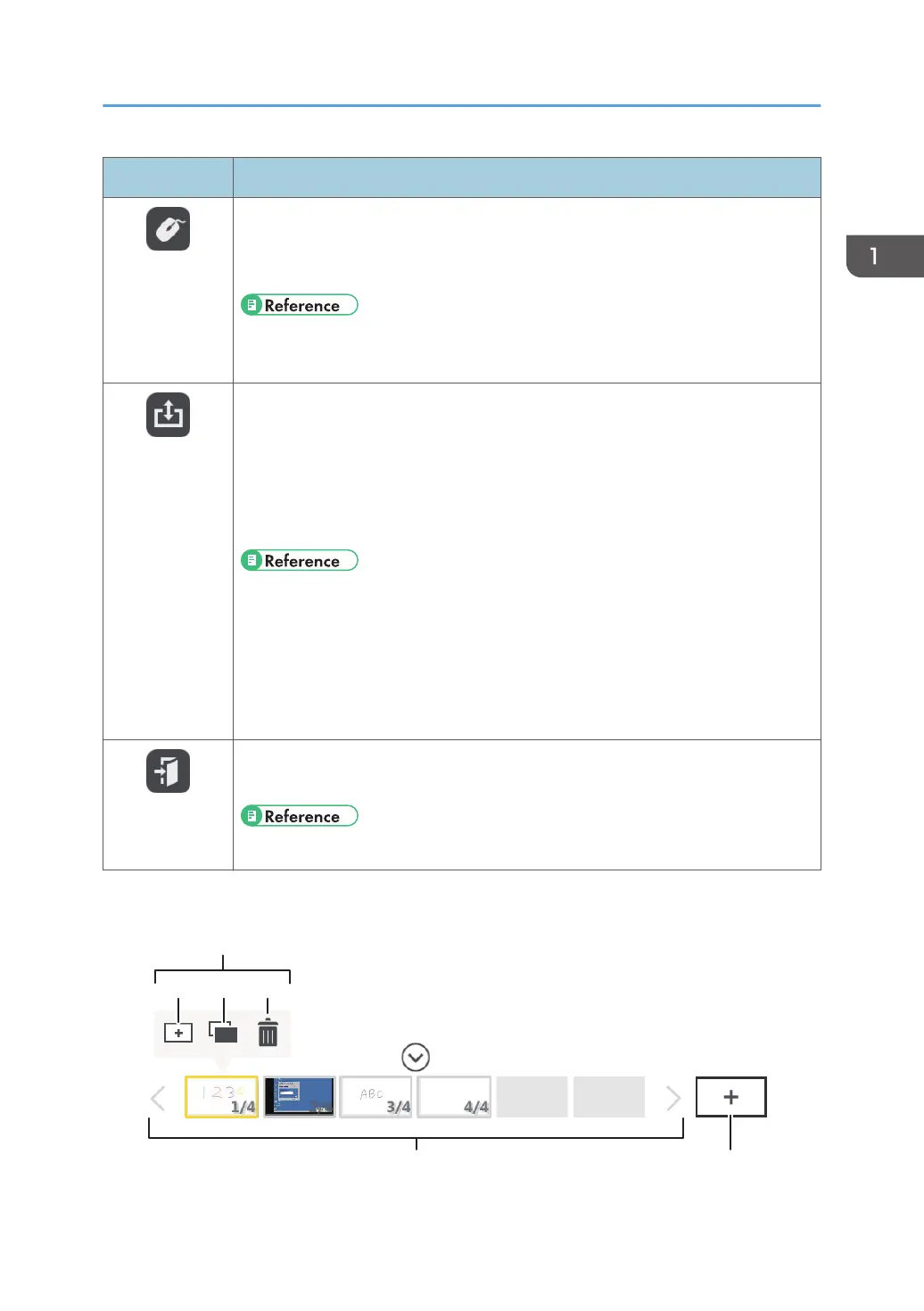
Page operation panel
Icons Displayed on the Interactive Whiteboard
23



 To Next Page