Icon Description
Switch External
Input
• Displays a screen from a connected device in real time. You can switch the
displayed screen by touching the icon.
• This icon appears when an image from any of the external input terminals is
being displayed.
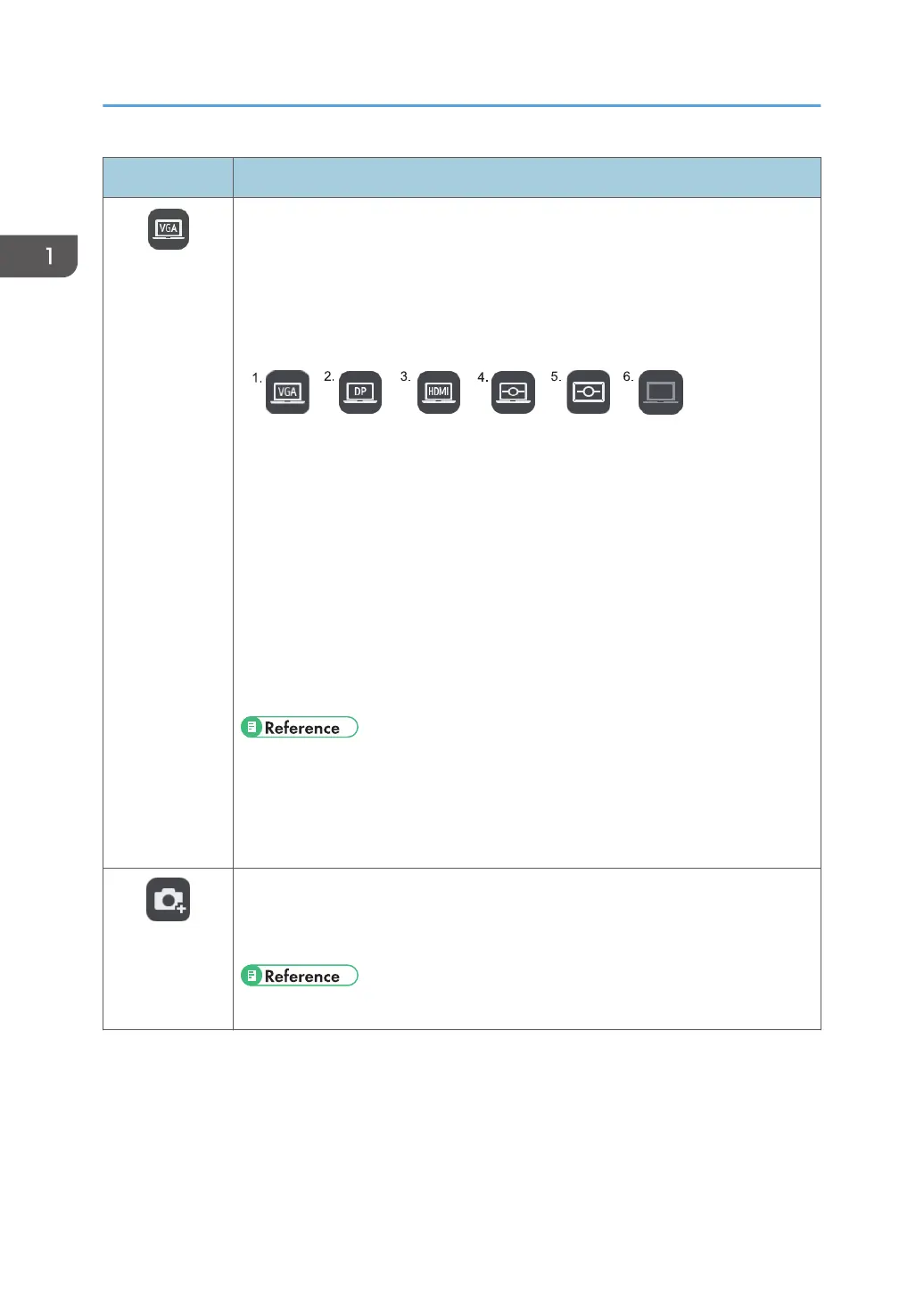
• The available icons are as follows:
1. When the image from the VGA Input is selected
2. When the image from the DisplayPort Input is selected
3. When the image from the HDMI Input is selected
4. When the image of the computer that is connected via Remote Desktop
Software is being displayed
5. When an externally input image of the whiteboard that is shared by remote
whiteboard is being displayed
6. If the handwritten entry is still displayed when the external input is
disconnected
• See page 71 "Connecting a Computer or Tablet to the Machine".
• See page 97 "Using the Machine to Perform Operations on a Computer
Screen".
• See page 105 "Using a Remote Whiteboard to Share the Screen".
Import to Page
• Captures a screen or an image of the connected device.
• This icon appears when an image from any of the external input terminals is
being displayed.
• See page 71 "Connecting a Computer or Tablet to the Machine".
1. Overview
22



 To Next Page