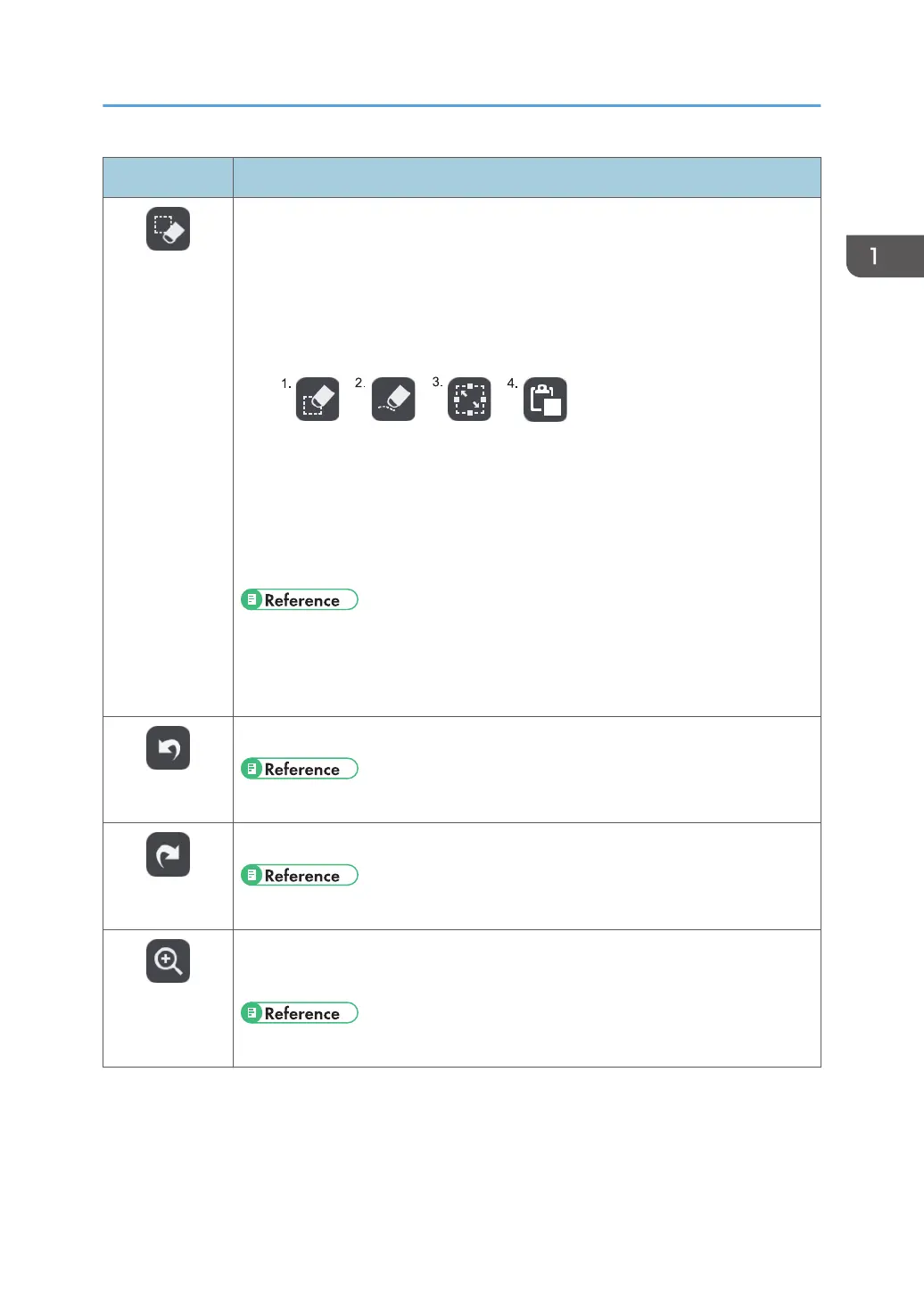
Icon Description
Select and
Delete
• Used to select a stroke, text, figure, or stamp to edit.
• Used to delete a stroke, text, figure, or stamp.
• Used to draw strokes, text, figures, or cut/copy/paste stamps.
• Depending on the function that is selected on the select or delete submenu,
one of the following icons appears:
1. Delete
2. Partially Delete
3. Select
4. Paste
• See page 39 "Enlarging, Reducing, or Moving the Strokes".
• See page 33 "Deleting Strokes".
• See page 40 "Cutting, Copying, or Pasting Strokes".
Undo
Used to undo a drawn, edited, or deleted stroke, text, figure, or stamp.
• See page 45 "Undoing Operations".
Redo
Used to redo the operation that was undone.
• See page 45 "Undoing Operations".
Loupe
• Used to change the display magnification.
• Used to move a displayed area.
• See page 44 "Using the submenu accessed from the Loupe icon".
Icons Displayed on the Interactive Whiteboard
21



 To Next Page