• Microsoft PowerPoint 2000
• Microsoft PowerPoint 97
1. To save pages in a USB flash memory device, insert the flash memory device into the USB
port on the machine.
Insert only one USB flash memory device.
For details about how to connect a USB flash memory device, see page 27 "Inserting a USB Flash
Memory Device".
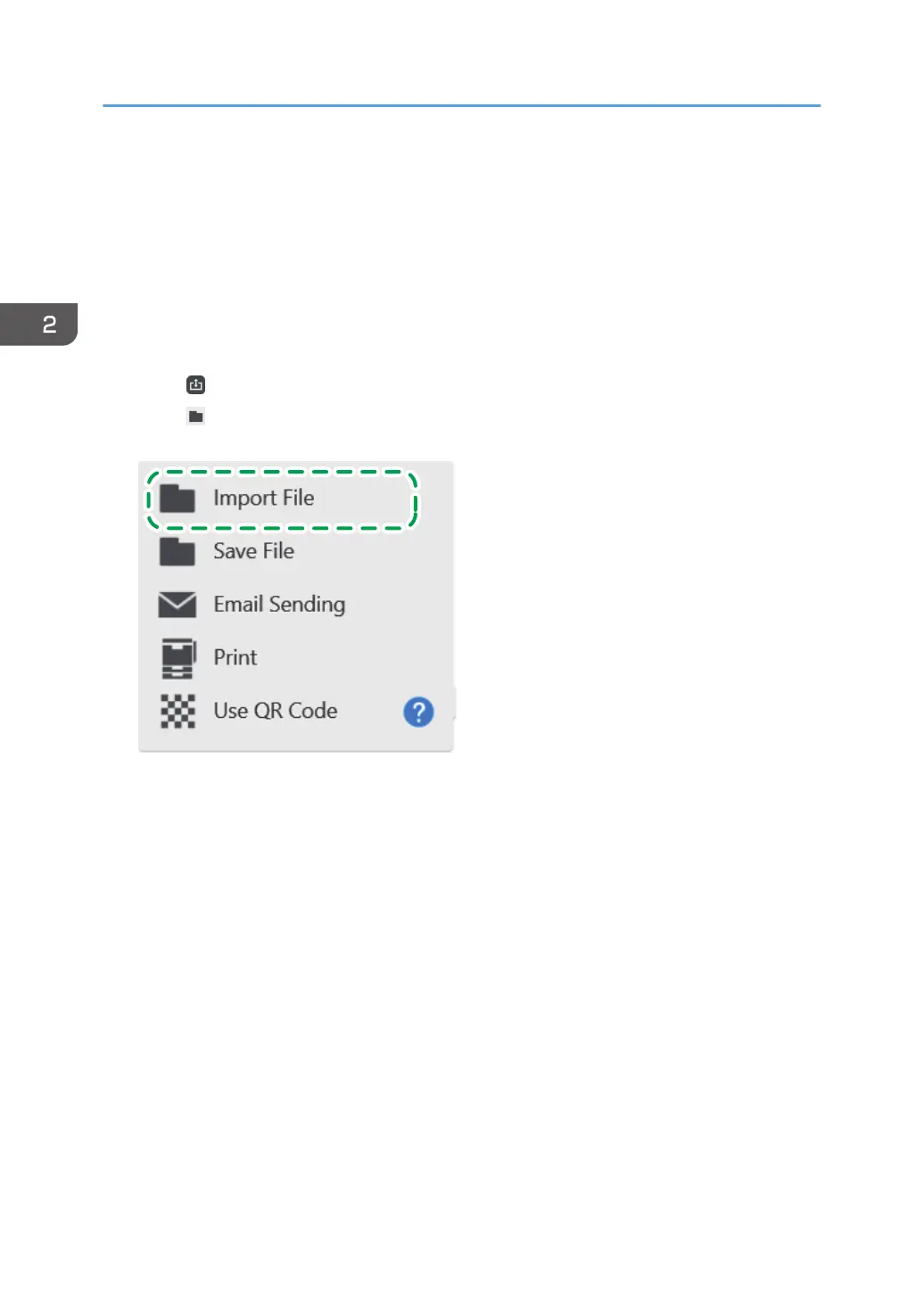
1. Touch
, the Import and Save icon.
2. Touch [Import File].
2. Using a Whiteboard
54



 To Next Page