EasyManua.ls Logo

Risco LightSYS Plus - OPERATING REMOTELY BY SMS; SMS Command Reference

Risco LightSYS Plus
100 pages
Print Icon
To Next Page IconTo Next Page
To Previous Page IconTo Previous Page
Loading...
01/2022
Page 33
5IN2933
Operating Remotely by SMS
You can operate the system remotely by sending SMS commands.
NOTES:
To utilize SMS a GSM module must be installed ask your installer.
Commands entered are not case sensitive (upper and/or lower case are ok).
A separator between command words may be used, or not used.
To receive an acknowledgement reply (an "operation confirmed" or "operation failed"
message), add RP to the end of a command (for example 1234 A RP). This can be used
for: arming, disarming, bypassing, activating output, changing Follow-Me definition.
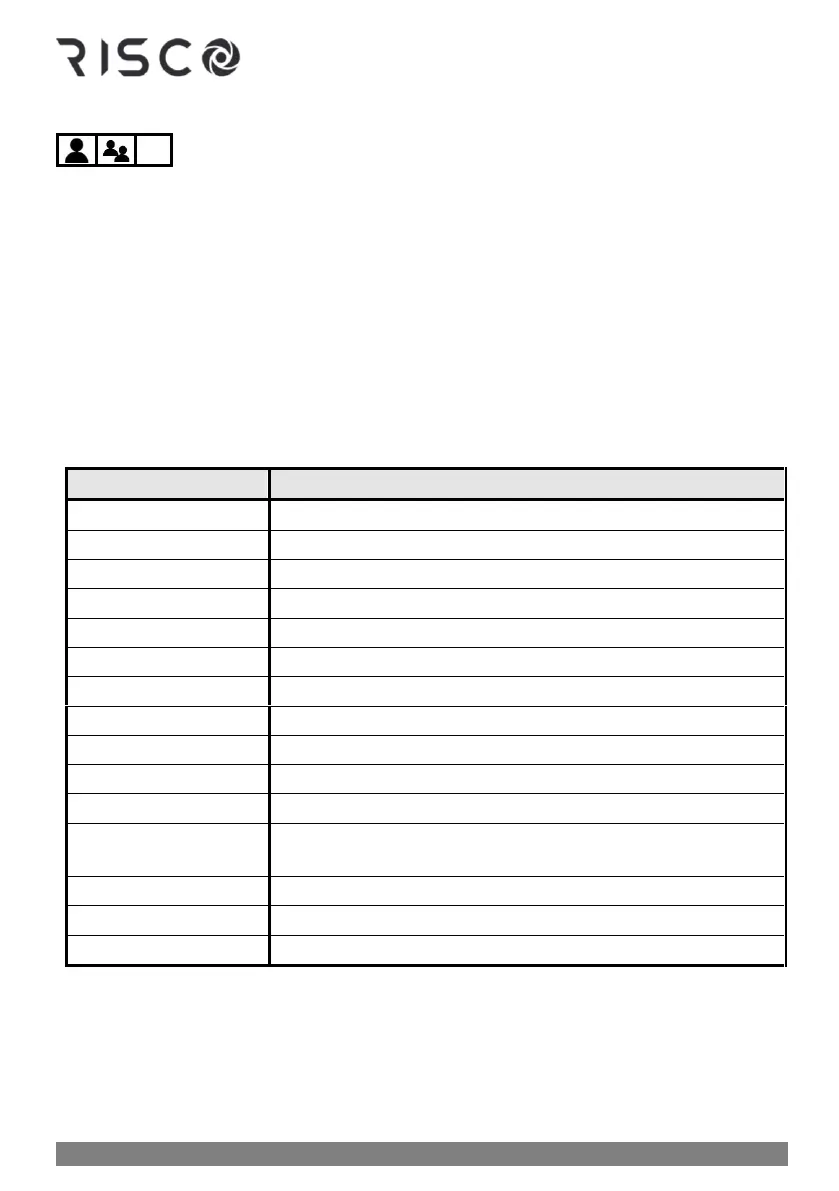
SMS Commands

Command name:
Enter this:
Full arm
code + A (Example: 1234A)
Partial arm
code + H
Group arm
code + G + select group A--D
Full disarm
code + D
Partition full arm
code + A + partition number
Partition partial arm
code + H + partition number
Partition disarm
code + D + partition number
Get system status
code + ST
Bypass zone
code + B + zone number
Un-bypass zone
code + UB + zone number
View last alarm
code + AL
Change FM number
code + FMPHONE + FM serial number + NEW + new phone
number
Activate output
code + UOON + UO number
Deactivate output
code + UOOFF + UO number
Get SIM credit level
code + CR

Table of Contents

Related product manuals