In each partition the zones are assignable to up to 4 groups, enabling 4 levels of partial-
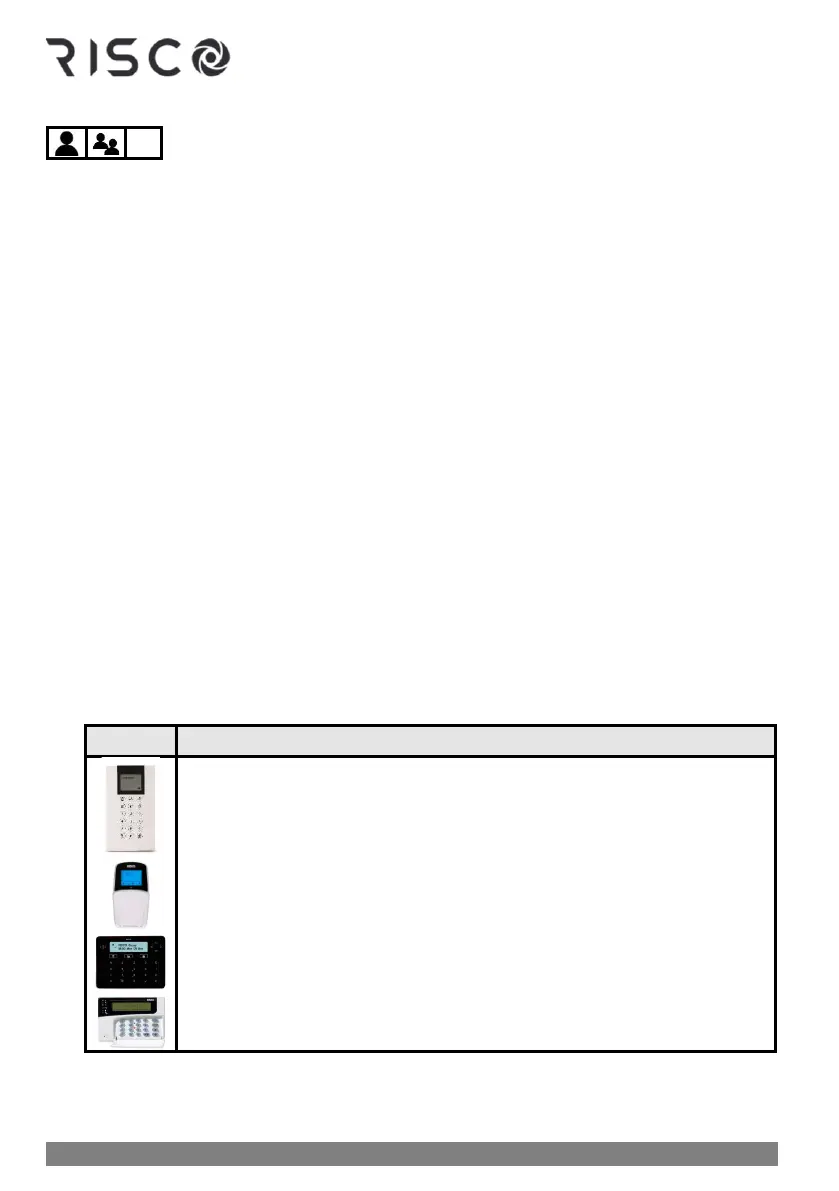
arming in each partition. Group arming can be performed at the following keypads:
• LightSYS LCD keypad
• ProSYS LCD Keypad
• Elegant keypad
• Panda keypad
NOTE: Group arming can require entering the user code or it can be installer-configured to
be "quick armed" (not requiring a user code).
➢ To arm a group:
1. Verify that the areas of the premises to be armed are vacated, and that the system is
ready to be armed (view the READY indicator).
2. If not ready to arm, secure (or bypass) any open zones, see Bypassing Zones (Arming with
Manually-Bypassed Zones), page 56 and also Forced Arming (Arming with Automatically-
Bypassed Zones), page 55.
3. If unable to arm, scroll to view system trouble messages, and resolve accordingly. If
installer-defined, you can arm while overriding all current troubles (see Arming with
System Troubles, page 55).
4. Enter your code (unless installer-configured to not require it), then perform the following
procedure:
❖ If user has permission for 1 partition: Press the group to arm (A, B, C,
or D) key for 2 seconds. To arm another group for this single partition,
repeat this procedure.
❖ If user has permission for multiple partitions: Press the group to arm
(A, B, C, or D) for 2 seconds ➢ enter the partition number (example 03)
➢ press the group again for 2 seconds. To arm another group for this
or another partition, repeat this procedure.
NOTE: If configured for quick arming, press the group letter button for
2 seconds corresponding to the group(s) you want to arm; the selected
groups are armed.



 To Next Page