Manually Operating Utility Outputs
NOTES:
• All UOs are installer-configured
• Proximity and keyfobs/remote controls can be used if installer-configured
Manual UO activation procedure:
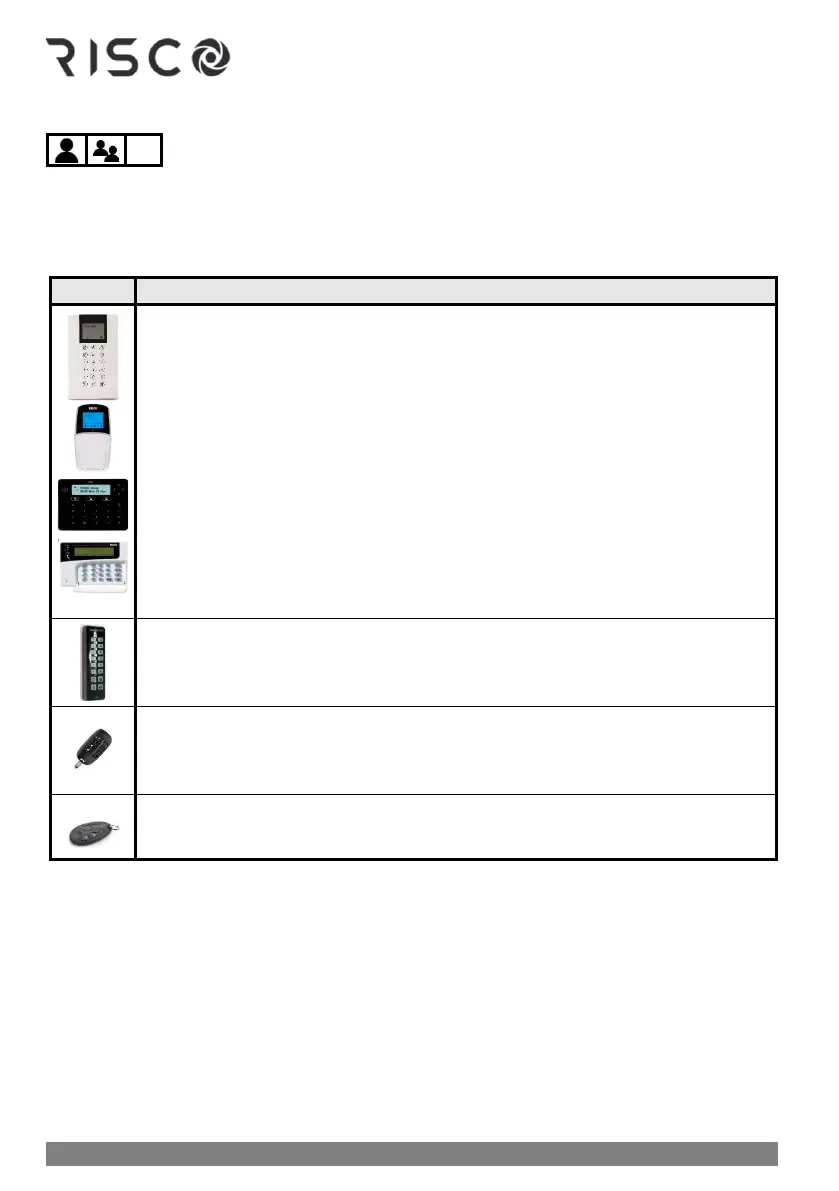
❖ Press Exit button ➢ enter code and press OK ➢ scroll to Activities menu
and press OK ➢ scroll to Output Control and press OK ➢scroll to relevant
UO number and press OK ➢ press OK again to activate (or deactivate) the
utility output.
❖ Proximity activation/deactivation: Place tag to activate the installer-defined
UO. Place tag again to deactivate the UO.
NOTE: Proximity activation/deactivation is enabled only for tags that are
specifically configured to operate a UO. A Tag that is configured to arm/disarm
cannot operate the UO.
❖ Quick mode: Press UO button (1,2, or 3) for 2 seconds
❖ High-Security mode: Press UO button (1,2, or 3) for 2 seconds ➢ enter code
NOTE: You can activate from 1—3 UOs from the Slim keypad.
❖ Quick mode: Press UO button (1, 2, or 3) for 2 seconds
❖ High Security mode: Press UO button (1, 2, or 3) for 2 seconds ➢ enter code
NOTE: You can activate from 1—3 UOs from the 8-button remote control
❖ Press button 3 or 4 (per installer definition)
NOTE: You can activate 1 UO from the 4-button keyfob



 To Next Page