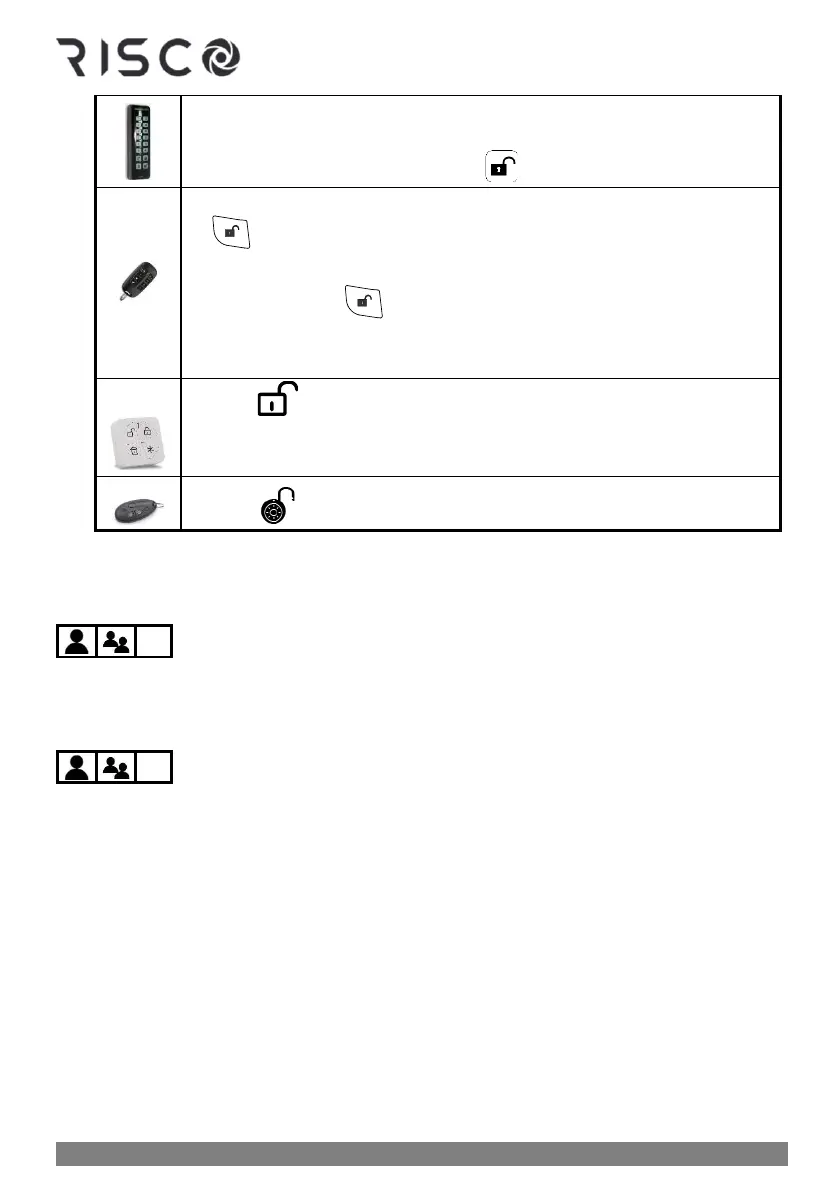
❖ Disarm partition: Enter the 2-digit partition number (example 03)
➢Press disarm button ➢ enter code
❖ Proximity disarm partition: Press ➢ place tag
❖ Disarm a partition: Press button 1,2, or 3 for partition number ➢ press
.
❖ Disarm a partition with PIN: Press button 1,2, or 3 for partition
number ➢ press ➢ enter PIN code
NOTE: You can select only partition 1, 2, or 3 to disarm only that specific
partition. Other partitions cannot be separately disarmed from the keyfob.
See Activating a Duress-Disarming Alarm, page 66.
Disarming with Alarm Activation (Silencing an Alarm)
Depending on the system configuration, alarms will typically sound and have visual
indications at the keypad. If you disarm the system during an alarm activation, it will also
serve to silence the alarm.
CAUTION: Before you disarm with an alarm, ensure that it is a false alarm, or that no
danger will result by silencing the alarm.
Once the cause of the alarm has been determined (and any steps for resolution taken, if
needed), depending on the configuration, the system may require a "Technician Reset" – the
intervention of an installer/technician to reset the system (see Resetting the System with
Installer/Technician Intervention, page 61).
IMPORTANT: If the alarm was triggered by a heat/smoke detector, in addition to the
audible alarm, the fire indicator will display on the keypad indicating the fire system must
first be reset before it can return to normal operation, and before one can re-arm the system
(see Disabling Smoke/Heat Detectors after Alarm Activation, page 62).



 To Next Page