feature provides extra security without the need for the user code, although a unique PIN
code may be used with an 8-button remote control.
Disarming All Partitions
You can disarm all fully-armed or partly-armed partitions at the same time (per your user
authority level – "all" refers to the maximum partitions a user's authority level enables
him/her to operate) – which may not necessarily be all the partitions in the system.
➢ To disarm all partitions:
1. If outside the premises, open a designated "entry" door. The keypad beeps, indicating
that the entry delay time period has started.
2. Before the end of the entry delay time period, perform the following procedure:
NOTES:
• If you enter your code incorrectly, three short beeps will sound.
Re-enter the code.
• Upon disarming, a confirmation beep or squawk may sound.
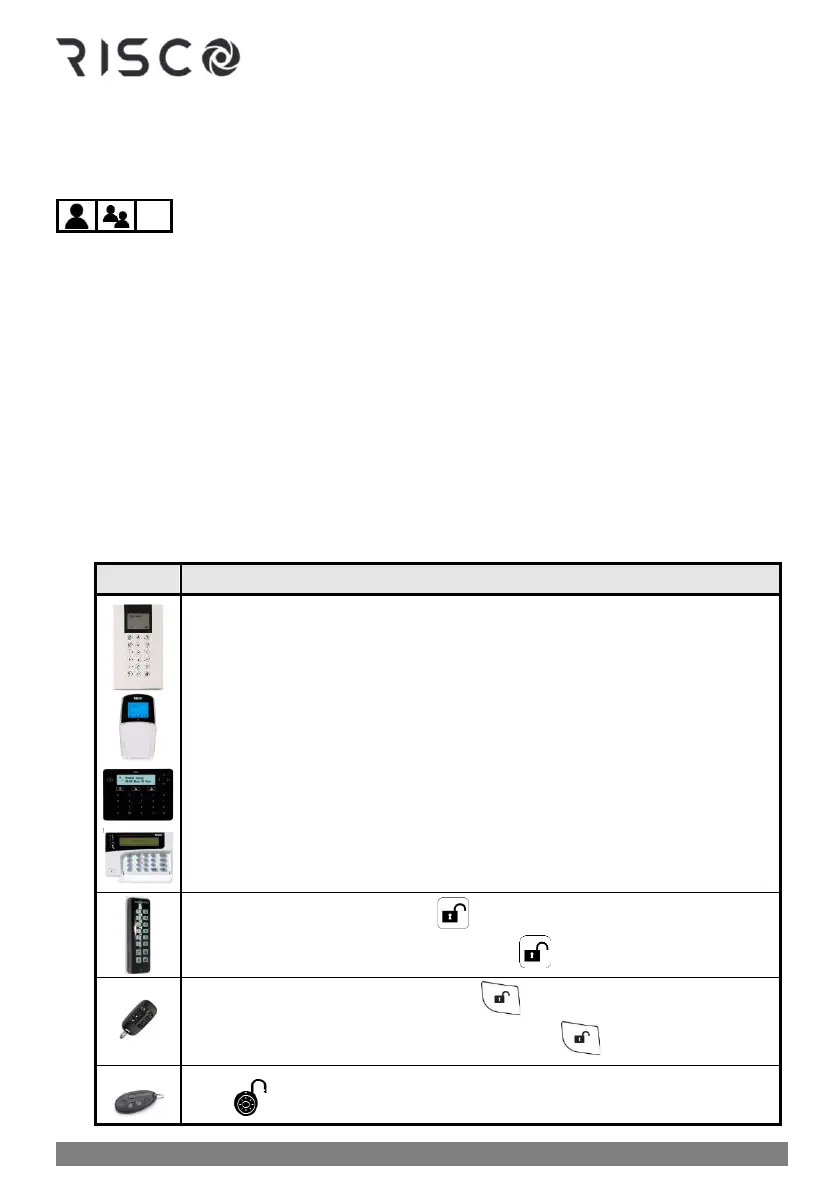
Do this to disarm ALL partitions:
❖ Disarm all partitions: Enter code ➢ press disarm button ➢ if only 1
partition, it is now disarmed. For all partitions, at the "All?" prompt
press disarm button again.
❖ Proximity disarm: Place tag ➢ press disarm button
❖ Disarm all partitions: Press ➢ enter code
❖ Proximity disarm all partitions: Press ➢place tag
❖ Fully disarm all partitions: Press .
❖ Fully disarm all partitions with PIN: Press ➢ enter PIN code



 To Next Page