Status indications received:
Partition status (R=ready/NR=not ready).
Partition status (R=ready/NR=not ready).
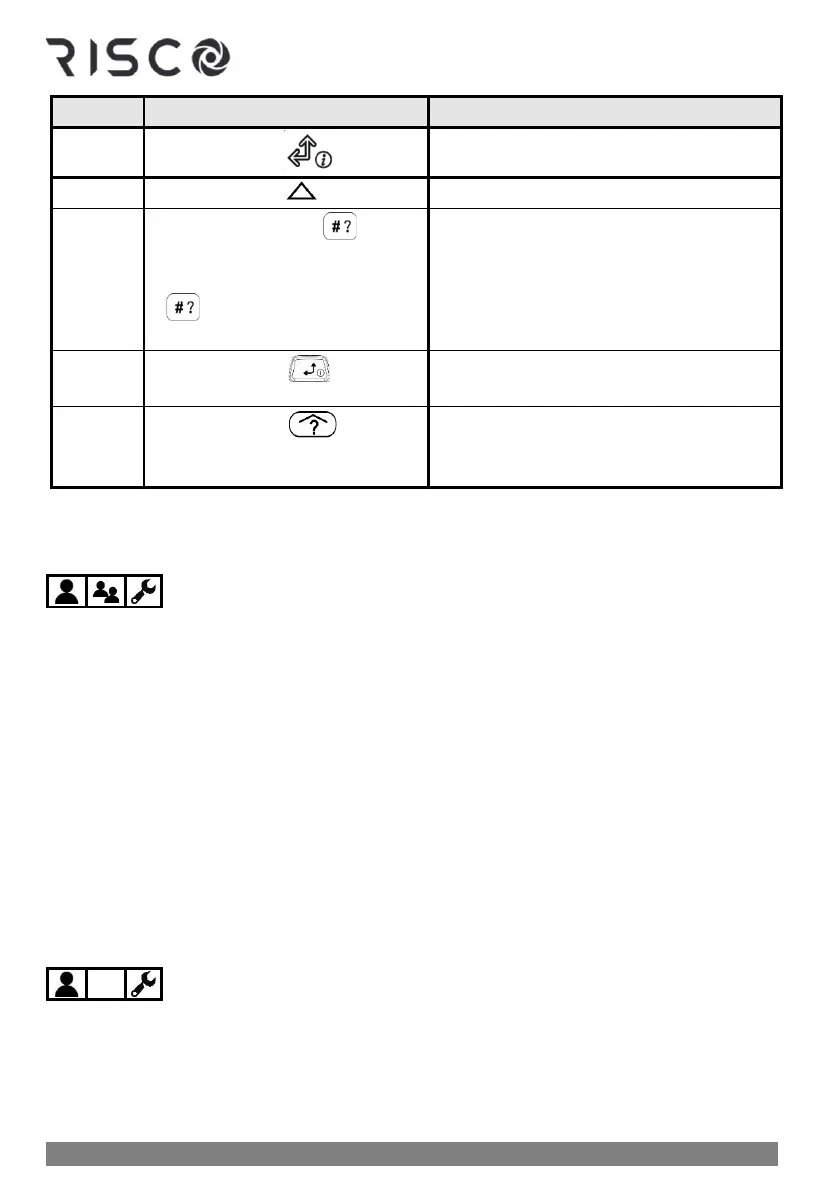
• Quick mode: Press for 2
seconds
• High Security mode: Press
for 2 seconds ➢ enter code
or use Proximity tag
• LED indications from the keypad (see
Slim Keypad Indicators, page 87)
• Sound (beeps) from keypad (see "Beep"
and "Squawk" Sound Indicators, page 85).
Partition status (R=ready, NR=not ready).
Partition status (R=ready, NR=not ready).
Obtaining System Information – Requested from, and Viewed at
Keypads
The following system information is viewed only – on keypad displays (not relevant for the
Slim keypad):
• Event Log
• Alarm Memory
• System Troubles
• Zone Status
• Partition Status
• IP Address
NOTE: For Slim keypads, see Slim Keypad Indicators, page 87 for a description of the system
information provided by the keypad's LED indicators.
Viewing the Event Log
View all types of system events, are stored in chronological order. The event log holds up to
2000 events.
NOTE: The event memory cannot be completely erased. When the event log exceeds the
maximum (2000) events, the oldest events will be over-written by the newest events.



 To Next Page