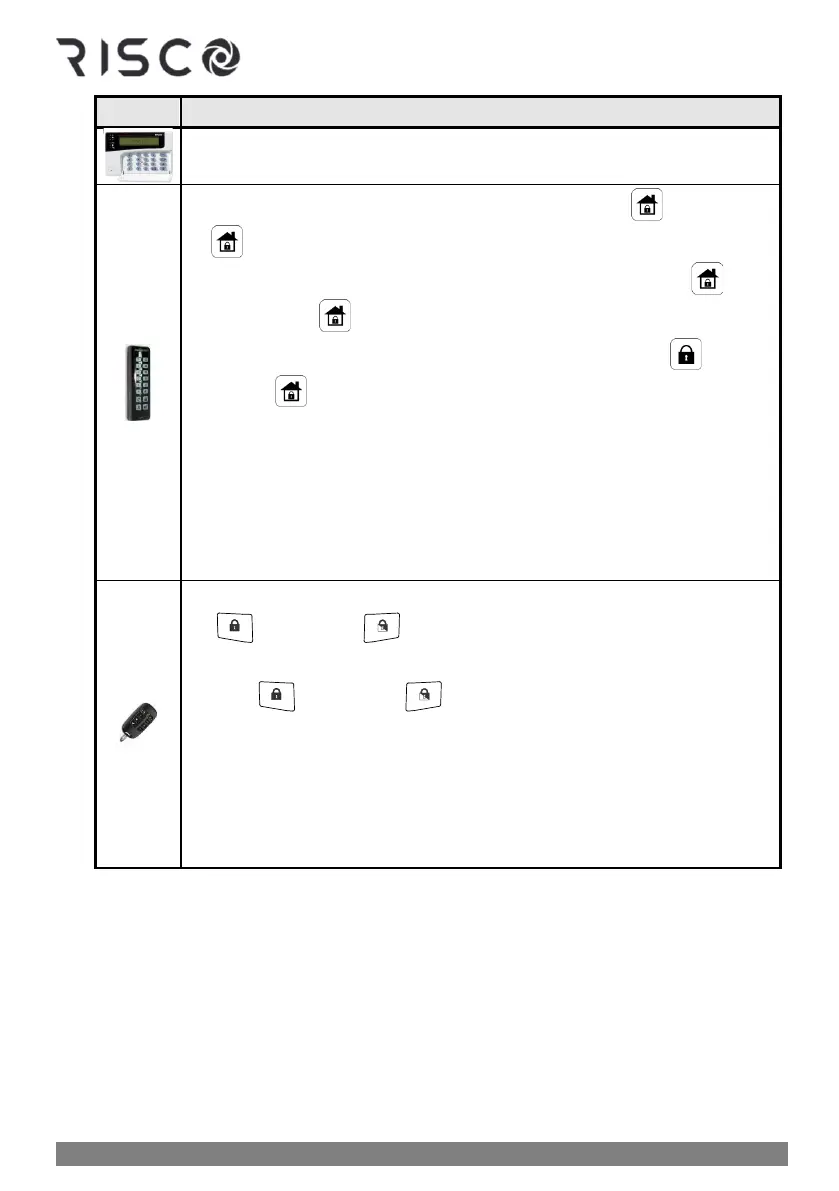
Do this to arm an INDIVIDUAL partition:
NOTE: The number of partitions (32 maximum) that can be armed using a
Proximity tag is installer-configured per user.
❖ Quick mode: Press partition number (1—3) ➢ press (full-arm) or
(partial-arm).
❖ High security mode: Press partition number (1—3) ➢ press
(full-arm) or (partial-arm). ➢ enter code
❖ Proximity arming: Press partition number (1—3) ➢ press (full-
arm) or (partial-arm) ➢ place tag at keypad
NOTES:
• The number of partitions (32 maximum) that can be armed using a
Proximity tag is installer-configured per user.
• You can select only partition 1, 2 or 3 to disarm only that specific
partition. Other partitions cannot be separately disarmed from the
keypad.
❖ Quick mode: Press button 1, 2, or 3 for partition number ➢ press
(full-arm) or (partial-arm).
❖ High Security mode: Press button 1, 2, or 3 for partition number ➢
press (full-arm) or (partial-arm) ➢ enter PIN code.
NOTES:
• The 8-button remote control can arm up to 32 partitions
• You can select only partition 1, 2 or 3 to disarm only that specific
partition. Other partitions cannot be separately disarmed from the
keyfob.



 To Next Page