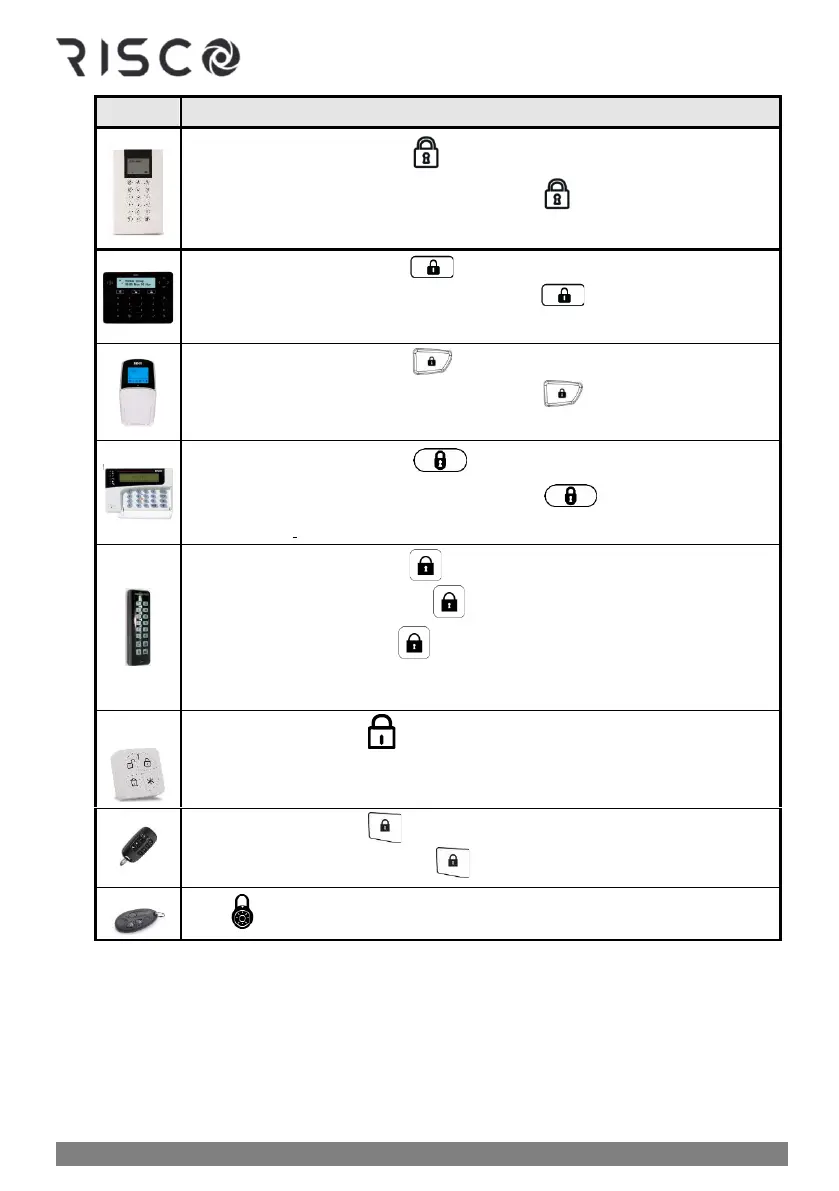
❖ Quick Arm mode: Press
❖ High Security mode: Enter code ➢ press
❖ Proximity mode: Place Proximity tag
❖ Quick Arm mode: Press
❖ High Security mode: Enter code ➢ press
❖ Proximity mode: Place Proximity tag
❖ Quick Arm mode: Press
❖ High Security mode: Enter code ➢ press
❖ Proximity mode: Place Proximity tag
❖ Quick Arm mode: Press
❖ High Security mode: Enter code ➢ press
❖ Proximity mode: Place Proximity tag
❖ Quick Arm mode: Press .
❖ High security mode: Press ➢ enter code
❖ Proximity mode: Press ➢ place Proximity tag
NOTE: If needed, press * to "wake-up" the Slim keypad
❖ Quick mode: Press .
❖ High Security mode: Press ➢ enter PIN code (not user code)



 To Next Page