Installing the AP
Step 1: Preconfiguring the AP
Ruckus Wireless Indoor AP 100.2.0 User Guide, 800-70892-001 Rev A 89
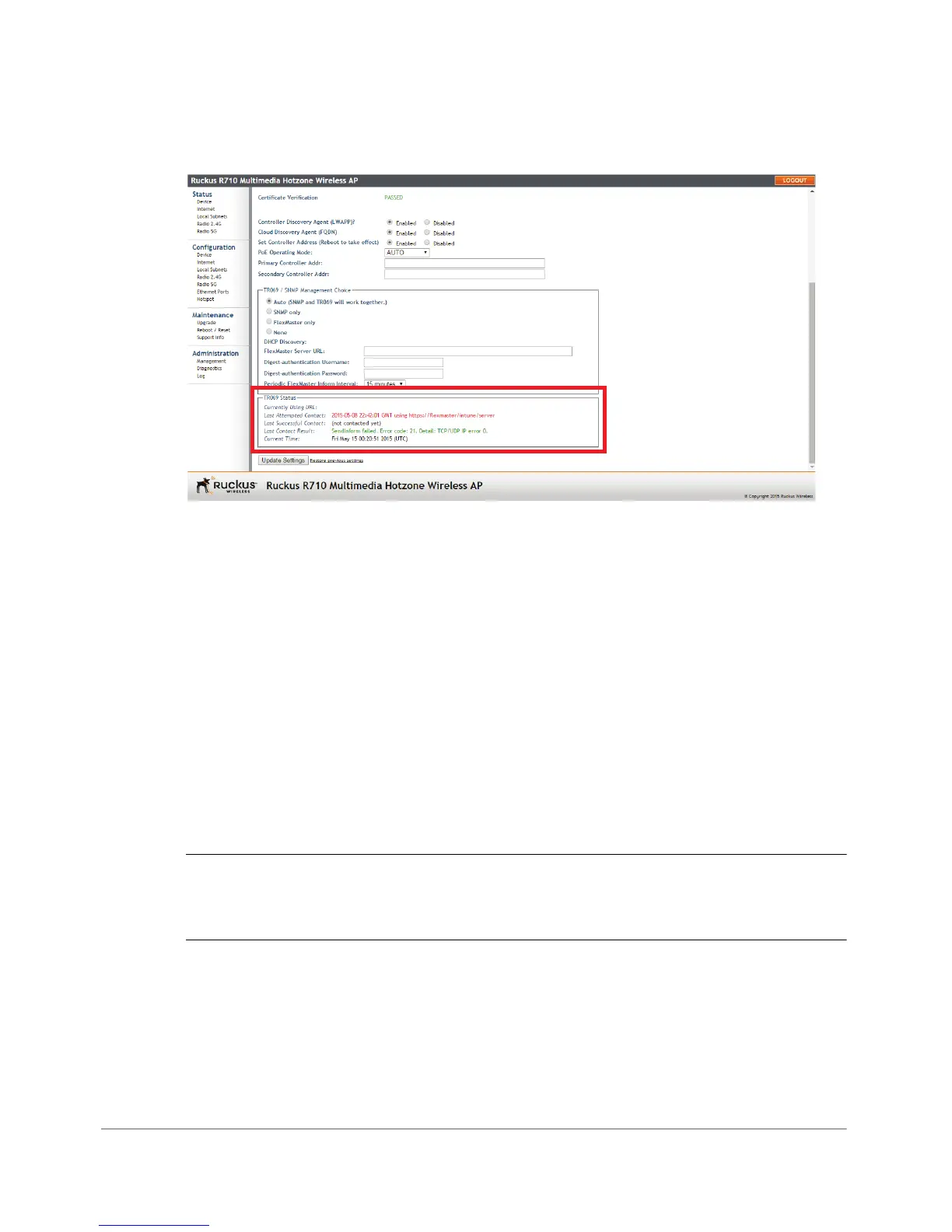
Figure 41. Type the FlexMaster server URL
3 Verify that the Auto option is selected.
4 In FlexMaster Server URL, type the URL of the FlexMaster server on the network.
You can use either http or https to connect to the URL and include either the
host name or IP address of the FlexMaster server in the URL. The following are
examples of valid FlexMaster server URLs:
http://flexmaster/intune/server
https://flexmaster/intune/server
http://192.168.20.1/intune/server
https://192.168.20.1/intune/server
5 Click Update Settings to save your changes.
You have completed setting the FlexMaster server address on the AP.
NOTE Instructions on how to verify that the AP and FlexMaster can communicate
with each other are provided in Checking the TR069 Status (FlexMaster
Management Only).












 To Next Page