Web-based Configuration Guide Network Settings
129
Caution
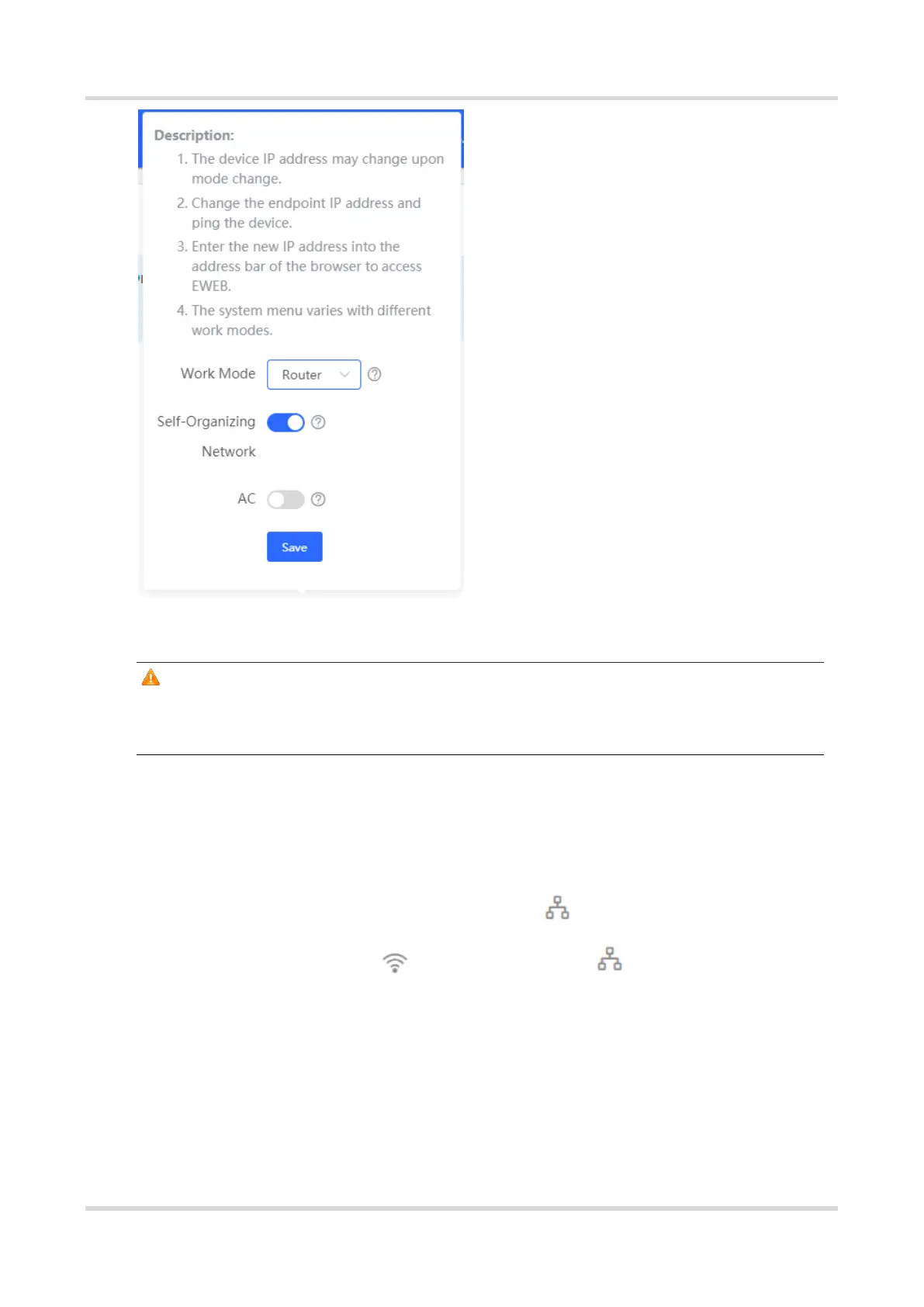
After the self-organizing network discovery is enabled, you can check the role of the
device in self-organizing network mode.
4.1.4 Viewing Device Role
For RG-RAP2260(G), RG-RAP2260(E), RG-RAP6260(G), RG-RAP6262(G), RG-RAP2260(H), RG-
RAP6260(H), RG-RAP6260(H)-D, RG-RAP2266, RG-RAP2260, RG-RAP1261, RG-RAP1260 and
RG-RAP6262 models: In Local Device mode, choose Overview > Device Details
For other RAP models: Choose ( WLAN > APs > Manage) Overview > Device
Details
()If the self-organizing network is enabled, you can view the device role on the Device
Details page.
Master AP/AC: The device can manage downlink devices.
Slave AP/Device: The device has been managed by an AC. The slave Aps are managed by
the master AP/AC in a unified manner. Some wireless network settings cannot be edited



 To Next Page
 Loading...