Web-based Configuration Guide Wi-Fi Network Settings
50
3.7 Configuring Wi-Fi 6
Caution
The function takes effect only on APs supporting the IEEE 802.11ax protocol. In addition,
access clients must support IEEE 802.11ax so that clients can enjoy high-speed Internet
access experience brought by Wi-Fi 6. If clients do not support Wi-Fi 6, you can disable
this function.
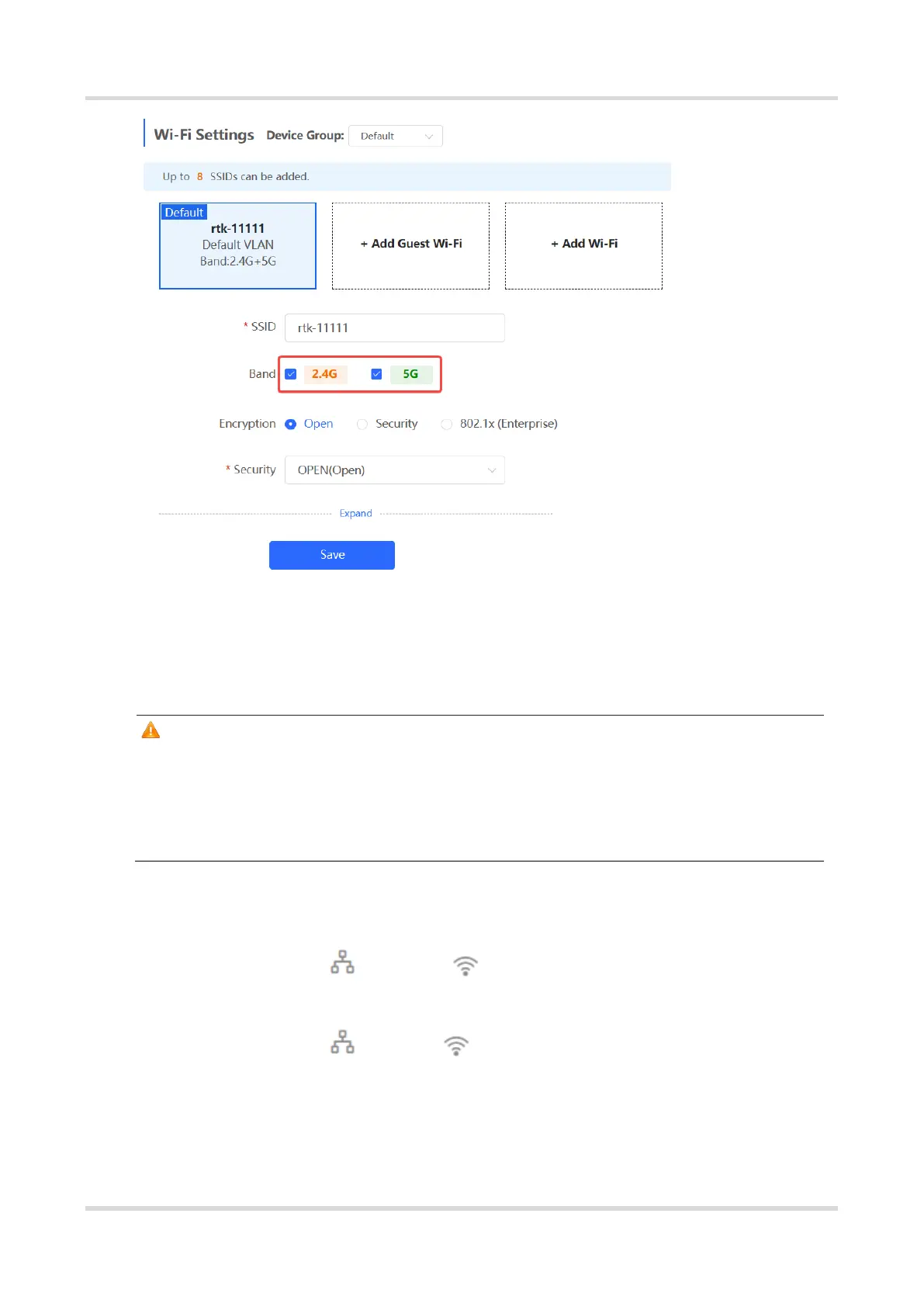
(1) Go to the page for configuration.
Method 1: Choose Network ( WLAN) > Wi-Fi > Wi-Fi Settings. Select the
target Wi-Fi.
Method 2: Choose Network ( WLAN) > Wi-Fi > Wi-Fi List. Select the target
Wi-Fi in the list and click Edit in the action column.
(2) Click Expand, turn on Wi-Fi6 in the expanded settings, and click Save. After this
function is enabled, wireless clients can enjoy faster Internet access service.



 To Next Page
 Loading...