Web-based Configuration Guide System Settings
192
Rebooting the device affects the network. Therefore, exercise caution when
performing this operation.
5.7.1 Rebooting the Current Device
For RG-RAP2260(G), RG-RAP2260(E), RG-RAP6260(G), RG-RAP6262(G), RG-RAP2260(H), RG-
RAP6260(H), RG-RAP6260(H)-D, RG-RAP2266, RG-RAP2260, RG-RAP1261, RG-RAP1260 and
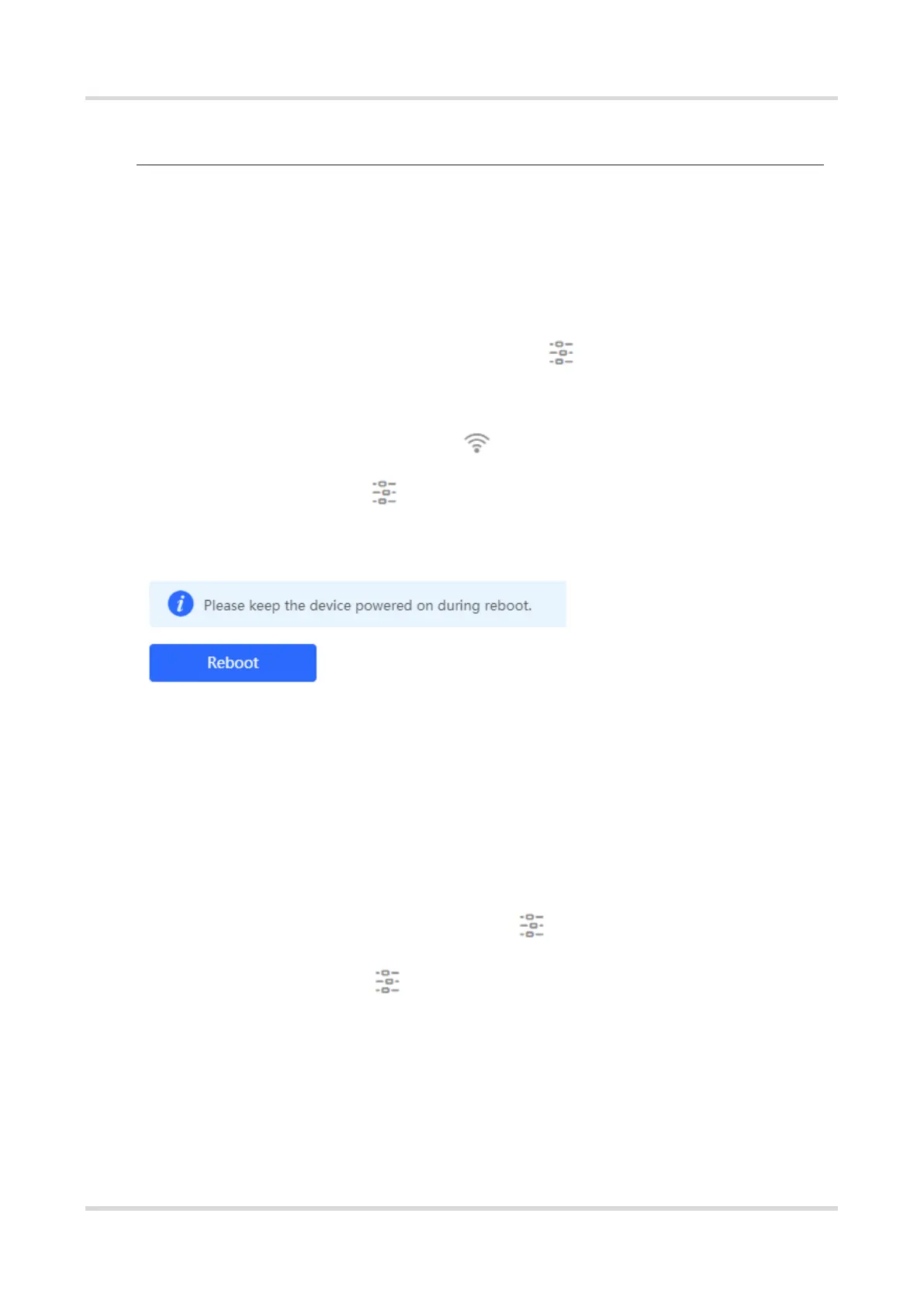
RG-RAP6262 models: In Local Device mode, choose System > Reboot > Reboot
For other RAP models:
In self-organizing network mode: Choose WLAN > APs > Reboot
In standalone mode: Choose System > Reboot > Reboot
Click Reboot. The device will restart.
5.7.2 Rebooting All Devices in the Network
In self-organizing network mode, you can reboot all devices in the network in batches.
For RG-RAP2260(G), RG-RAP2260(E), RG-RAP6260(G), RG-RAP6262(G), RG-RAP2260(H), RG-
RAP6260(H), RG-RAP6260(H)-D, RG-RAP2266, RG-RAP2260, RG-RAP1261, RG-RAP1260 and
RG-RAP6262 models: In Network mode, choose System > Reboot > Reboot
For other RAP models: Choose Network > Reboot & Reset > Reboot
Click Reboot, select All Devices, and click Reboot All Device to reboot all devices in the
current network.



 To Next Page
 Loading...