Web-based Configuration Guide Wi-Fi Network Settings
51
3.8 Configuring Layer-3 Roaming
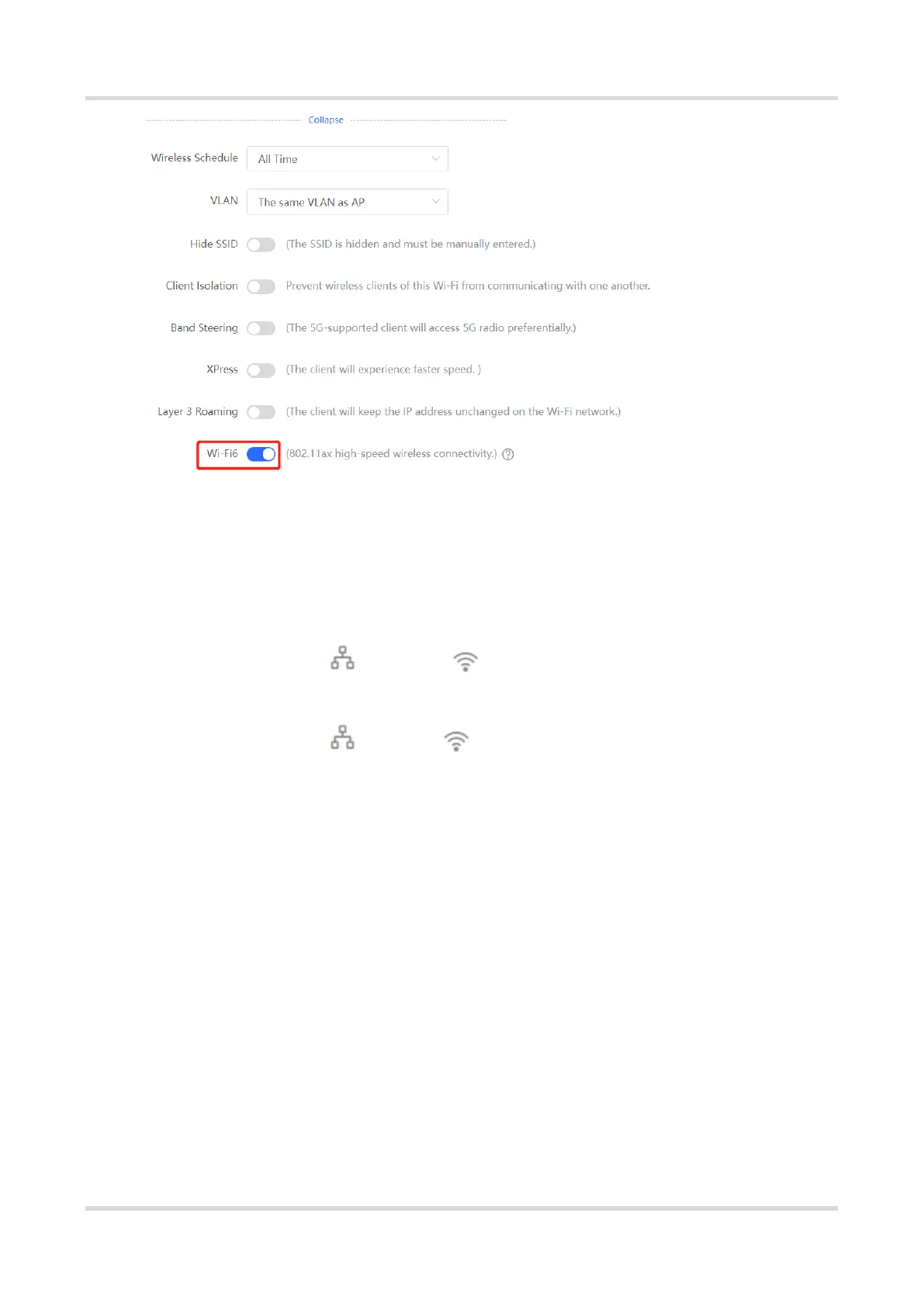
(1) Go to the page for configuration.
Method 1: Choose Network ( WLAN) > Wi-Fi > Wi-Fi Settings. Select the
target Wi-Fi.
Method 2: Choose Network ( WLAN) > Wi-Fi > Wi-Fi List. Select the target
Wi-Fi in the list and click Edit in the action column.
(2) Click Expand, turn on Layer 3 Roaming in the expanded settings and click Save. The
client will keep the IP address unchanged in this Wi-Fi network, improving roaming
experience across VLANs.



 To Next Page
 Loading...