Web-based Configuration Guide Wi-Fi Network Settings
76
3.15.13 Configuring Wi-Fi Roaming Optimization (802.11k/v)
Caution
This function is not supported by RG-RAP1200(F) and RG-RAP2200(F).
For RG-RAP2260(G), RG-RAP2260(E), RG-RAP6260(G), RG-RAP6262(G), RG-RAP2260(H), RG-
RAP6260(H), RG-RAP6260(H)-D, RG-RAP2266, RG-RAP2260, RG-RAP1261, RG-RAP1260 and
RG-RAP6262 models: In Network mode, choose Network > WIO > Wi-Fi Roaming
Optimization (802.11k/v).
For the other RAP models: Choose WLAN > WIO > Wi-Fi Roaming Optimization
(802.11k/v).
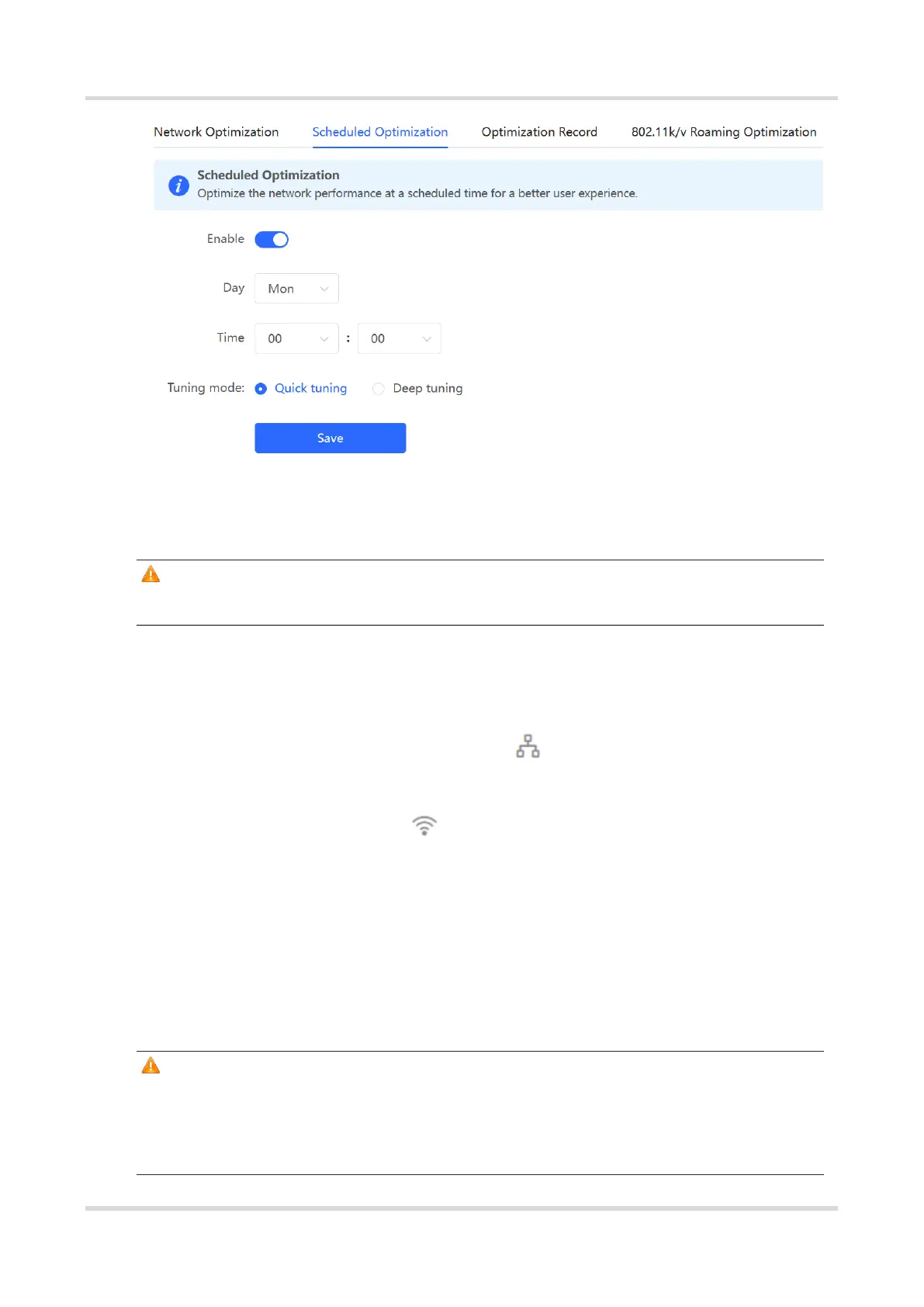
Choose the optimization mode. Click Enable and the Wi-Fi roaming is further optimized
through the 802.11k/v protocol. Smart clients compliant with 802.11k/v can switch to the
APs with better signal and faster speed during the roaming process, ensuring high-speed
wireless connectivity. To ensure smart roaming effect, the WLAN environment will be auto
scanned when Wi-Fi roaming optimization is first enabled.
Caution
WIO is supported only in the self-organizing network mode.
During the WLAN environment scanning, the APs will switch channels, forcing the
clients to go offline. The process will last for 2 minutes.



 To Next Page
 Loading...