92 Programming SATEL
You can program the messaging:
• using the keypad, in the service mode, by means of the functions available in the
submenu,
– VOICE MESSAGING (voice messaging and PAGER messaging),
– SMS MESSAGING (SMS messaging using the GSM module),
– E-MAIL MESSAG. (e-mail messaging).
You cannot use the keypad to configure the settings of SMS messaging via the
INT-GSM module.
• using the DLOADX program:
– in the “Messaging” window (voice, PAGER and SMS messaging via the GSM module),
– in the “Structure” window, “Hardware” tab, when configuring the module INT-GSM
settings (SMS messaging via the INT-GSM module),
– in the “E-mail messaging” window (e-mail messaging).
For the messaging function to work properly, some system options may have to be enabled.
11.1 Voice / PAGER messaging parameters and options
See also section “Telephone options” p. 68.
Shown in square brackets are the names used in keypads.
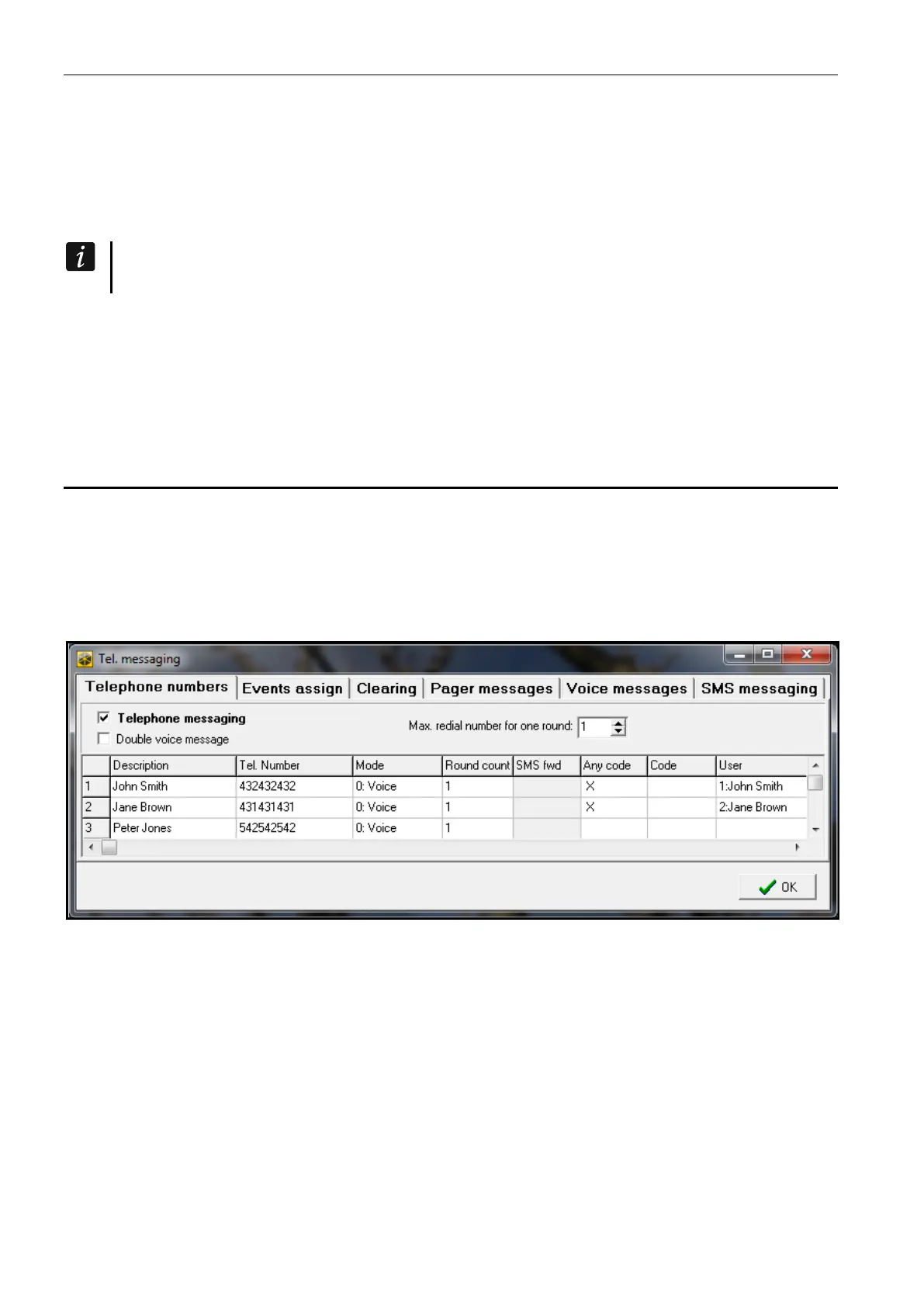
Max. redial number for one round [Repetition cnt.] – the number of attempts to get through
after which the control panel will give up messaging for the current round, if it fails to
establish connection (the number is busy).
Fig. 12. Example of messaging settings in the DLOADX program.
11.1.1 Telephone numbers
Description – telephone name or description (up to 16 characters).
Tel. number – the telephone number to which messaging is effected.
Mode – selection of the messaging type for the given telephone number (0 – voice; 1 –
PAGER type 1; 2 – PAGER type 2; 3 – PAGER type 3).
Round count – the number of attempts made by the control panel to notify the selected
telephone number about the event, if the message reception has not been acknowledged.
If the value 0 is entered, messaging for the indicated telephone number will be disabled.
Any code – with this option enabled, it is possible to acknowledge the voice message
reception from the telephone keypad, using any sequence of 4 digits.












 To Next Page