SATEL INTEGRA Plus 81
7.1.4 User functions definition
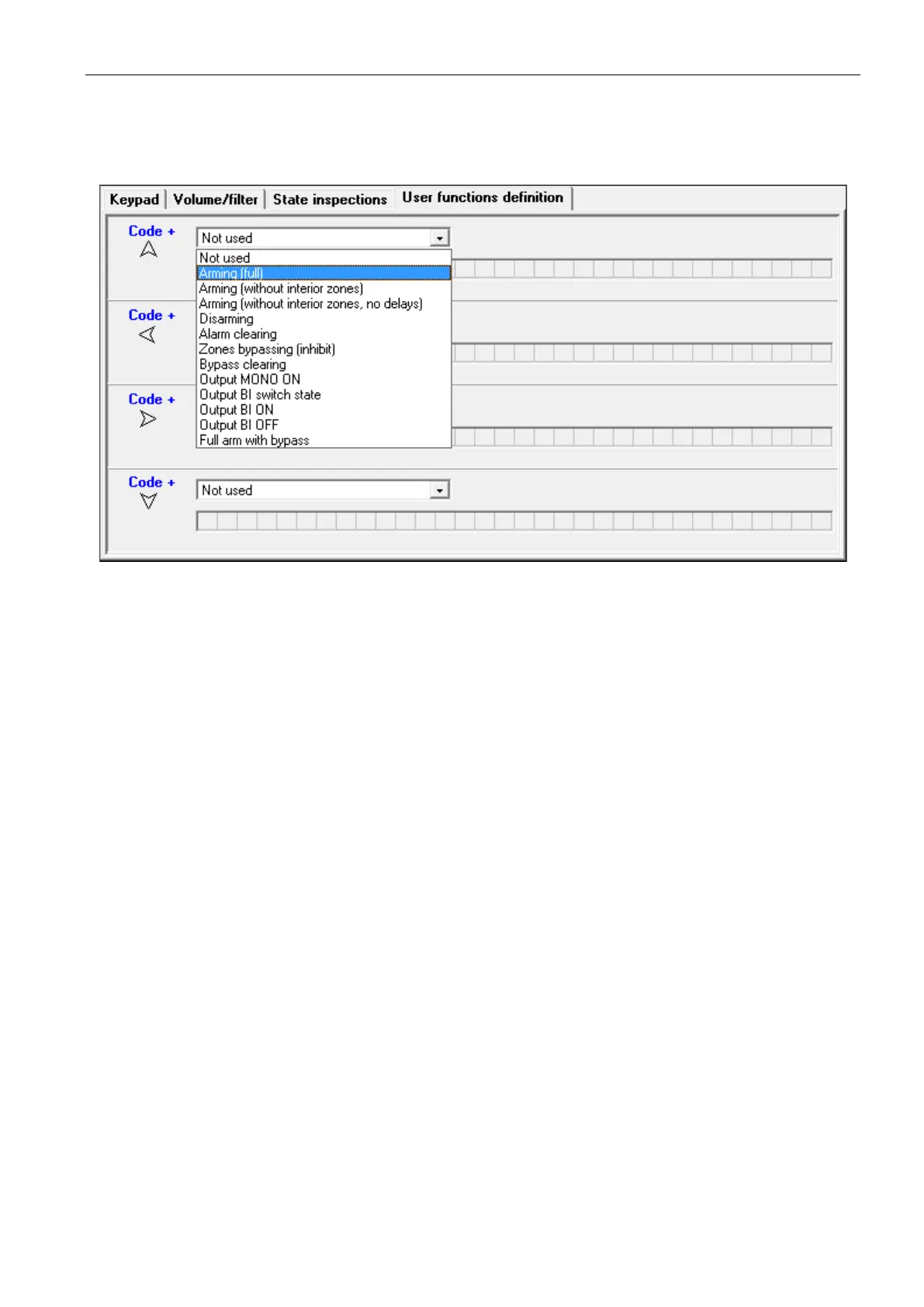
Code+arrows – you can define which functions will be started on entering the code and
pressing the selected arrow key.
Fig. 10. “User functions definition” tab for keypad in the DLOADX program.
7.1.5 Proximity cards
Proximity card handling parameters are available for the keypads provided with proximity
card readers (INT-KLCDR and INT-KLFR).
Card function
Card read [Card close] – you can select the function executed after presenting the card.
Card holddown [Card close long] – you can select the function executed after holding the
card.
Door [Door to open] – if presenting the card or holding it is to open a door, you must indicate
the door supervised by the access control module or the 101. CARD READ – EXPANDER type
output.
Wrong card
Signal on wrong card [Unkn.card sig.] – if this option is enabled, reading in an unknown
card will be signaled by two long beeps.
Event after 3 readings [Ev.3 unk.cards] – if this option is enabled, reading in an unknown
card three times will save the event.
Alarm after 3 readings [Al.3 unk.cards] – if this option is enabled, reading in an unknown
card three times will trigger an alarm. The option is available, if the EVENT AFTER 3
READINGS
option is enabled.
Code+card
Code OR card – the user can use code or card for authentication.
Code AND card – the user must use code and card for authentication.
Follow output – the authentication method depends on the status of selected output (the
output active – code and card; the output inactive – code or card).












 To Next Page