100
General section (BASIS and PREMIUM)
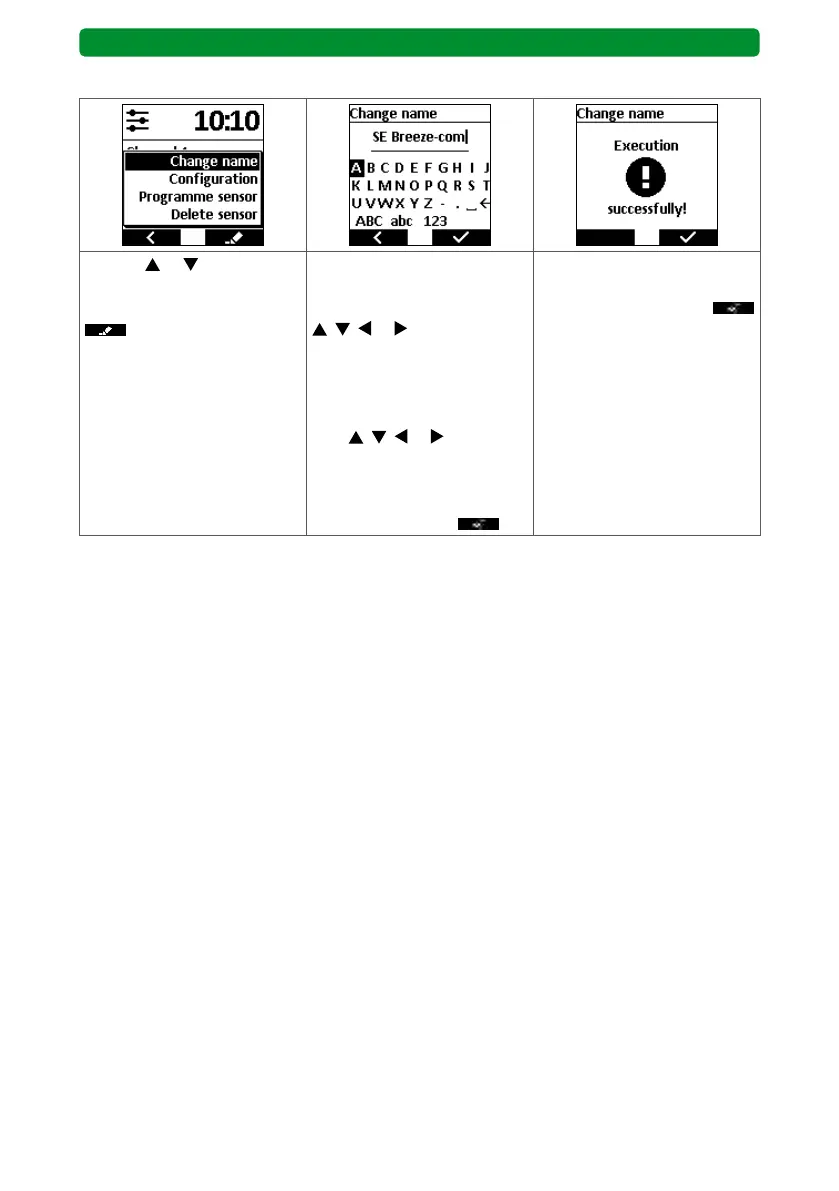
13.9.1. Menu item “Change name”
Use the or buttons to
select “Change name”, then
press the right display button
.
The cursor flashes behind the
last letter in the name. Select
the arrow button “←” using
, , or . Press the STOP
button several times and
delete the old name. Select
the individual letters of the
new name one after another
with
, , or , and con-
firm individually with the
STOP button. Confirm the
new name by pressing the
right display button
.
The commeo Multi Send con-
firms the new name. Press
the right display button
to return to the SELECT
menu.



 To Next Page