156
PREMIUM version
17.10.4. Language
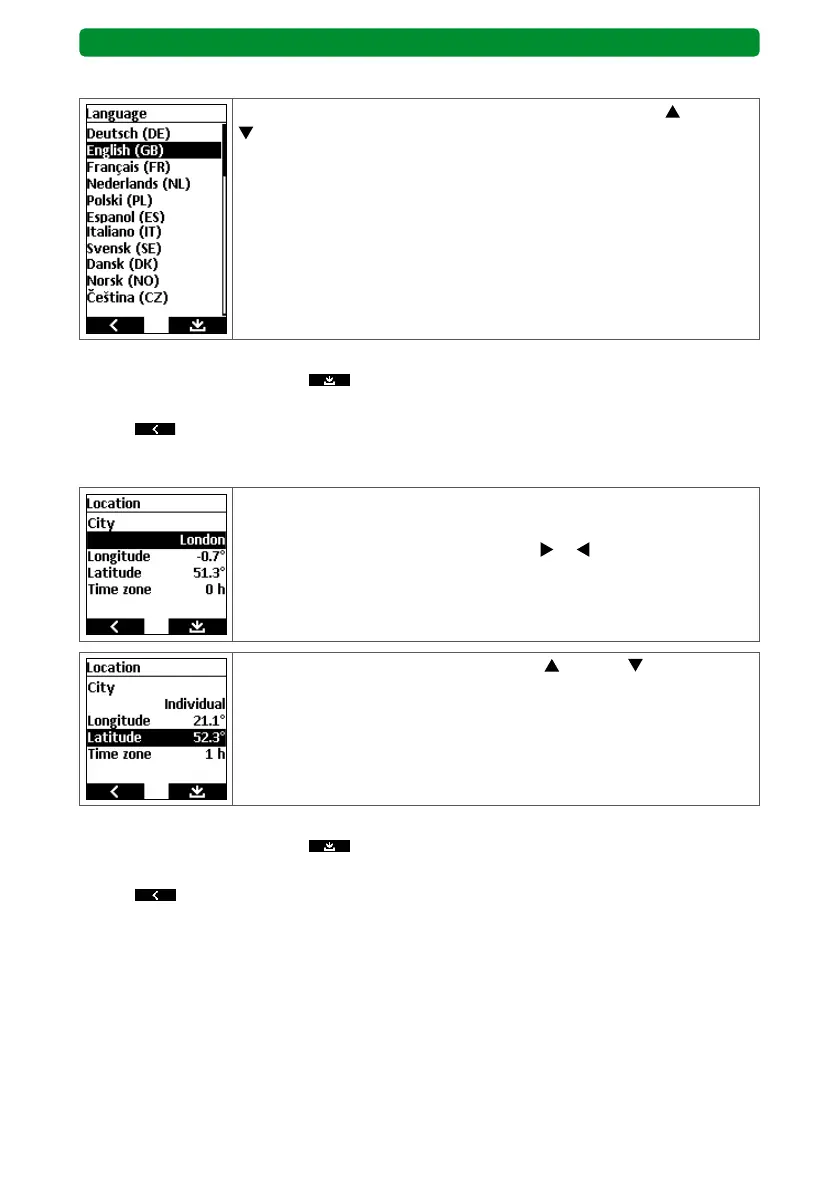
Select the required language using the movement buttons (up) and
(down).
Continue as follows:
• Press the right display button
to save the change and return to the “Adjustment”
menu or
• press
to return to the “Adjustment” menu without saving.
17.10.5. Location
Setting the location is important for calculating the Astro times.
A number of major European cities can be chosen straight from the
menu. Use the channel selection buttons
or to choose a nearby
city.
Alternatively, use the movement patterns (up) and (down) to
select the longitude, latitude or time zone of the precise geographical
location.
You can set degrees of longitude in steps of 0.1° from -180.0° to
+180.0°. You can set degrees of latitude in steps of 0.1° from -90.0° to
+90.0°. You can adjust the time zone by ±12 h.
Continue as follows:
• Press the right display button
to save the change and return to the “Adjustment”
menu or
• press
to return to the “Adjustment” menu without saving.
Note: Determine precise length and width measurements, e.g. via relevant websites.



 To Next Page