108
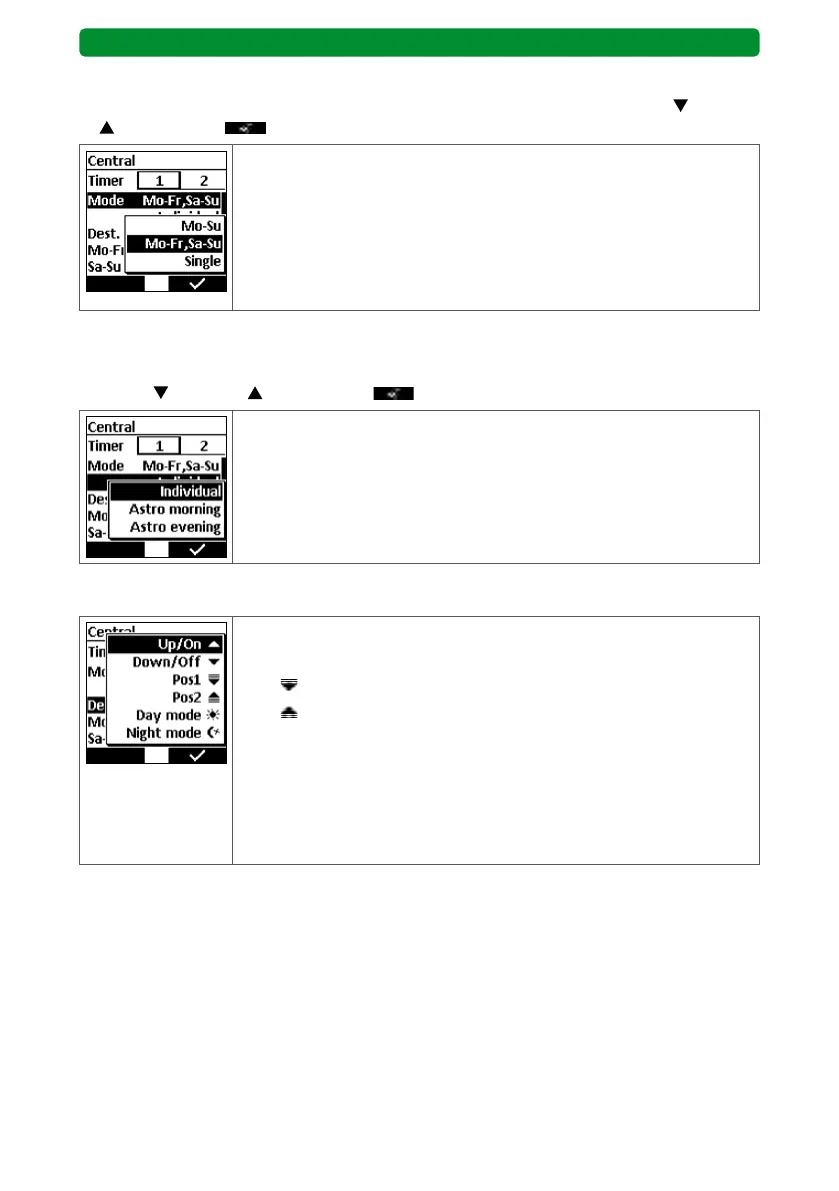
15.4.3. Mode (switching days)
Press the STOP button to display the three modes. Select the required mode with
(down)
or (up) and press to confirm.
Mo–Su: Only one switching time is entered, executed on
every day of the week.
Mo–Fr, Sa–Su: Two switching times are entered. One switching time
is executed from Monday to Friday, while the other is
executed on Saturday and Sunday.
Single: An individual switching time can be entered for every
day of the week.
15.4.4. Switching time
Press the STOP button to display the three switching times. Select the required switching
time with
(down) or (up) and press to confirm.
Individual: The switching time occurs at exactly the set time.
Astro morning: The switching time occurs based on the location (main
menu → adjustment → location) at sunrise.
Astro evening: The switching time occurs based on the location at
sunset.
15.4.5. Destination
Up/On: The destination is the upper (retracted) end position.
Down/Off: The destination is the lower (extended) end position.
Pos 1
: The destination is the first intermediate position.
Pos 2
: The destination is the second intermediate position.
Day mode: The shutter is positioned based on the day status of the
receiver profile (see operating instructions of the driver/
receiver).
Night mode: The shutter is positioned based on the night status of
the receiver profile (see operating instructions of the
driver/receiver).
BASIS version



 To Next Page